Proton
Java Lifetime Sponsor
-
Joined
-
Last visited
Everything posted by Proton
-
-
-
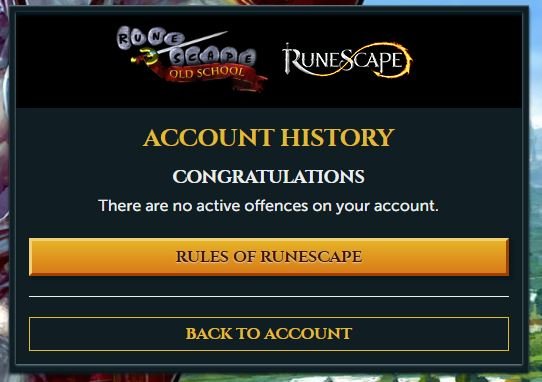
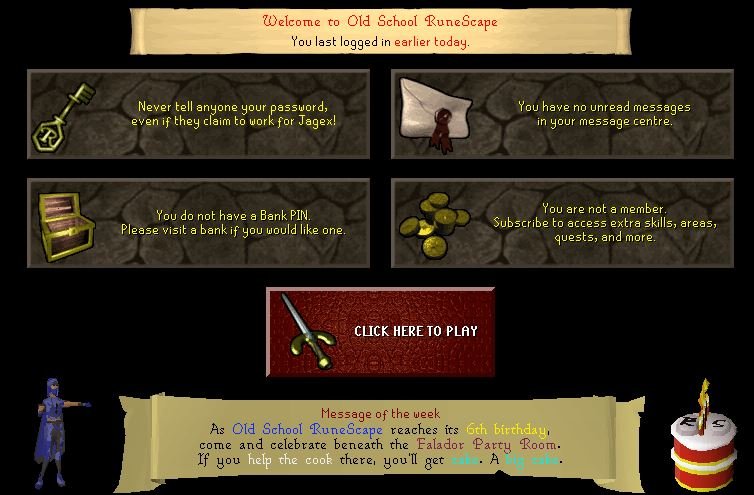
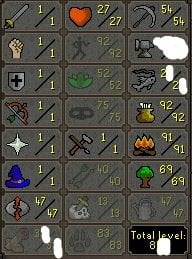
The skiller is a HP pure, perfect for doing black chins (Level 7 combat with 27 HP) 1. Pictures of the account stats https://gyazo.com/bcca9af8a5817367c816bab5cebd88b2 2. Pictures of the login details https://gyazo.com/b47336a9b56ec91cf2248d4a9161deb9 4. Pictures of the quests completed Tai Bwo Wannai Trio / Jungle potion / The feud / The digsite / Druidic Ritual 5. The price you will be starting bids at 129m 6. The A/W (Auto-win) for your account 225m 7. The methods of payment you are accepting OSRS GP Crypto ~ BTC / ETH / LTC 8. Your trading conditions You will be paying first unless you're trusted, OR we can use a middle-man 9. Pictures of the account status https://gyazo.com/cc31227341d850aab42374837d6db406 10. Original/previous owners AND Original Email Address I am the original owner / account creator Buyer can change the email to theirs.
-
-
I've got this account: https://gyazo.com/508132ed651bbe5f9c6edea22d9e36b0 But sadly it doesn't have 90 range.
-
Welcome back ?
-
This issue has been fixed now when I run it through CMD. I've got a new issue now where it's saying login details are incorrect, I've checked and re-checked, the login details are correct. This occurs when pressing start on an account.
-
-
-
-
20m
-
-
-
-
Sweet, contacting you on Discord
-
Loving this project, keep them updates coming ?
-
-
Welcome to the community!
-
-
-
Pressing start doesn't do anything for me.
-
-
-
-