Jump to content
View in the app

A better way to browse. Learn more.

OSBot :: 2007 OSRS Botting

A full-screen app on your home screen with push notifications, badges and more.

To install this app on iOS and iPadOS
  1. Tap the Share icon in Safari
  2. Scroll the menu and tap Add to Home Screen.
  3. Tap Add in the top-right corner.
To install this app on Android
  1. Tap the 3-dot menu (⋮) in the top-right corner of the browser.
  2. Tap Add to Home screen or Install app.
  3. Confirm by tapping Install.

rminvanburen

Members
  • Joined

  • Last visited

  1. rminvanburen replied to Tom's topic in Combat & Slayer
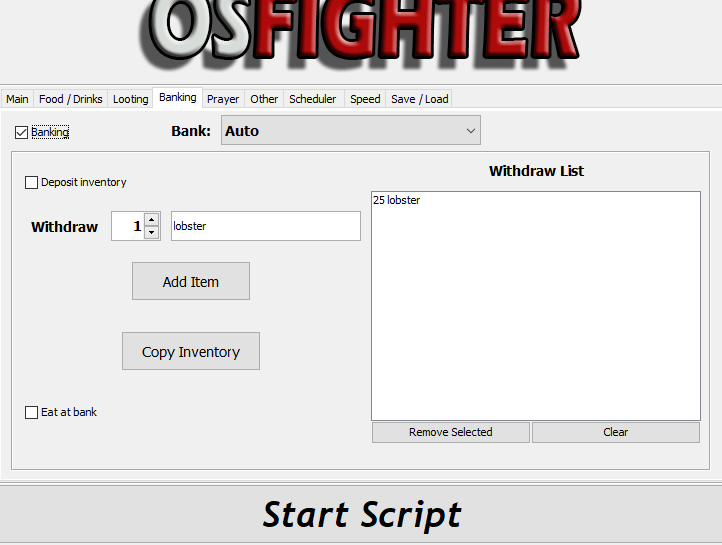
    Mine does something similar, it withdraws the correct amount of lobbies but just sits at the bank for a while the other settings i did not change. i tried changing banking from 'auto' to 'al kharid' but still the same issue
  2. rminvanburen replied to Tom's topic in Combat & Slayer
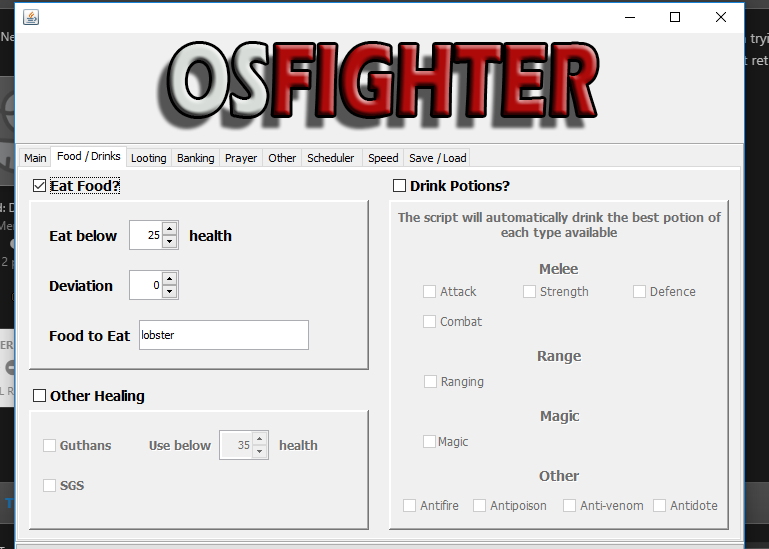
    I have an issue with killing cows, for some reason the f1,f2,f3,f4 hotkeys dont work. Also when i tick the 'eat food' below a certain health it takes me to lumbridge bank 3rd floor and just stays there? How do i fix this? sorry this is my first time ever using a script

Account

Navigation

Search

Configure browser push notifications

Chrome (Android)
  1. Tap the lock icon next to the address bar.
  2. Tap Permissions → Notifications.
  3. Adjust your preference.
Chrome (Desktop)
  1. Click the padlock icon in the address bar.
  2. Select Site settings.
  3. Find Notifications and adjust your preference.