far2hybrid
Members
-
Joined
-
Last visited
Everything posted by far2hybrid
-
I guess they were watching me or something i got banned like the very next day and i literally did 47 minute of bot and like 2 hour break then 63 minute and logged off for the rest of the day lol but its fine it was a throw away account i gotta tweak my times just right
-
As i see this script has been getting worked on ALOT im gonna try and use it again. I got perm banned when I bought it like last year or so but that couldve been on my end of no breaking or anything i dont know but i will give it a try.
-
Suggestion: Make it so when it deposits in deposit boxes it doesnt spam click the deposit inventory button. Might help with ban rights might not but i play with sounds on and i can hear it and no one spam clicks that fast.
-
yeah it has to be some firewall issue or something on my computer because i can run it just fine on a MUCH older laptop
-
i did when i posted thats the version that was out everything is current now
-
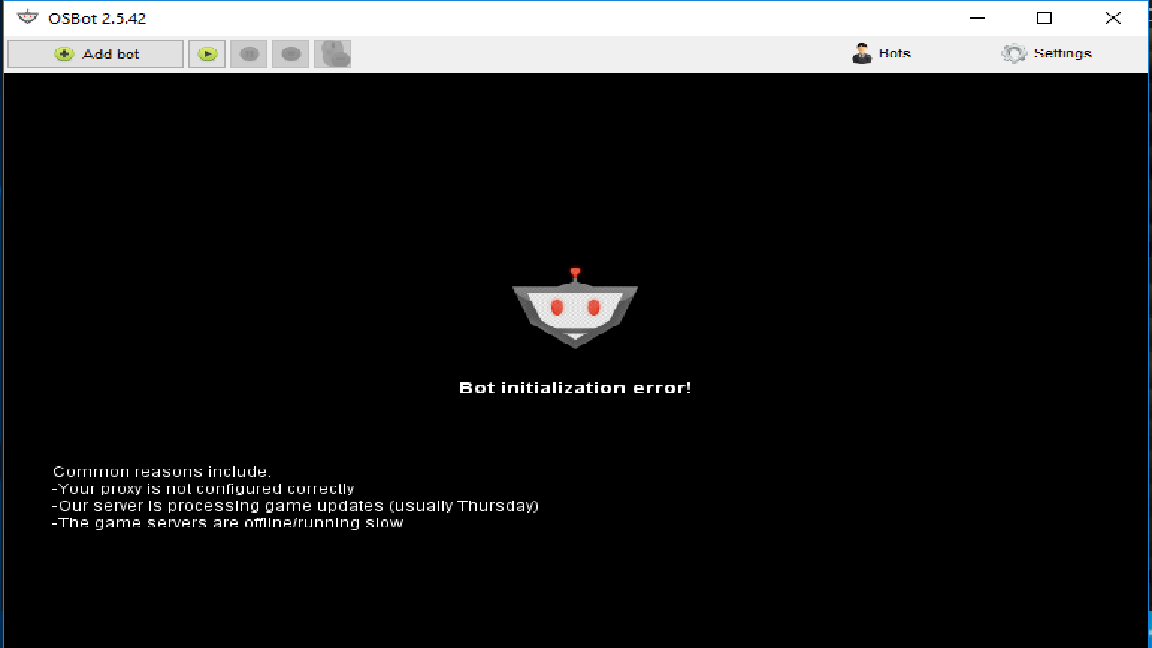
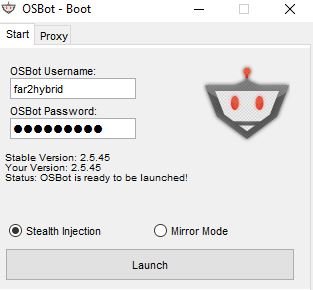
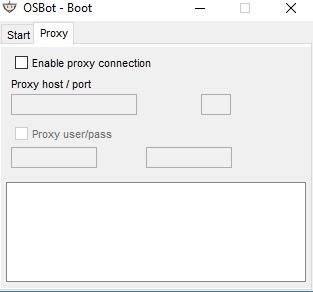
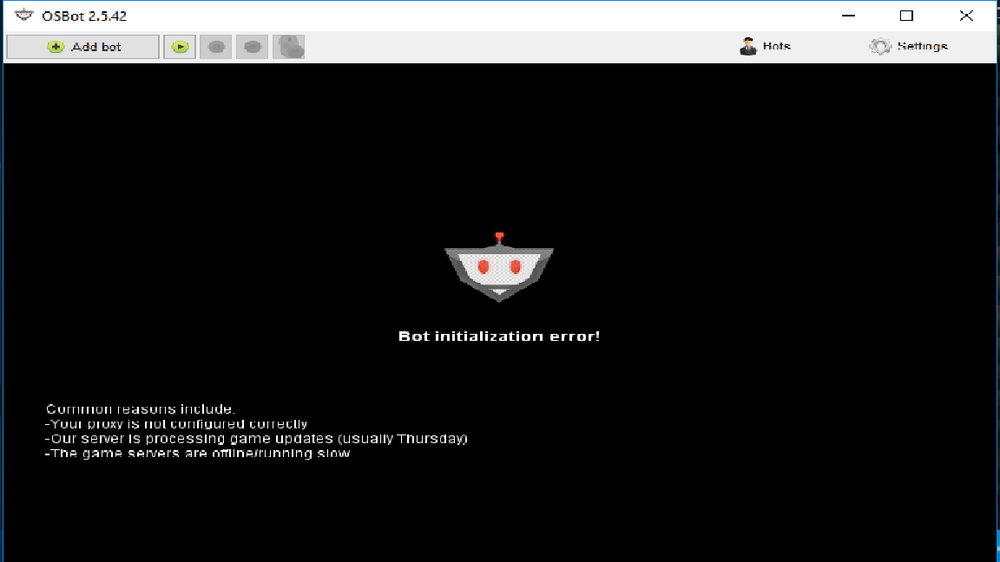
for the last month or so I've been playing legit because I've been getting an initialization error. anyone else experiencing this? I dont run on a proxy or anything, i just open it up put info in and run but as of a month ago I've been getting this error.
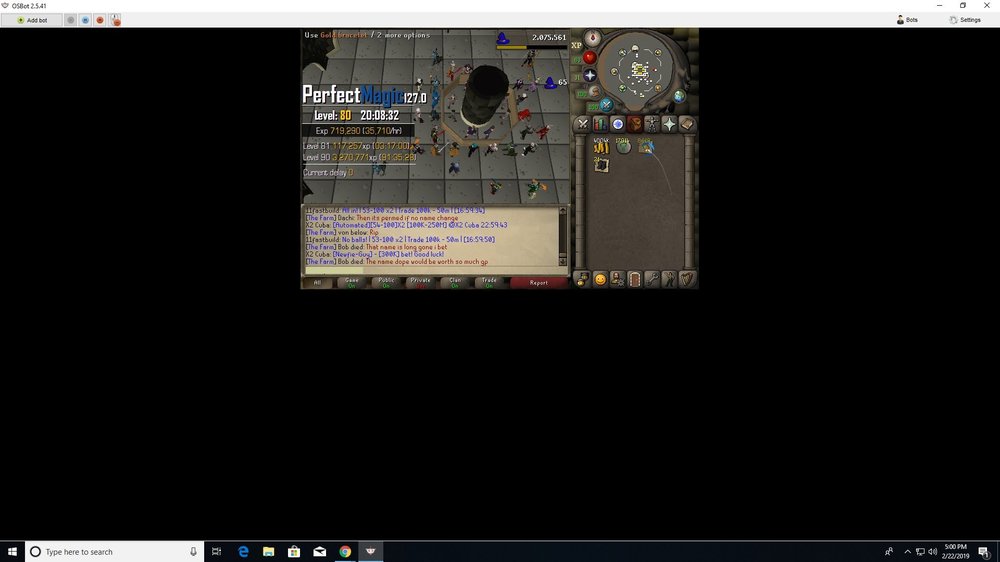
 20 hour proggy just for you 3 hours of botting 6 hours of break for realism keep it up. Been using this since 55 magic and turning a good profit