






charlie101
Members
-
Joined
-
Last visited
-
script won't run even though i can manually make mahogany tables. i have needed items inventory and have ticked the right options but it keeps stopping itself randomly :S
-
Thanks @tilenpickule
-
Yes apart from mm
-
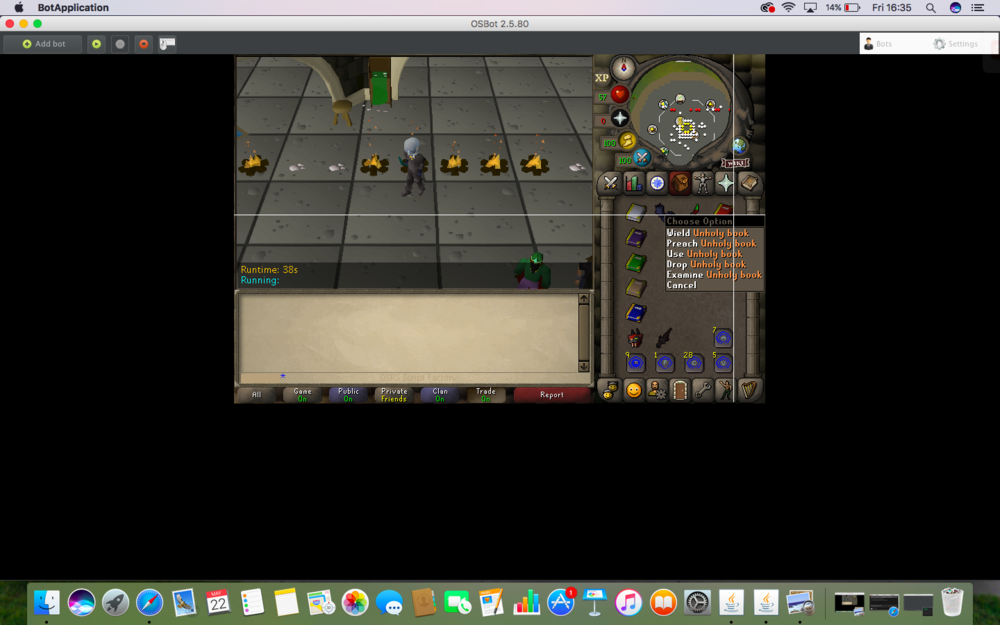
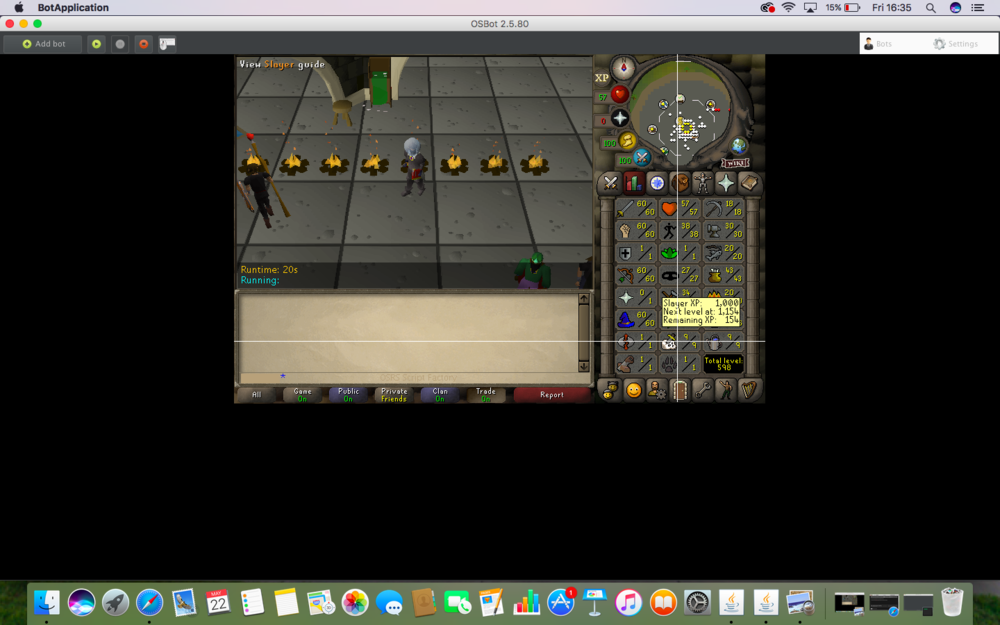
Account has mith gloves and completed lost city. Comes with filled zammy prayer book but the others are empty/Mith gloves.
-
good idea tbh! gonna use this myself
-
Need to use the osrs client only
-
Try posting in the scripting section
-
Fixed?
-
Search notabot on youtube for proxy guides. He also uses osbot so its super easy to follow
-
Store - My details - Billing - should do the trick
-
Thanks for leaving this open
-
This ^
-
-
Any idea as to what the problem was? i have had some issues with some private scripts of mine also
-
OSbot discord would be a great place to start, also i would start to interact with other users and their posts so you can gain some osborne credibility and potentially start on that script making idea of yours


