Drollie
Members
-
Joined
-
Last visited
Everything posted by Drollie
-
Well if you are not interested in selling it. Multiply the amount of hours you've put in x minimum wage of your country and you've got the worth. 'I don't want to sell it but I would like to know how much it would sell for' -.-
-
Without reputation you won't get it sold. Too much of a risk you trying to sell the account and recovering it afterwards.
-
I would've if the defence was quested!
-
A/W at 20m!
-
Can do this for 15m! Skype: Live:drolskie
-
Not matching your profile picture. I like the design of the profile picture way more.
-
Why would u assume I bot? I have a sandcrab service topic in which I ask for 10 gp/xp. It's 170k xp.
-
I don't think I will bot it? I don't think I will bot it.
-
Finished in about 24 hours. 2m
-
Bump
-
I'll pm you!
-
Doing 60-90 strenght, 43-60 attack and Monkey Madness for him.
-
Not enough for the time and cannonballs you've spent on it!
-
Yes sir! What lies below, fremmy, mm, d slayer, nature spirit
-
1. Pictures of the account stats 2. Pictures of the login details 3. Pictures of the total wealth (if there is any) 4. Pictures of the quests completed 5. The price you will be starting bids at 15m 6. The A/W (Auto-win) for your account 25m 7. The methods of payment you are accepting RSGP or Paypal (must be 100fb+ and/or sponsor for paypal). 8. Your trading conditions I prefer to use an MM. 9. Pictures of the account status 10. Original/previous owners AND Original Email Address I am the OO of the account and the email (login email) of the account. You have have the e-mailaccount too as I don't need it.
-
No bans, only quest requirment skills
-
You are more than welcome to bid on it. Just made the thread!
-
71 range, 26 prayer, fully quested 42 defence (even monkeymadness), 63 hp Full void and Ava's Made it two weeks ago, already bored of being so squishy in the wilderness
-
I don't think you'll get it sold with that feedback.
-
Train it to 70 range. Then perhaps someone is interested!
-
-
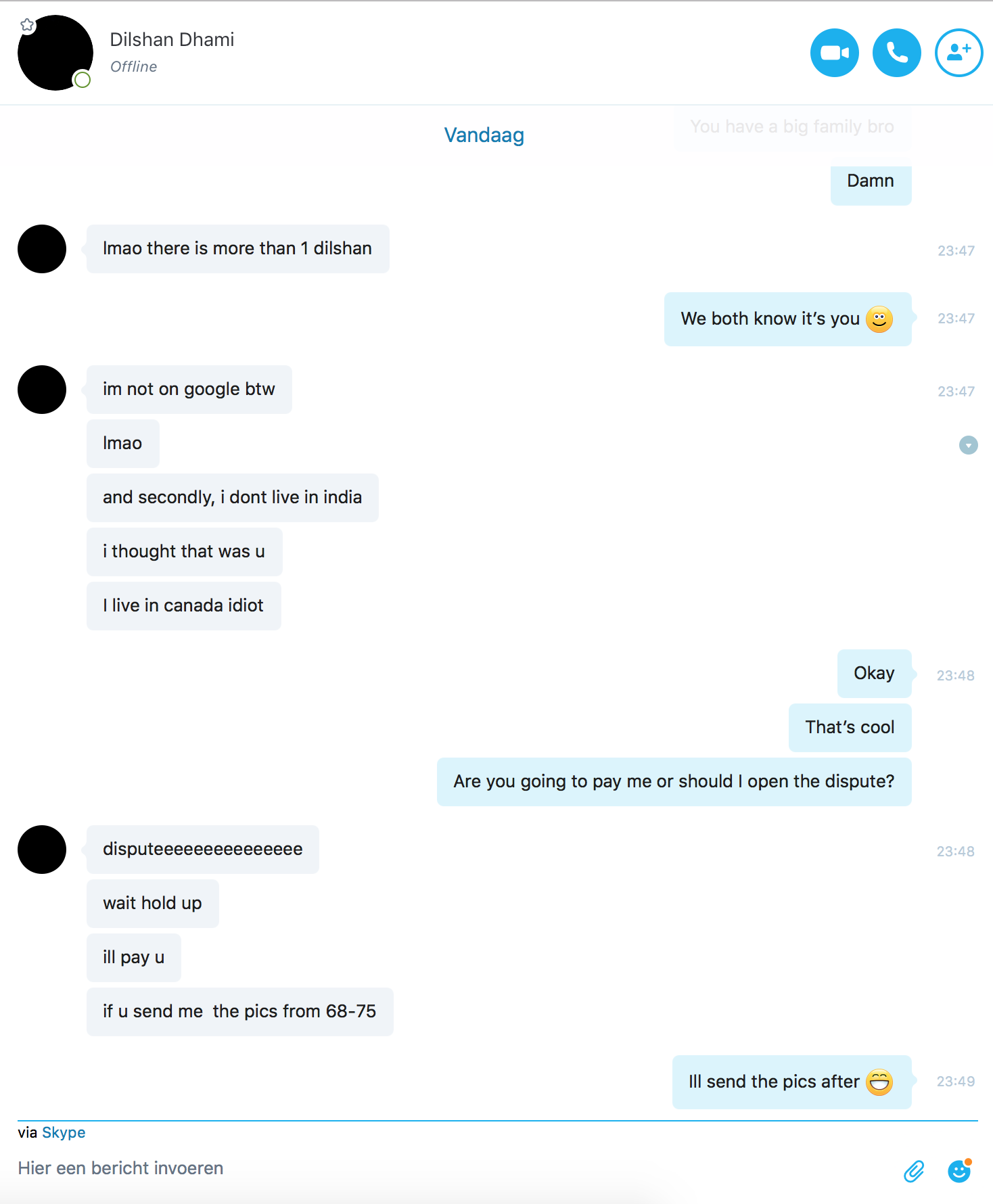
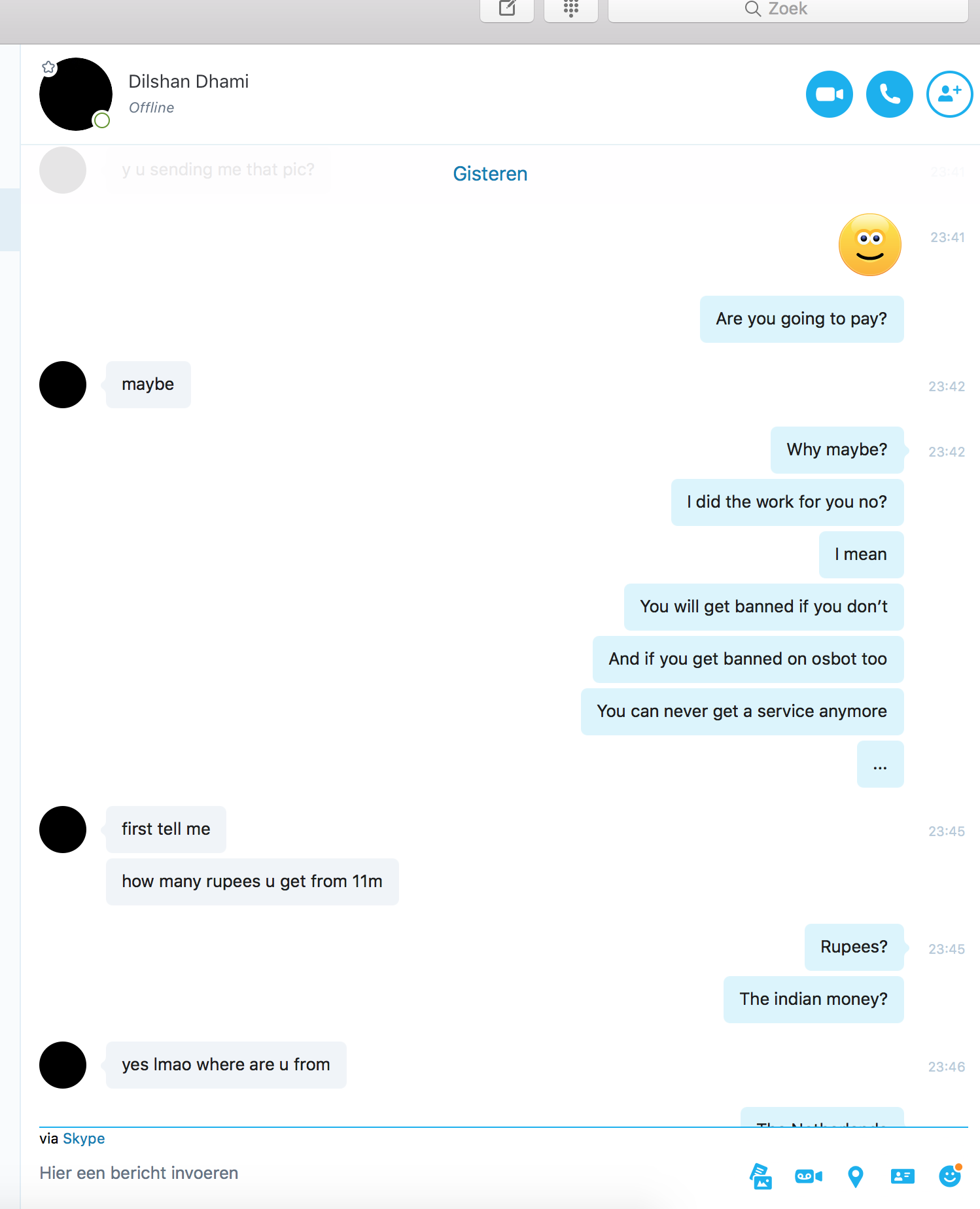
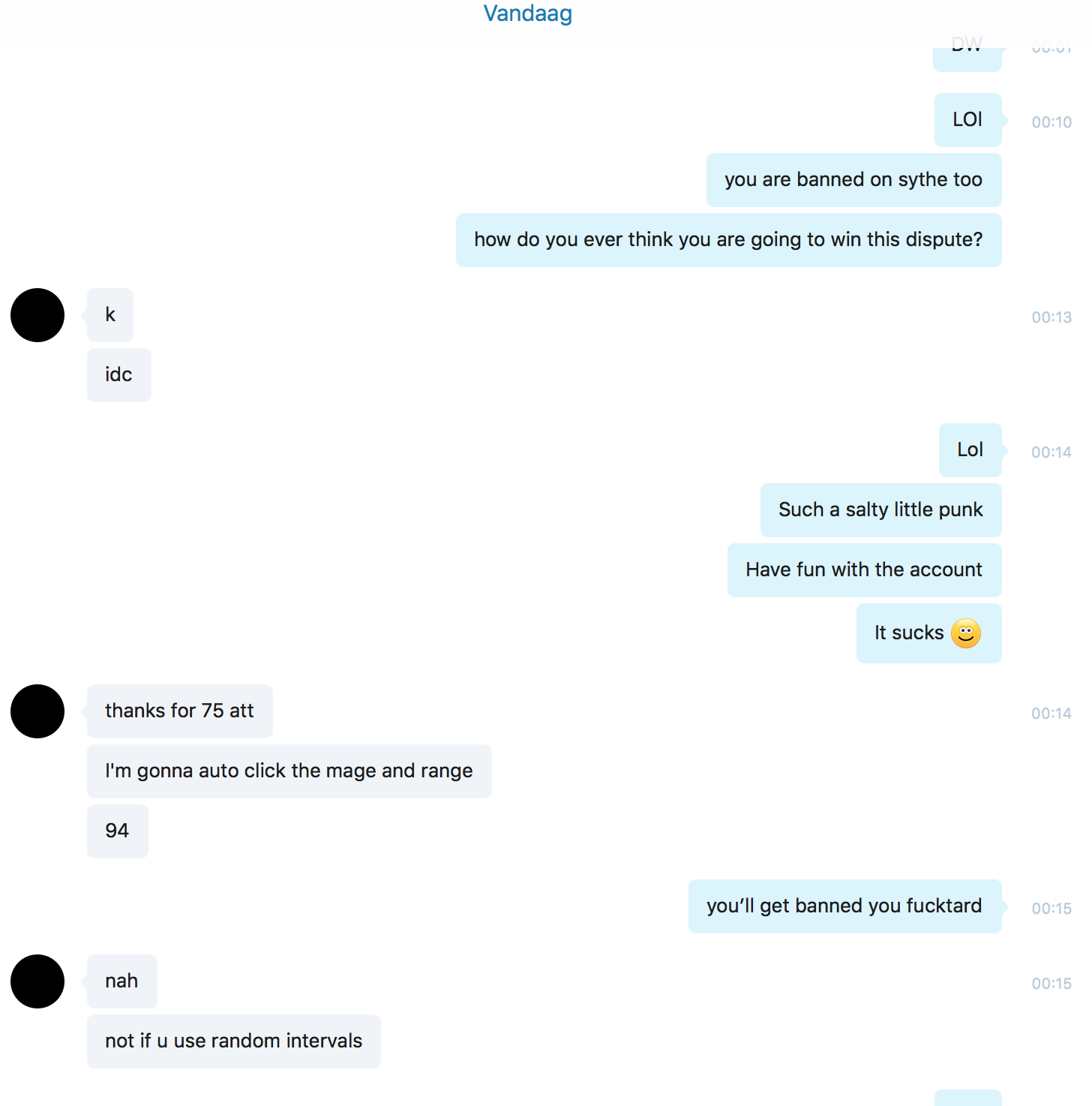
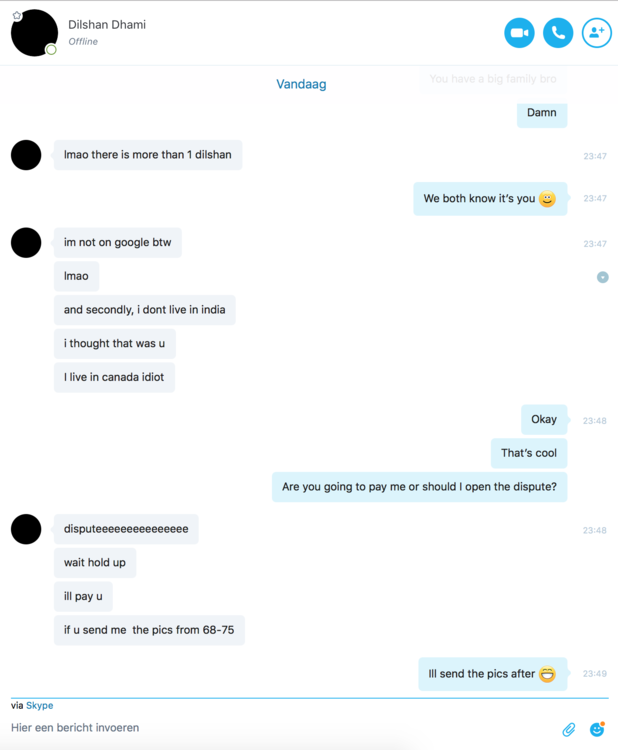
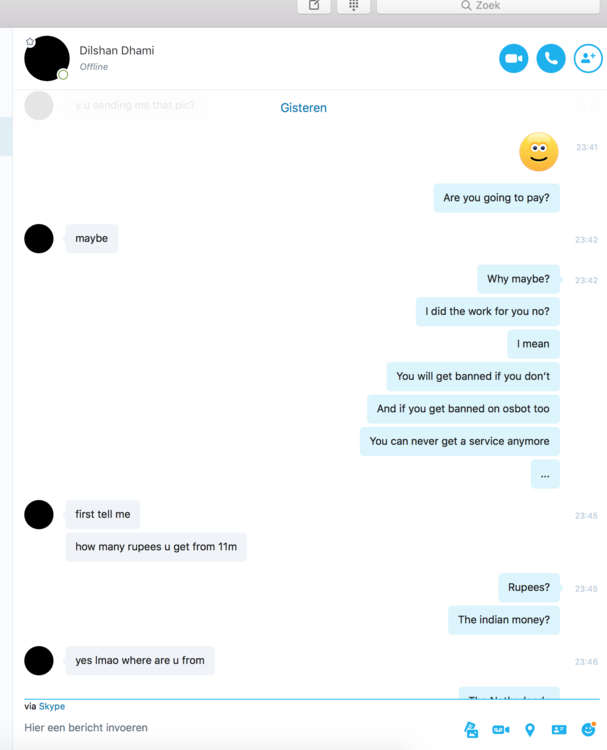
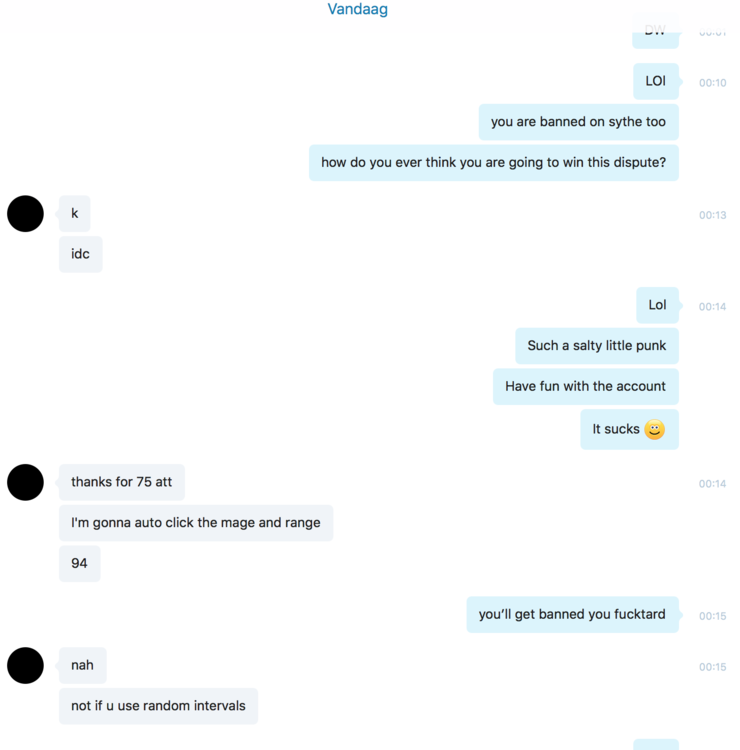
Hi guys, Leveled him 60 - 75 attack. Finished him the powerleveling and he was going to pay me 13m. As the picture show. I am asking him if he is going to pay. First he sais maybe. Than he sais: no hold up: if you send me the pics. Now he is claiming he will only pay me when he gets screenshots. This same user is banned on p****bot: https://www.p****bot.org/community/profile/1562795-dilshan100/?tab=node_feedback_Feedback Banned on sythe too: https://www.sythe.org/threads/looking-for-some-levelling-services-hand-done/ I offered him that he can give money to middlemen. And ill send screenshots to middleman. He refuses. Last photo shows that he did it. Just ban insta. don't give him a chance. he doesn't care. Please ban this guy.
-
Training defence while using ranged?
-
Time is hard to say. It's a big task. Probably able to finish it in 3 weeks max. Probably around 2 full charges of blowpipe. Not 100% sure tho.
-
Hi! Strenght (if attack is 40): 65m Strength (if attack is 60): 56m Range (depending on method): 42m (Blowpipe), 46m (mith darts), any other method is a time waste really :P