trentnz
Members
-
Joined
-
Last visited
-
Hey i just purchased this. it joins a game but does nothing? it runs to the objective and sits still until it gets kicked. easy boat defending ranging potions seems to be when it goes to attack a shifter it does not attack
-
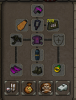
finally got my firecape. took about 10 tries, scratching my head. at first it would get much further without pray flicking than with using flicking. I found out that the simulator/log was lagging it enough to not click prays properly and dying early on. so once I closed that it breezed through. 52 def 70 range 69 hp
-
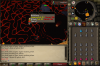
wave 55 does not safe spot correctly, so gets attacked by range and mage and dies. I'm only telling you these so you can actually fix them, I realize its a complex script lol
-
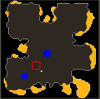
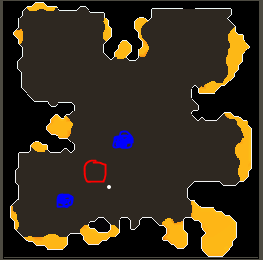
I had a problem on my script, under wave 20 unsure of exact wave, anyway there were two rangers north east and south west ish, and the bot would get stuck south east of the italy boot part of map clicking the mini map alot and not attacking back. blue are the two rangers, and red is the area where the bot was running around