Tofi
Members
-
Joined
-
Last visited
Everything posted by Tofi
-
Hello, I am Flaccid. I am looking to do some services on the side, I can do questing, power-leveling, and mini-games. I do not have much feedback yet, so i am trying to earn some and i am willing to work for fairly cheap. I DO EVERYTHING BY HAND UNLESS SPECIFICALLY REQUESTED. Things recruiters should know; 1. I'm not depositing any sort of gold to have the "privilege" to work for you. Sorry, I don't care if you're a $1k donor, I don't pay fees. 2. I do not just sit at computer and play Runescape, I do other things like spend time with Family and Work; that being said I try to focus on quick turn around. 3. I'm Efficient as FUCK so thats why you want me working for you! FUUUUUARKKKKKKKK If interested Skype; Live:Flaccid.Services
-
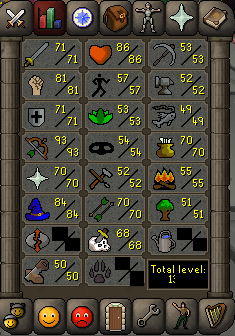
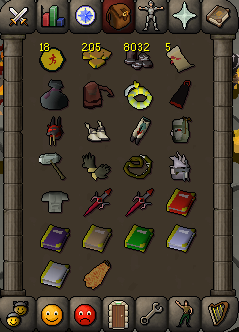
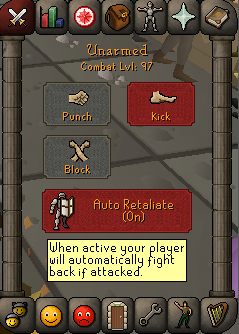
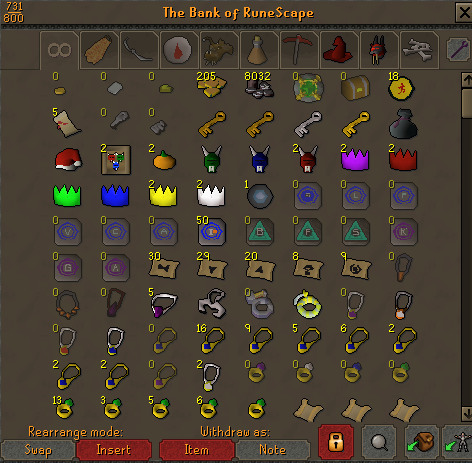
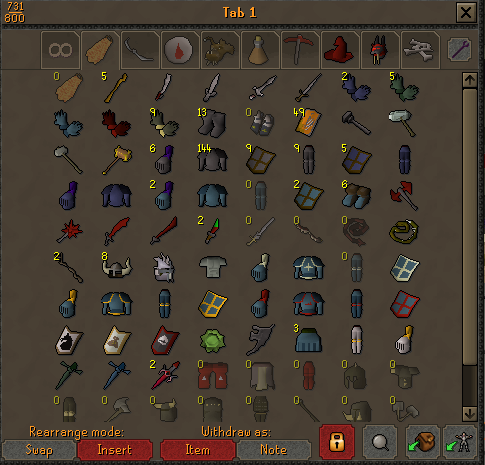
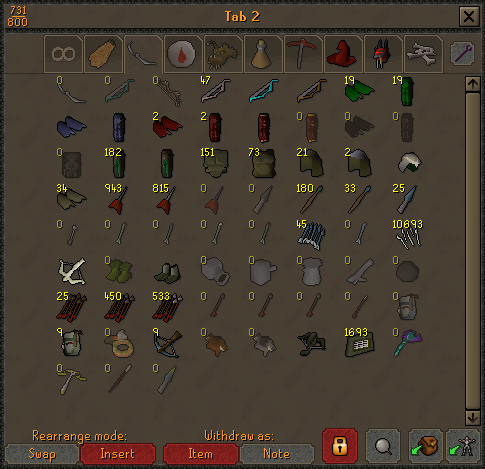
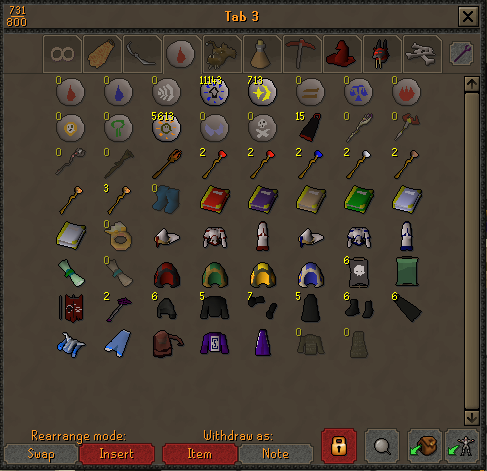
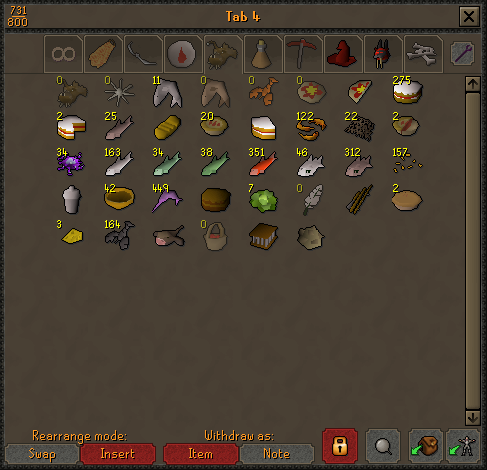
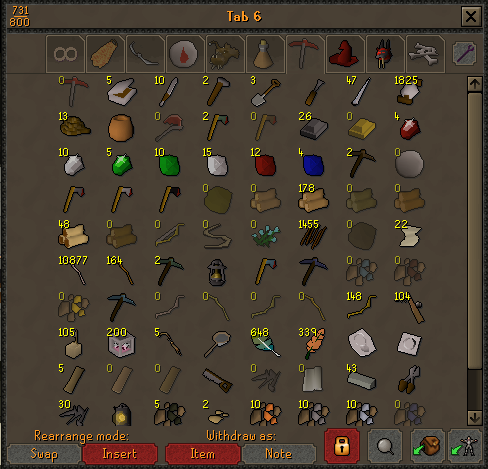
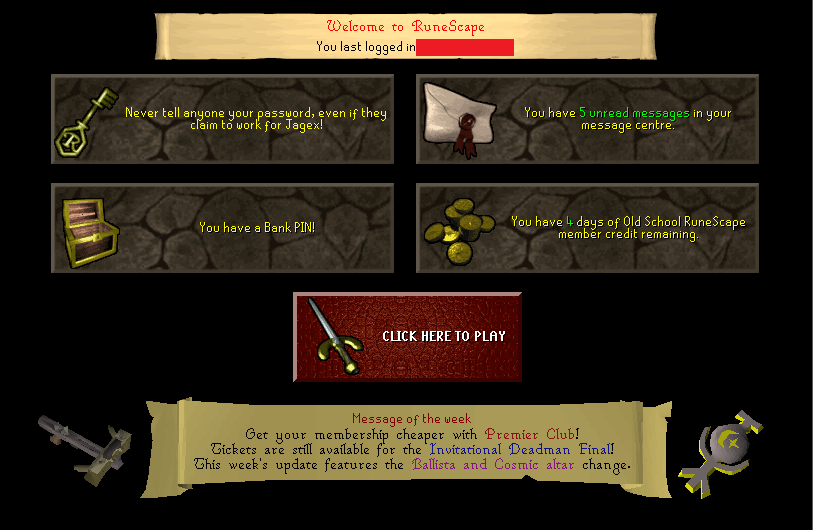
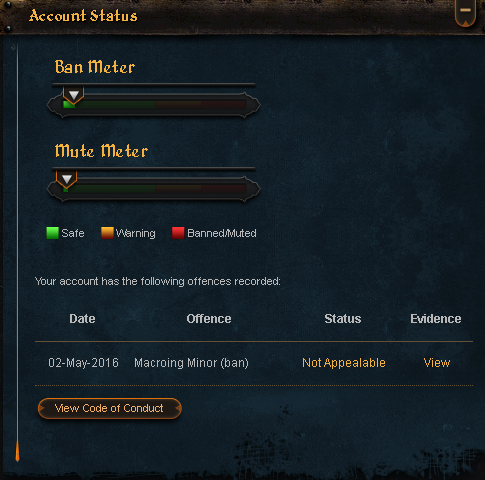
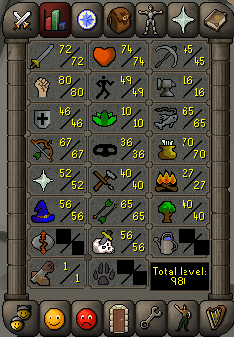
The Perfect 97 Combat Starter Main Current Bid: 60M 1. Pictures of the account stats 2. Pictures of the login details 3. Pictures of the total wealth (if there is any) Undtradables 4. Pictures of the quests completed 5. The price you will be starting bids at: 15M 6. The A/W (Auto-win) for your account:(Lowered from 100m!) 80M 7. The methods of payment you are accepting: 07 RS GP 8. Your trading conditions: You go first (if you have enough rep), or Middleman 9. Pictures of the account status 10. Original/previous owners AND Original Email Address: I am the Original Owner ( Email will be changed to your email that you request because the original email is my personal email or else I would provide that with it) Skype: Live:Flaccid.Services
-
Thanks for the Tip man. I'm aware of how to do it I'm just too lazy to bother with going back and doing it. It's not much though so doesn't matter lol after price check is done and I put it on the selling thread I may do it
-
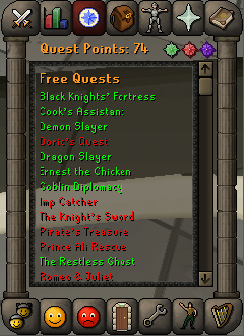
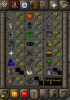
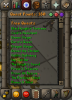
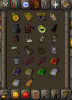
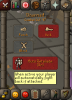
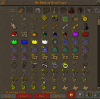
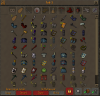
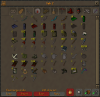
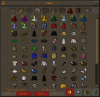
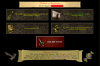
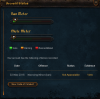
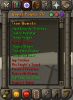
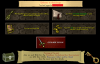
Combat Level Stats Quest Points (Most Major Quests Done) Untradables (Slayer Helm(i), Warrior Ring(i), All Books Filled) Bank Pics (Account will be sold with the bank as it is shown now) Members Days Left Account Status NMZ Ready Obviously
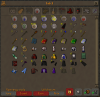
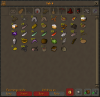
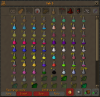
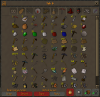

-
-
Damn thats it??... Anyways how would i go about earning more rep and feedback?
-
pm me on here looking for asap
-
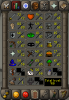
Stats Quest Points Members Days Left Looking to see what i might be able to get for this account. It has decent stats and 13 days membership left. Would probably be a decent starter main. Thanks guys!
-
-
dude you did not do that... you serious? lmaoTELL HIM TO WHIP IT OUT LETS GO HE CAN FUCKIN BAN ME RIGHT NOWdey dootweeeennyyyy juannnnnnnnnnnNah fam this book is betterhe tried the Y Y 360 Mctwist flash bang chuck no scopeHaha i didn't even realize. You can thank the adderall for that. Wait am i breaking a rule?damn was too late to see shit meme