Jump to content
View in the app

A better way to browse. Learn more.

OSBot :: 2007 OSRS Botting

A full-screen app on your home screen with push notifications, badges and more.

To install this app on iOS and iPadOS
  1. Tap the Share icon in Safari
  2. Scroll the menu and tap Add to Home Screen.
  3. Tap Add in the top-right corner.
To install this app on Android
  1. Tap the 3-dot menu (⋮) in the top-right corner of the browser.
  2. Tap Add to Home screen or Install app.
  3. Confirm by tapping Install.

puliukko609

Members
  • Joined

  • Last visited

  1. Thanks for the fast response and help ^^ I hope you get it working EDIT: Btw when you upload the new version will i get it automatically? Or do i need to remove and add this script again?
  2. Update: now the script is stuck at Port Sarim........ (I had to walk to the dock myself, it only went from dock to the ship itself [after restarting the script about 4 times]) Great
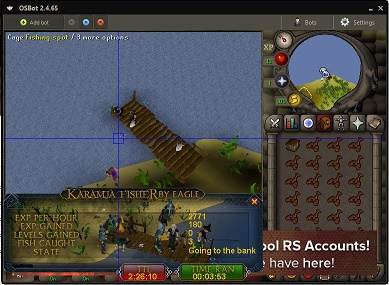
  3. Well, now this happends. It won't bank the items.. and yeah i forgot to get the 10k, but now i have 30k on me and still happends
  4. This happends to me when im trying to start
Account

Navigation

Search

Configure browser push notifications

Chrome (Android)
  1. Tap the lock icon next to the address bar.
  2. Tap Permissions → Notifications.
  3. Adjust your preference.
Chrome (Desktop)
  1. Click the padlock icon in the address bar.
  2. Select Site settings.
  3. Find Notifications and adjust your preference.