Jump to content
View in the app

A better way to browse. Learn more.

OSBot :: 2007 OSRS Botting

A full-screen app on your home screen with push notifications, badges and more.

To install this app on iOS and iPadOS
  1. Tap the Share icon in Safari
  2. Scroll the menu and tap Add to Home Screen.
  3. Tap Add in the top-right corner.
To install this app on Android
  1. Tap the 3-dot menu (⋮) in the top-right corner of the browser.
  2. Tap Add to Home screen or Install app.
  3. Confirm by tapping Install.

hungoverxtaco

Members
  • Joined

  • Last visited

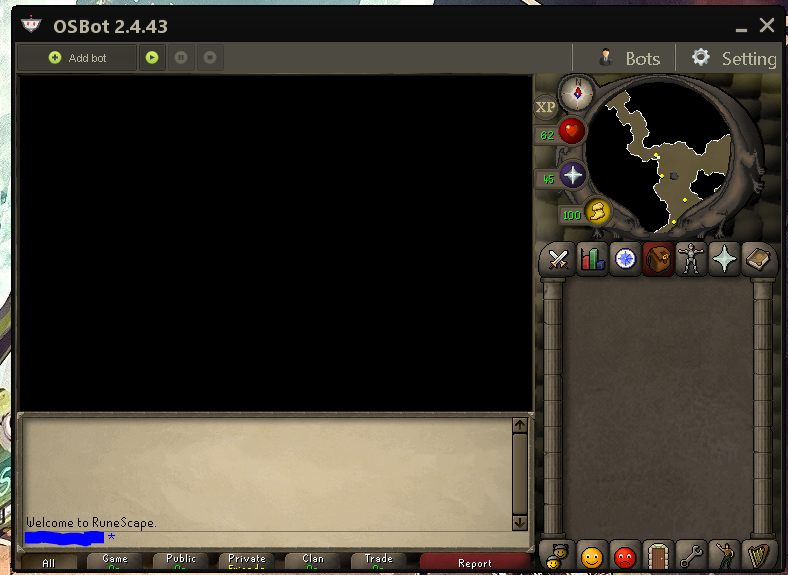
  1. Well that worked but the only problem is that my screen looks very small as I use a 2560x1440p monitor.
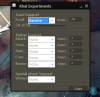
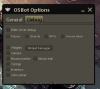
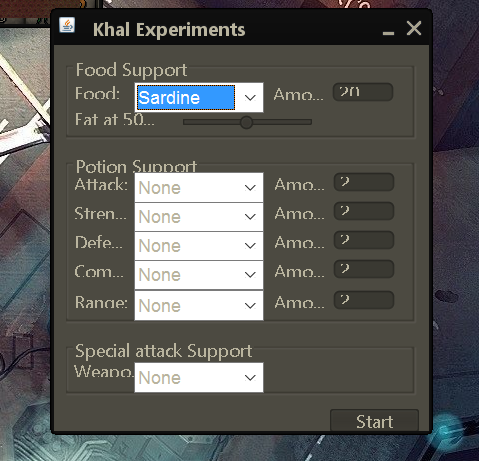
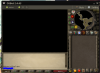
  2. The client window size is cutting off options. On the main client window the border cuts though the chat options. Also pop up windows are cut short as well, i.e. the debug tab in setting>options I am unable to see past the option "Color picker". It is like this for script windows as well. I can post pictures if needed. Any help is appreciated, thank you. Edit: The script isn't bad, but working with the client and option menu is a bit annoying.
  3. could i get a trial of this? thanks!

Account

Navigation

Search

Configure browser push notifications

Chrome (Android)
  1. Tap the lock icon next to the address bar.
  2. Tap Permissions → Notifications.
  3. Adjust your preference.
Chrome (Desktop)
  1. Click the padlock icon in the address bar.
  2. Select Site settings.
  3. Find Notifications and adjust your preference.