
Jump to content
View in the app

A better way to browse. Learn more.

OSBot :: 2007 OSRS Botting

A full-screen app on your home screen with push notifications, badges and more.

To install this app on iOS and iPadOS
  1. Tap the Share icon in Safari
  2. Scroll the menu and tap Add to Home Screen.
  3. Tap Add in the top-right corner.
To install this app on Android
  1. Tap the 3-dot menu (⋮) in the top-right corner of the browser.
  2. Tap Add to Home screen or Install app.
  3. Confirm by tapping Install.

TWC

Trade With Caution
  • Joined

  • Last visited

  1. anatomy098 started following TWC
  2. Okay will be looking this up, if @Deceiver has quicker access he free to upload aswell.
  3. Disputed member: @Deceiver Thread Link: Explanation: He got unbanned yet still has debts? Evidence:
  4. TWC replied to TWC's topic in Dispute Archive
    can be closed
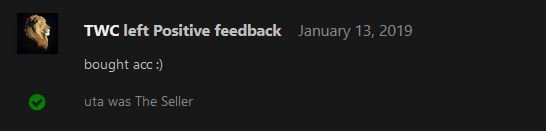
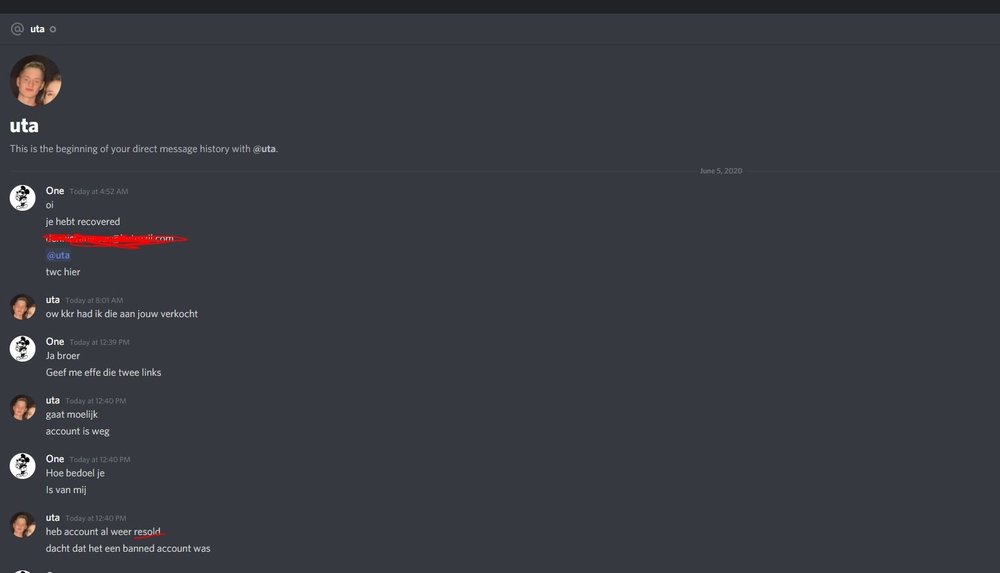
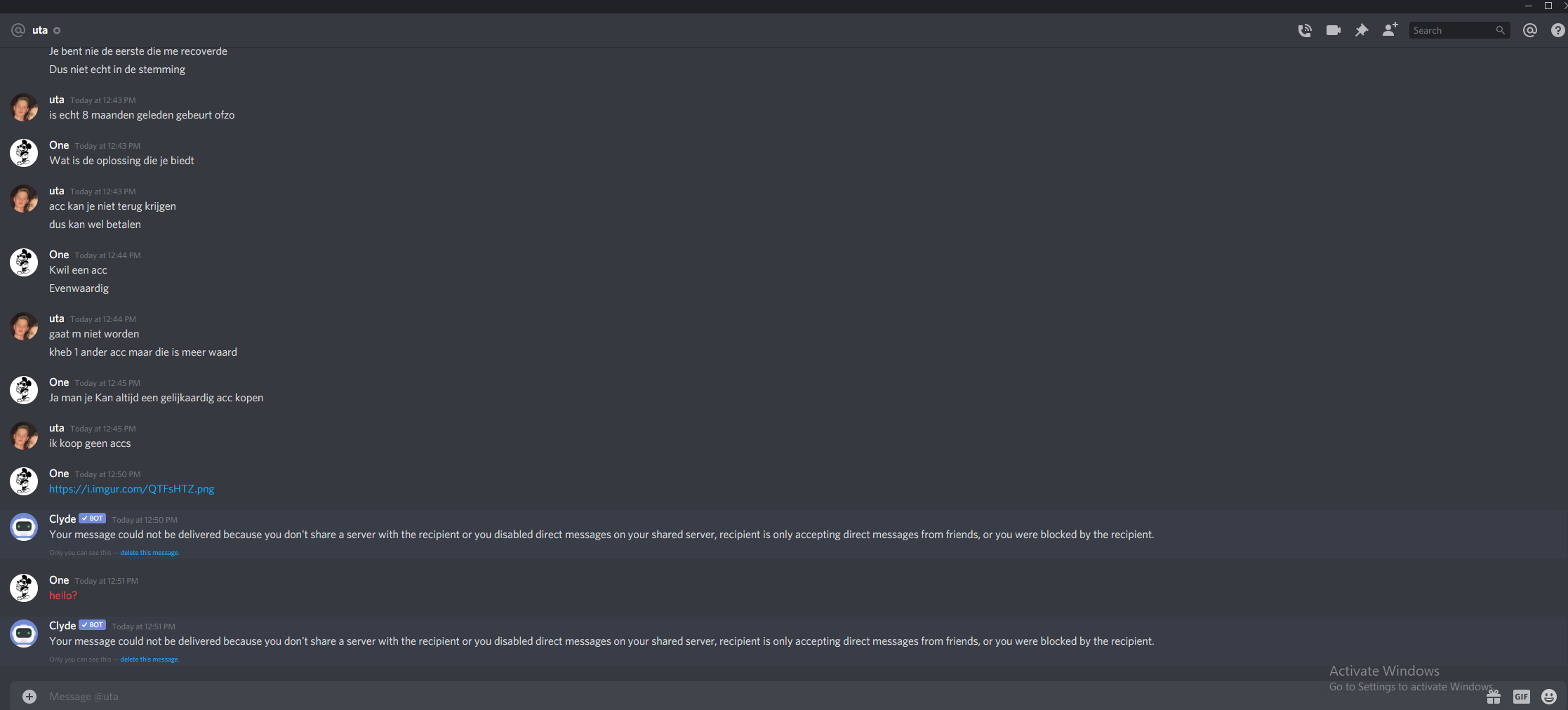
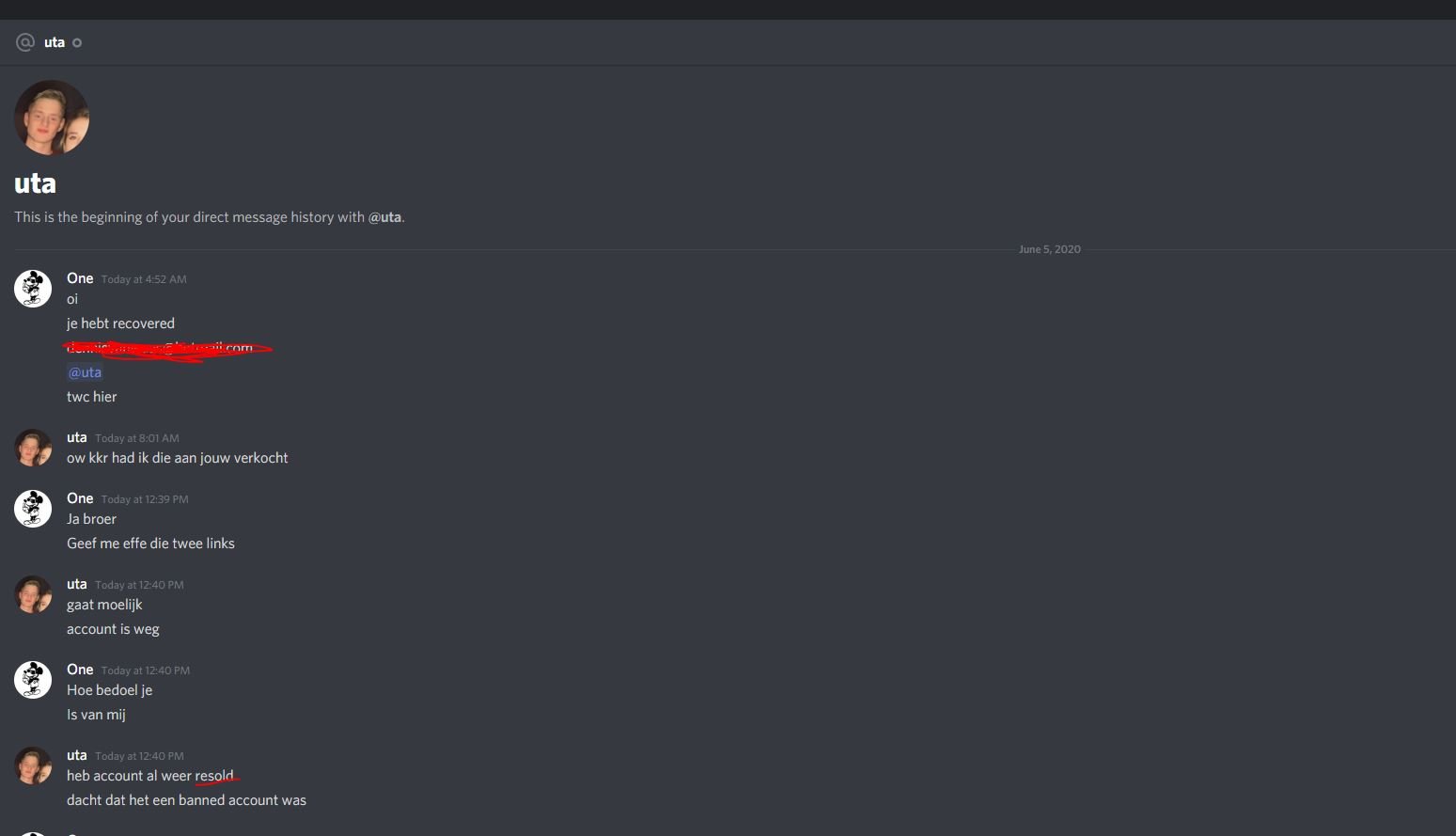
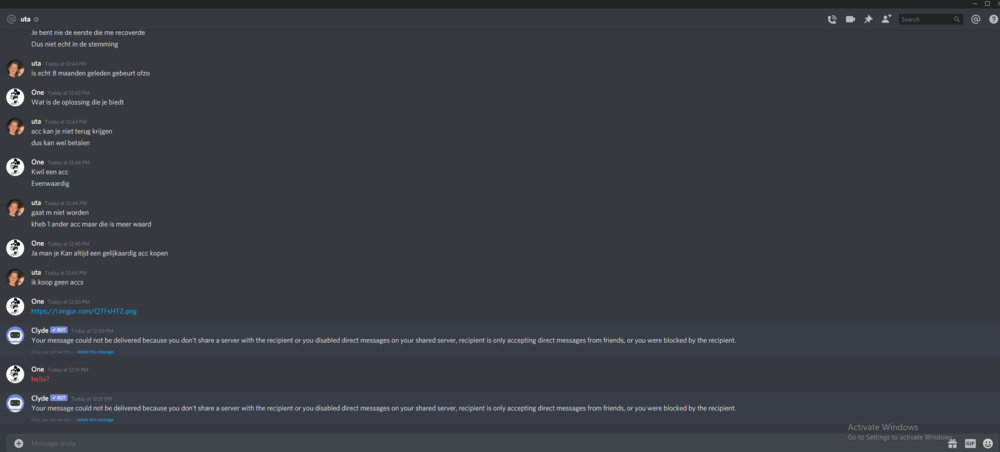
  5. Disputed member: @uta Thread Link: Explanation: Bought his account, tried to login today and the password is recovered. He doesnt deny it: Evidence: And then I got blocked.
  6. TWC replied to rschoutens's topic in Runescape
    @Chuckle used to have a progress thread, maybe have a chat with him
  7. TWC replied to gamedex's topic in Requests
    not worth mentioning if u offer 250$ If u get anything decent for that budget it will end up in a recovery 9/10
  8. TWC replied to gamedex's topic in Requests
    Budget range? Payment method?

Account

Navigation

Search

Configure browser push notifications

Chrome (Android)
  1. Tap the lock icon next to the address bar.
  2. Tap Permissions → Notifications.
  3. Adjust your preference.
Chrome (Desktop)
  1. Click the padlock icon in the address bar.
  2. Select Site settings.
  3. Find Notifications and adjust your preference.