nahkamanne
Members
-
Joined
-
Last visited
-
Wow looks awesome ! ,Can i have a trial ?
-
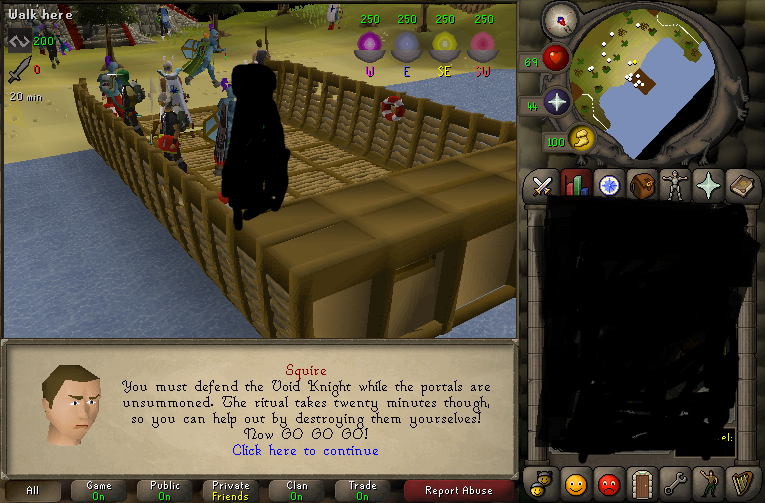
Hi just bought ur script and got error message on the boat while landing on the isle (bot got stuck in boat) Gui: attack portals/defend knight, Spec Magic short, Quick pray and second boat. [ERROR][bot #1][07/02 02:27:20 ip.]: Error in bot executor! java.lang.AbstractMethodError: fu.getX()I at org.osbot.rs07.api.ui.RS2Widget.getAbsX(ti:387) at org.osbot.rs07.api.ui.RS2Widget.getPosition(ti:396) at org.osbot.rs07.api.util.GraphicUtilities.getMinimapScreenCoordinate(hk:770) at org.osbot.rs07.input.mouse.MiniMapTileDestination.isVisible(dd:18) at org.osbot.rs07.input.mouse.ClickMouseEvent.execute(dj:107) at org.osbot.rs07.event.EventExecutor$2.run(se:165) at org.osbot.rs07.event.EventExecutor.execute(se:112) at org.osbot.rs07.script.MethodProvider.execute(nc:362) at org.osbot.rs07.api.Mouse.click(fo:92) at org.osbot.rs07.api.Mouse.click(fo:112) at org.khal.pestcontrol.c.aux.H(e:85) at org.khal.pestcontrol.a.Nul.H(c:51) at org.khal.pestcontrol.a.Nul.H(c:64) at org.khal.pestcontrol.b.AUX.H(s:214) at org.khal.pestcontrol.b.AUX.H(s:104) at org.khal.pestcontrol.f.cOn.G(m:259) at org.khal.pestcontrol.f.cOn.F(m:121) at org.khal.pestcontrol.KhalPestcontrol.onLoop(nb:11) at org.osbot.rs07.event.ScriptExecutor$InternalExecutor.run(qh:114) at java.lang.Thread.run(Unknown Source)