torgeir
Members
-
Joined
-
Last visited
-
hello. i bought the script a long time ago but now its gone?
-
i mean a dynamic progress
-
Thanks for 99 cooking. can i have a proggy
-
Dark crabs work perfect!
-
-
no just click the "raw dark crab" and then the fire ( im at rouge den) exact message i get is : You roast a crab. : You accidentally burn the dark crab.
-
when you gonna suport dark crab??
-
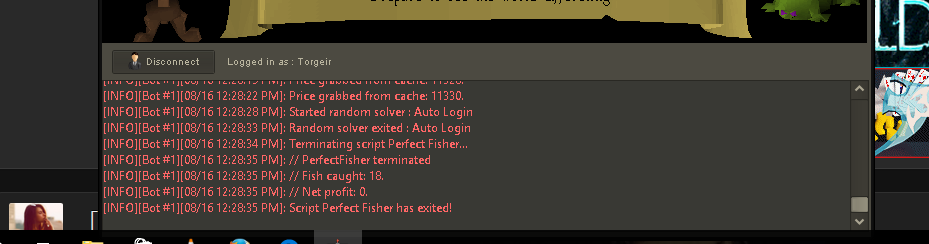
[iNFO][bot #1][09/12 06:43:40 PM]: Price grabbed from cache: 11332. [iNFO][bot #1][09/12 06:43:43 PM]: Price grabbed from cache: 11330. [iNFO][bot #1][09/12 06:43:46 PM]: Price grabbed from cache: 11328. [iNFO][bot #1][09/12 06:43:49 PM]: User doesn't have bait/feathers, stopping script [iNFO][bot #1][09/12 06:43:51 PM]: Terminating script Perfect Fisher... [iNFO][bot #1][09/12 06:43:51 PM]: // PerfectFisher terminated [iNFO][bot #1][09/12 06:43:51 PM]: // Fish caught: 1066. [iNFO][bot #1][09/12 06:43:51 PM]: // Net profit: 6789. [iNFO][bot #1][09/12 06:43:51 PM]: Script Perfect Fisher has exited!
-
trial for zan magic? 71003
-
can i have a trial?
-
still logs me out.. zoom in default and starting the script after i logged in. got the last client to...
-
it just keep logging me out.

-
-
thanks for the awesome script btw im currently 95 fishing. do you think you can make it stop right before 99? so i can do the last fish? haha
-
opens the inv when dropping fish?