shaow12
Members
-
Joined
-
Last visited
Everything posted by shaow12
-
Same, I wanted the fisher bot for free but I ended up buying khals because of a friend's recommendation. If I can still get a free script from you czar, I'd like to get the range guild one. This is proof i have at least two of your scripts. If you would like, I can screenshot all my scripts to show that I didn't receive your fisher for free yet.
-
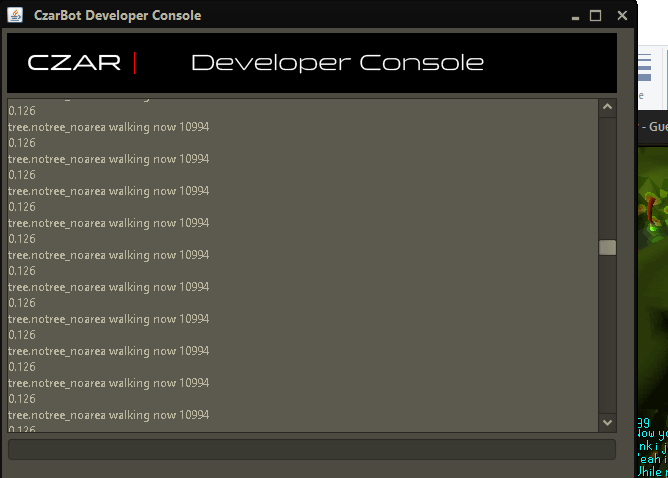
The bot gets stuck and just stands still. Doesn't look for another tree even after it spawns. This is at Gnome stronghold West


-
I dont think i need screenshots to say that this bot is perfect and the description for it is on point. It loots graces, efficient and the anti-ban seems to work really well. I botted agility on my main for 20 hrs and there was no trouble. I used stealth mode but had anti-ban on. It ate when needed and banked when needed. I will be buying this soon.
-
Helo, i would like to try your agility script. I tried looking for my member # but couldnt find it. I will post proggies and review after trial.
-
The fishing script disappeared after 24 hrs. I think you mistook it for a trial.
-
I would like your fisher please. Thank you! your scripts do not disappoint.
-
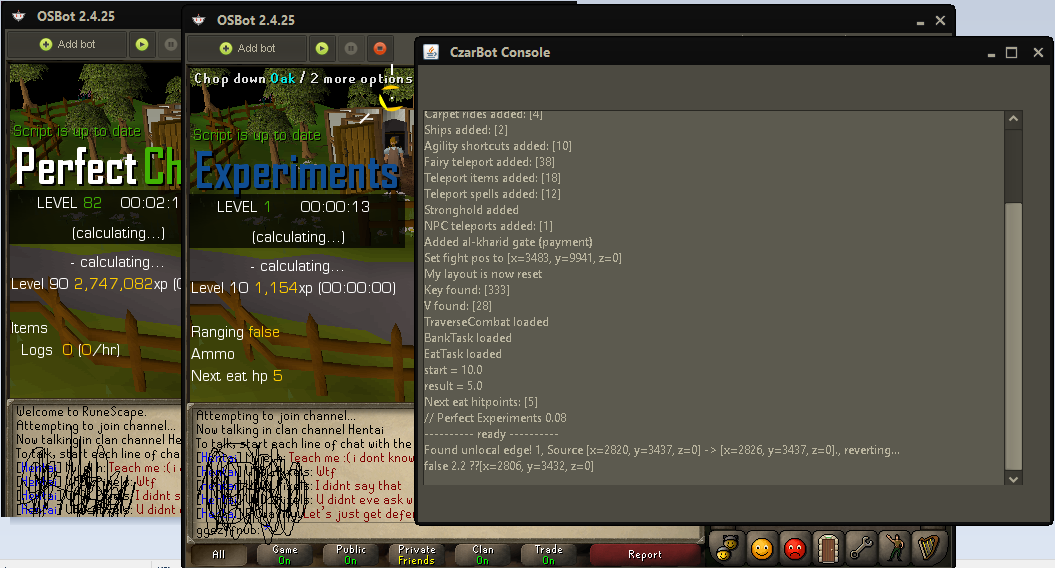
I heard you have a buy 2 get 1 deal. I'm new to this forum so am unsure how to post pictures through pm. This is my evidence for bot purchases.

-
This bot works perfectly. I bot up to 24 hours with a minimum of 10 hours a day for past week. The author updates and replies to the threads quickly.
-
Can i get a trial of perfect thiever?
-
chop_tree_found: 1008 chop_tree_found: 1008 chop_tree_found: 1008 chop_tree_found: 1008 chop_tree_found: 1008 chop_tree_found: 1008 chop_tree_found: 1008 chop_tree_found: 1008 chop_tree_found: 1008 chop_tree_found: 1008 chop_tree_found: 1008 Console spams this and the bot just stands still. It doesn't move the cursor so in the end, i just end up afking with auto relog on.