drapi
Members
-
Joined
-
Last visited
Everything posted by drapi
-
Can you change healing so it would look like more natural? Not healing always at the same amount of hp?
-
Is some botting like now and can tell it is safe?
-
Can you make it more humanlike? Paid for it 5$ , lost 7,5$ for membership +5m equipment so i would like at least my bot to work
-
fast ban means that bot is not humanlike and obvious.
-
I'm really disappointed on you Czar
-
Just got perm ban , was botting for like 3 hrs. Awesome.
-
Got stuck , idk why just stood there. We appreciate ur work man keep updating
-
found out other bug , if some1 set cannon and you are stuck in fight , he is clicking to log out and not healing at all , almost died if i wasnt paying attention by myself,love ur scripts bro but i'm thinking also about refund
-
the east side is overcrowded tho so avoiding hobgolbins would be really nice
-
Czar can u add option so it would avoid hobgoblins at west side? hopping when there is X people there and avoiding cannon on the world?
-
now it was working quite well i suppose , i went out for an hour , came back with 28k/h xp grind
-
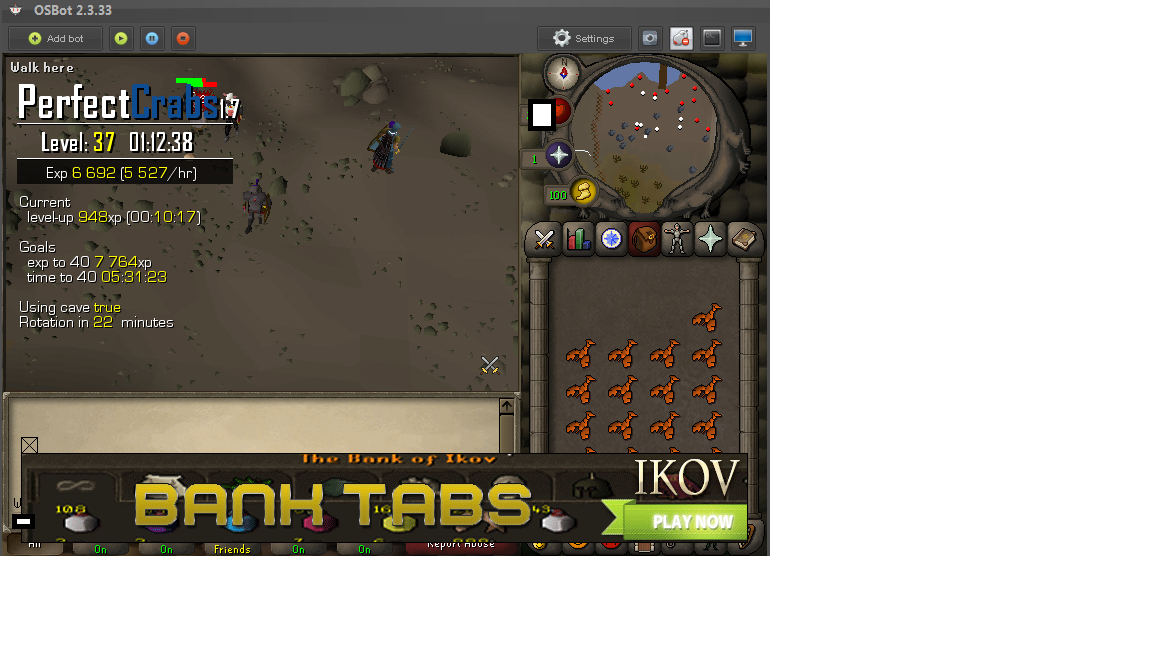
It keeps clicking around the rock crab . The second thing is that when it is at east side and no crab is attacking you cuz all in the fight , he keeps reseting