Jump to content
View in the app

A better way to browse. Learn more.

OSBot :: 2007 OSRS Botting

A full-screen app on your home screen with push notifications, badges and more.

To install this app on iOS and iPadOS
  1. Tap the Share icon in Safari
  2. Scroll the menu and tap Add to Home Screen.
  3. Tap Add in the top-right corner.
To install this app on Android
  1. Tap the 3-dot menu (⋮) in the top-right corner of the browser.
  2. Tap Add to Home screen or Install app.
  3. Confirm by tapping Install.

Cephaxz

Members
  • Joined

  • Last visited

Everything posted by Cephaxz

  1. Oh well. Got banned botting 5 hours of combat, seems kinda hard to bot these days or I'm just out of luck. I bought your thiever too, haven't even got the chance to use. Guess I'm quitting, nice bots btw
  2. Cephaxz replied to Czar's topic in Thieving
    On a second thought, I think I'll just buy it straight away. Bought 2 of your scripts, hopefully botting goes well. Looking at the date, it was almost 10 years ago lol.
  3. Cephaxz replied to Czar's topic in Thieving
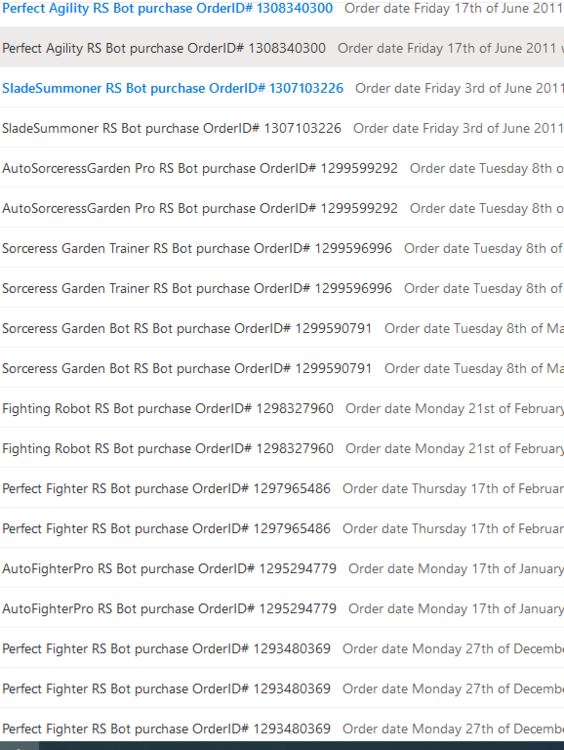
    Can I get a free trail? Btw, are you the one that made Perfect bots back during rsbots.net era? I remember I bought so many of the Perfect Fighter, Perfect Slayer etc lol
  4. Bought 2 more bonds from sam, trade was fast and smooth!

Account

Navigation

Search

Configure browser push notifications

Chrome (Android)
  1. Tap the lock icon next to the address bar.
  2. Tap Permissions → Notifications.
  3. Adjust your preference.
Chrome (Desktop)
  1. Click the padlock icon in the address bar.
  2. Select Site settings.
  3. Find Notifications and adjust your preference.