Pking_bank
Members
-
Joined
-
Last visited
-
what is it
-
Title, reply below
-
I will instantly sell for $180, pm me if interested.
-
Let's talk. Shoot me a pm
-
If you wanna raise the price a little, feel free to PM me for negotiations.
-
Im selling through paypal if you wanna sell the gold first and then give me the cash. Check my thread
-
Have fun adding haha
-
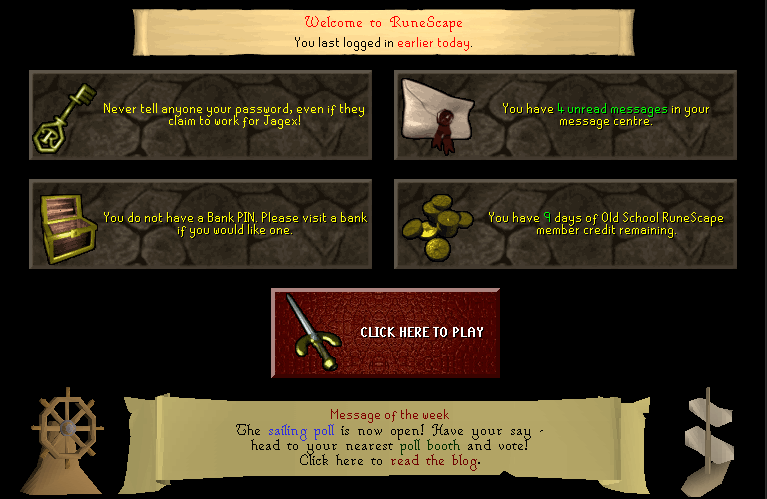
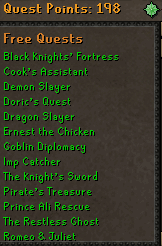
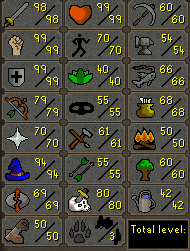
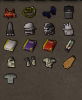
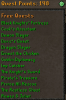
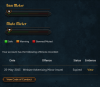
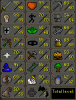
1. Pictures of the account stats 2. Pictures of the login details 3. Pictures of the total wealth (if there is any) 4. Pictures of the quests completed (All major quests done) 5. The price you will be starting bids at $100 USD 6. The A/W (Auto-win) for your account $350 USD 7. The methods of payment you are accepting -Paypal (Must be verified, etc) 8. Your trading conditions I will go first if you are trusted. Middleman could be used also. 9. Account status 10. Original/previous owners AND Original Email Address I am the original owner and the current owner. Feel free to reply below, or PM me for skype.
-
Title. PM me or reply down here if interested.
-
-
Looks sick, I was in the process of making one myself with simillar goals, keep up the good work!
-
I have no idea how to use it, but If I find it out I might be able too
-
Why would you want this?
-
Can negotiate price, I will go first. :]
-
Looks great! I will use this!