OurSickStory
Members
-
Joined
-
Last visited
Everything posted by OurSickStory
-
Bought one, flawless, thank you.
-
never added me.
-
add me on skype: xxaymunxx i'll go first. as long as you add +rep
-
Hm, iouno, its been suspended since like 13. dunno why i'd try to get it back, they'd just chargeback. I have no interest in it, or i wouldn't be selling it :P but i understand where you are coming from.
-
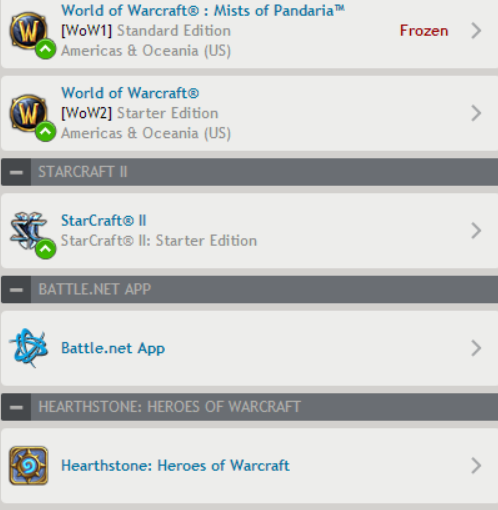
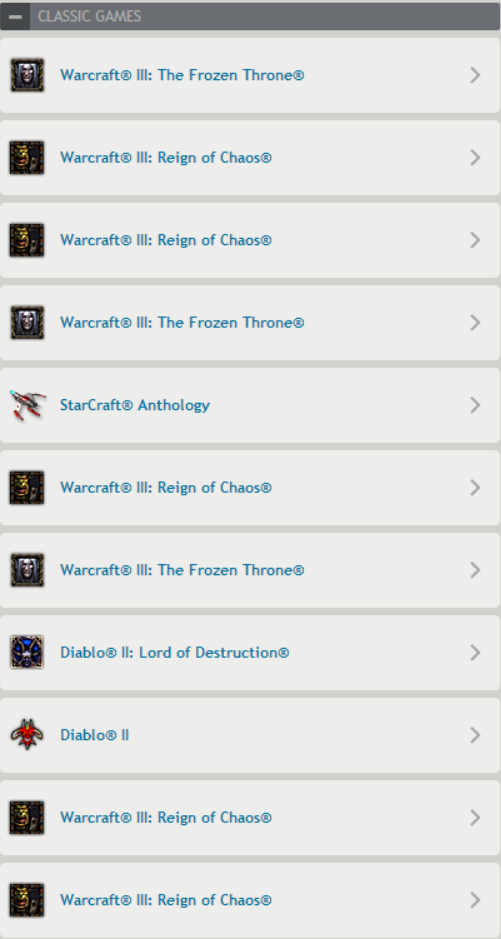
Selling my WoW account, only has an 85 priest on it, not really for the account but for upgades. + several other games. middle man of your choice. (Only taking paypal)
-
-
Sorry, never got into GTA
-
I'm aware the account it worth a little more. But if you look on ebay and stuff you just can't compete anymore. I could sit and argue all day long its worth so much more, but you jump on ebay and stuff is selling for more then half the value. Also theres only 3 days left of the event I'm trying to get on wartunes, I don't have much time to get what I need :P
-
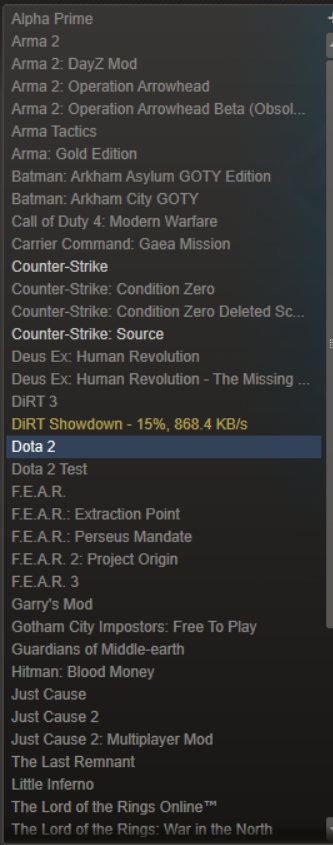
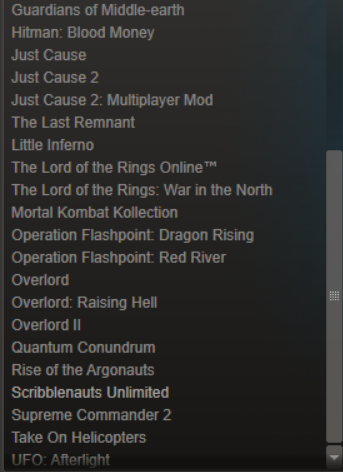
Selling my old steam account. 6 years of service. I will use a middle man of your choice If you have 50+ positive feedback we can skip the middle man and I'll go first, just know it will all be video recorded. (paypal only)
-
My wisdom teeth had been removed the day before :P
-
It was uploading :x
-
A little old, its been awhile since I've made video's, I'll start soon to help out a few people. But a quick run down of an old sig. http://youtu.be/9rDiOFoT-GQ
-
-
I'll take care of you as long as you show progress and interest :P This is a good start but most people stop pretty quick. As I've stated before, I know very little about photoshop though, so if thats the program you choose to use, I can give you examples, but you will have to find your own tutorials.
-
Here is what I rock with . http://www.daskeyboard.com/daskeyboard-4-ultimate/
-
-
It's more of a how helpful you can be to the community then a design rank. Like, say you can help the newbies out and give them good advice, point them in the right direction, and just flat out help them thrive.
-
fast easy. will buy again.
-
A lot of the same teams play both I enjoy league, but dota more . And newbee makes it to the grand finals!
-
with 25 million in the pocket for hiring ONE Person from Warcraft 3, I don't think they really care how much they spend on hosting it :P
-
But if you think about it, fans really got nothing worth that $10 in the game, it was by choice, no one asked them too, just offered some silly items in game and skins/odds and ends, its not like it GAVE us anything we couldn't get without it.
-
All fan donated (:
-
For those of you that are unaware, this is the BIGGEST Prize pool of any ESPORTS game. You can read about it here. And watch it here. NEWBEE has gone from the bottom 4 bracket, (One game away from getting sent home) To one game away from making it to the Grand Finals, they are on a KILLING SPREE! It's insane to watch a team go from the very bottom to the very top, they have so many supporters now its unreal!
-
Dota 2 doesn't really have a single player, unless you want to play with bots to learn, but they get old quick.
-
That's something a phiser would do, ddos you for a few seconds jump on and grab it, try using the authenticator, chances are all your data has already been logged.