Jump to content
View in the app

A better way to browse. Learn more.

OSBot :: 2007 OSRS Botting

A full-screen app on your home screen with push notifications, badges and more.

To install this app on iOS and iPadOS
  1. Tap the Share icon in Safari
  2. Scroll the menu and tap Add to Home Screen.
  3. Tap Add in the top-right corner.
To install this app on Android
  1. Tap the 3-dot menu (⋮) in the top-right corner of the browser.
  2. Tap Add to Home screen or Install app.
  3. Confirm by tapping Install.

Frost | Cheap GFX | Avatars | Social Media | Banners & More!

Featured Replies

Welcome to my GFX Shop!

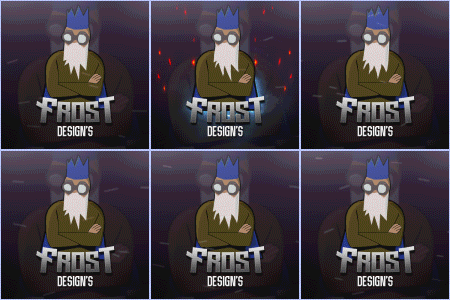
e0f59a67cac4e3c8816ae1407b94f8fb.gif

Contact me for: 
Banners
Avatars 

Social Media Posts

& More!

be sure to add on Discord for quotes 

Frost2#3033

UID: 733451245137952880

 (make sure you copy and paste) 


Previous examples below 

balancing_the_scales_gif.gifsir-avatar-gif.gif


OSRS-City-avatar.gifbompa-.gif


f2bf960e2361e785a05d362be9815db6.gif

92d36891f614e63c4bb0312b8863a0fe.gif


d64893818c0e4f68403f383997b4524f.gif


Edited by Frost Bets

  • 2 months later...

Create an account or sign in to comment

Recently Browsing 0

  • No registered users viewing this page.

Account

Navigation

Search

Configure browser push notifications

Chrome (Android)
  1. Tap the lock icon next to the address bar.
  2. Tap Permissions → Notifications.
  3. Adjust your preference.
Chrome (Desktop)
  1. Click the padlock icon in the address bar.
  2. Select Site settings.
  3. Find Notifications and adjust your preference.