FMA123
Members
-
Joined
-
Last visited
Everything posted by FMA123
-
Don't see why anyone would buy unless for making it into a main or a staker... Like 5-8m prolly
-
15-20m considering it took a bit to get stats, botting or not
-
-
-
-
No bans, I'll make sure to add ban meter pic Tommorrow, as ironically as it sounds, never botted on either acc
-
Yes, shoot me an offer
-
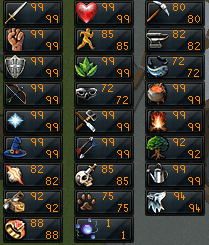
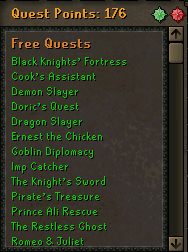
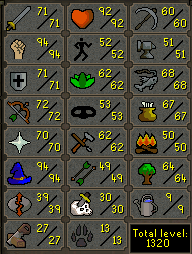
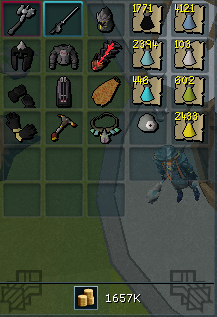
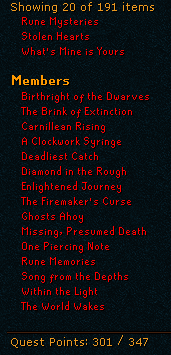
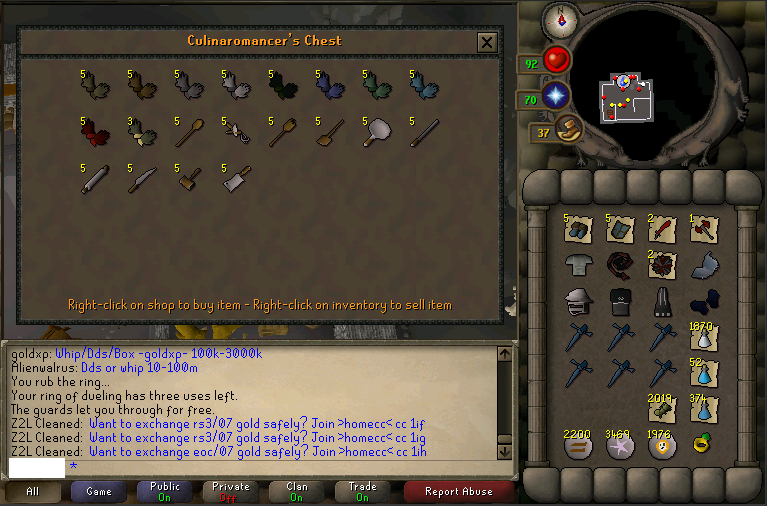
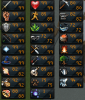
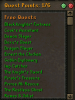
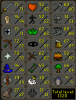
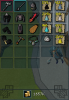
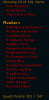
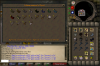
Inbox me for any additional questions or offers. HIGHEST BID AT THE MOMENT: DestroyMilf - 41m 1. Pictures of the account stats 2. Pictures of the login details http://gyazo.com/274a3f3ef5842f62a0696db00b5378c6 3. Pictures of the total wealth (if there is any) 4. Pictures of the quests completed 5. The price you will be starting bids at 40m starting bid. 6. The A/W (Auto-win) for your account Auto-win price is 150m. 7. The methods of payment you are accepting 07 gp only. 8. Your trading conditions We will get a verified/trusted MM. 9. Account status http://gyazo.com/a74735c6d77f28ec3ede380edab61628 10. Original/previous owners/Original Email Address I am original owner since 2007 when the account was made, can prove if needed, and E-mail is same as when account was created.
-
50m 07 is highest I'd go
-
Buying 1 bond, I will go first, I'll leave review
-
What do I do?? Someone help me please...
-
still doesnt work for me, just like the previous version =/
-
im having the same problem as the guy above ^^