Jump to content
View in the app

A better way to browse. Learn more.

OSBot :: 2007 OSRS Botting

A full-screen app on your home screen with push notifications, badges and more.

To install this app on iOS and iPadOS
  1. Tap the Share icon in Safari
  2. Scroll the menu and tap Add to Home Screen.
  3. Tap Add in the top-right corner.
To install this app on Android
  1. Tap the 3-dot menu (⋮) in the top-right corner of the browser.
  2. Tap Add to Home screen or Install app.
  3. Confirm by tapping Install.

shaqhunter

Members
  • Joined

  • Last visited

  1. shaqhunter replied to Sponsor's topic in Archive
    when will it be out
  2. this bot is hands down the best combat bot i have used ive got over 100+combat lvls using this bot
  3. shaqhunter replied to shaqhunter's topic in Archive
    hey guys heres more info
  4. shaqhunter replied to shaqhunter's topic in Archive
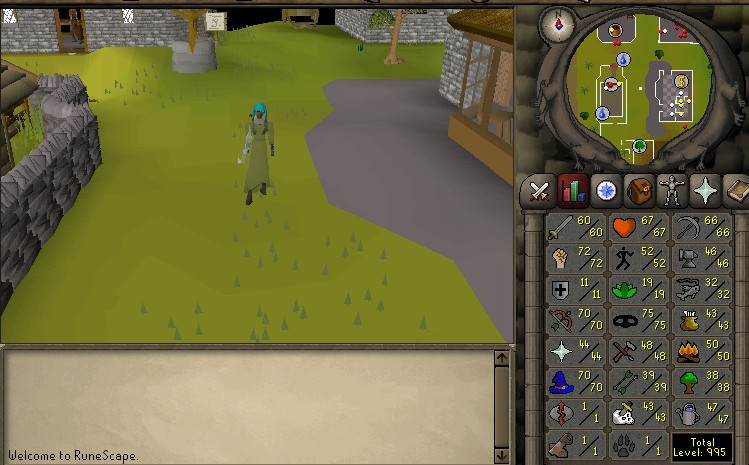
    http://img59.imageshack.us/img59/1226/cw1o.png this is bad pic but its only the eoc side send me a dm do we can talk more
  5. shaqhunter posted a topic in Archive
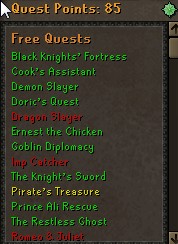
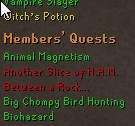
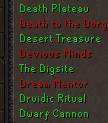
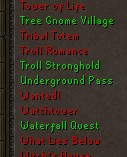
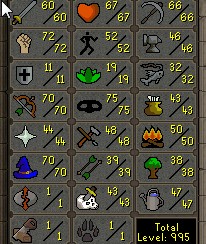
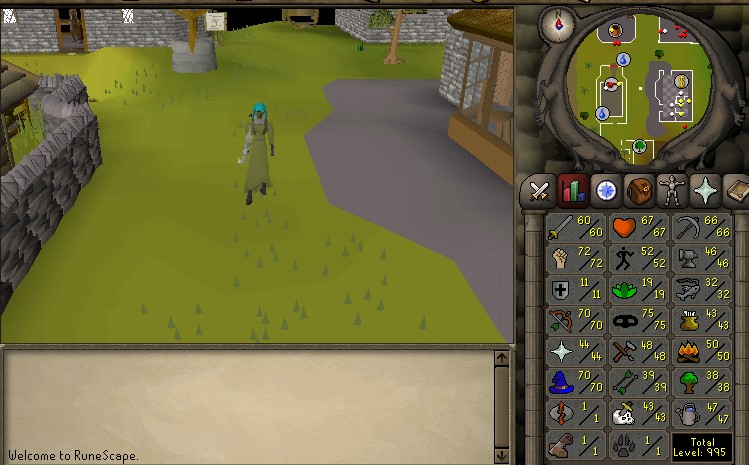
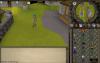
    hey whats up guys i have an acc for sale all major pure quest done let me know how much youll offer only flaw as you can see is 11def can be turned in a initiate, rune or zerker. let me know 85 qp i want OSGP
  6. shaqhunter posted a topic in Archive
    hey guys i have a pure acc on eoc 99 rc full runecraft robe set and the same acc is 75 att 87 str and 70+def on old school with mm and mith gloves so far on looking for some offers in oldschool gp
  7. shaqhunter replied to QBots's topic in Archive
    support all?
  8. great script the i used on my mauler
  9. not that many people are advertising so losing people that way to other sites
  10. after i get the requirements ill try doing this
  11. looks amazing i will be trying this soon will post proggie later
  12. looks simple will try this soon
  13. when in gnome agil its bugged doesn't move at all sat there for 30mins when in gnome agil its bugged doesn't move at all sat there for 30mins
  14. this bot works perfect no flaws so far
Account

Navigation

Search

Configure browser push notifications

Chrome (Android)
  1. Tap the lock icon next to the address bar.
  2. Tap Permissions → Notifications.
  3. Adjust your preference.
Chrome (Desktop)
  1. Click the padlock icon in the address bar.
  2. Select Site settings.
  3. Find Notifications and adjust your preference.