jimbob12
Members
-
Joined
-
Last visited
-
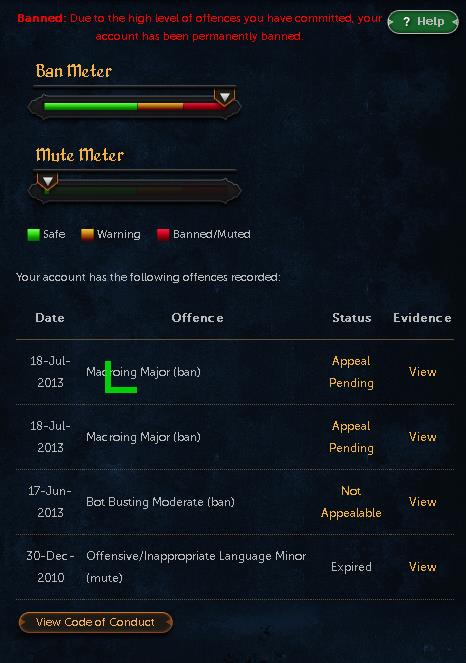
I have had a good time botting, but I am leaving because one of my accounts has been permanantly banned, after its second ban, another has been banned once, and my main is clean still. The time I have spent here has been great, after using ATrarefind to get over 25 partyhats and make a nice bank, losing 10m of that on one account. The bot that I was banned for using was an auto curser, in the fight caves on tz-kek. I don't reccomend botting. JaGex has seriously implemented their live anti-bot into OSRS, seeing how they banned me after 3 hours of botting with an antiban. Sorry that this has turned into a rant. Farewell OSBot.
-
lol I have gotten 16 using at rarefinder in 3 days but can't tell the spot
-
Oh yay just tested the login and it's working again thanks
-
Hi guys, I have botting with OSbot for a few days now, but haven't introduced me self. I played RS since summer of 04, and have been botting since 2010, using *, I don't play EoC and I'm interested in learning how to script. On * i did basic things to make scripts work in different places, but that's all. The community here seems active and the client is great. I will be buying VIP hopefully tomorrow. Thanks. PS. Jimbob isn't my real name.