ClubHeaven
Trade With Caution
-
Joined
-
Last visited
-
I really hope it is as good as you guys (The devs/staff) claim it to be.. The launch has already been delayed so long and the bad rep from some of the script devs is not helping at all. I don't mean to pressure anyone or say that OSB 2 is going to be bad, just that I hope it is a working, and wonderful client! Please don't dissapoint us! Good work! I can't wait to see how it is (:
-
I've realized that the community is very welcoming, you're here
-
Thanks booch! I will look into hiring a gfx artist. Or I could use my favorite gif designer TY tho cheers mate!
-
I really love all your feed backs , but i would like to point out that we are not a new service. We currently have an order for 20 million gp for $54 we are cheaper than rs walmart and we are currently working on our new website
-
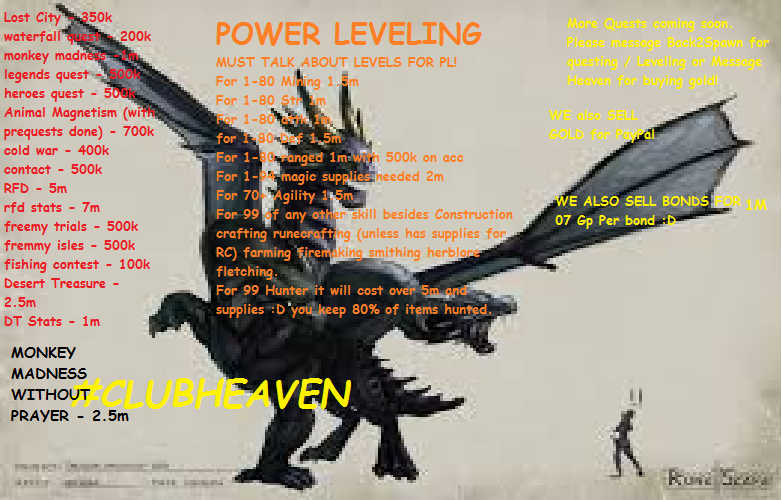
Hello! My Name is Back2Spawn! CEO and Co-Founder of ClubHeaven! We are currently working on getting our name known! If you need a fire cape, quests, void, and Leveling, well you've found the place! We are a good service and we are going to try our best to be KNOWN! We do defenders aswell! If you need any of the above please feel free to contact heaven.osbot or b2s.osbot Thank you all and have a nice day