Ghetto
Members
-
Joined
-
Last visited
Everything posted by Ghetto
-
^
-
Same problem script will run from bank to rocks or run from rocks to bank but it doesnt mine just sit there
-
script runs great bots at 14 hours now and still running strong
-
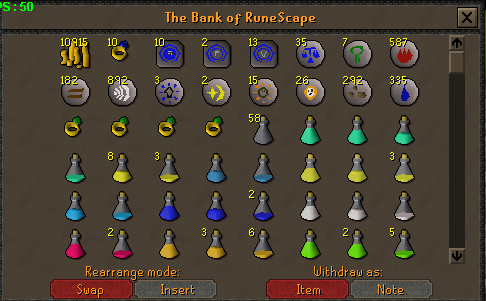
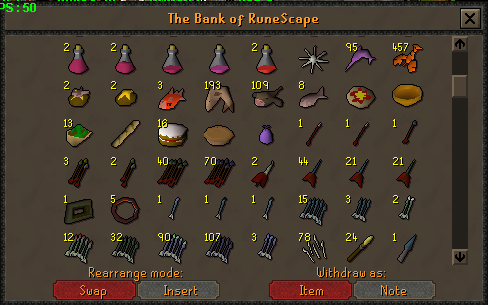
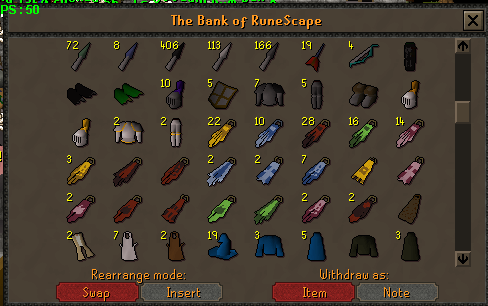
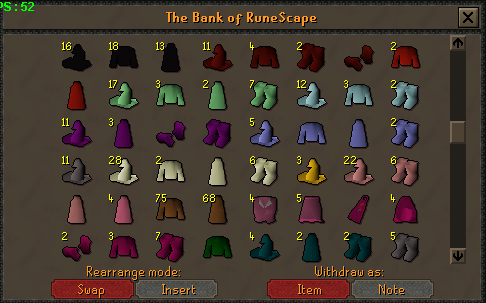
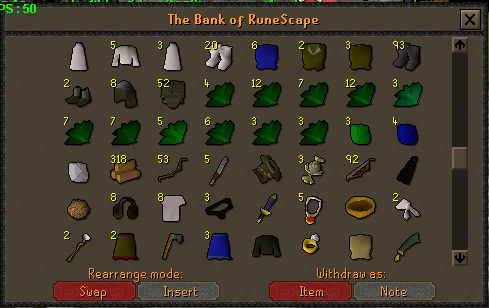
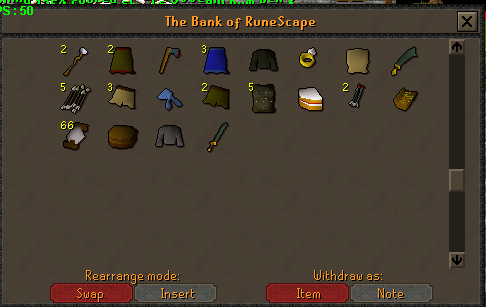
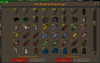
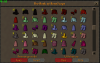
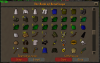
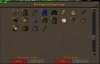
Banking is broken atm On another note People have been asking for bank loot so ill show mine Note: this isnt full loot sorry ive transfered it over to my other account but this should give you a basic view of what you get ive gotten around 6k sharks and 100 d bolts making up most my loot ive also gotten 1 gmaul but thats the best so far This is around 8 days of using the script Probably in total around 7m loot
-
Ah thats much better Love this script pretty much gathers pk supply's for my pure I nice feature though would be shortbow support such as every time it dies it re equips a shortbow from bank so it doesn't miss click on other level 3s and level up.
-
Just bought the script today not sure whats wrong but all it does is walk to level 2 wild and stand there the status thing updates and says looting vial,boots etc but the bot just sits there
-
We needs some proggies :]