MegaMGamer
Members
-
Joined
-
Last visited
-
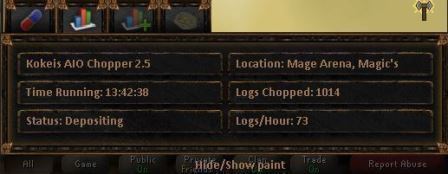
Magics at MTA still works great. proggy of over 13 hours.
-
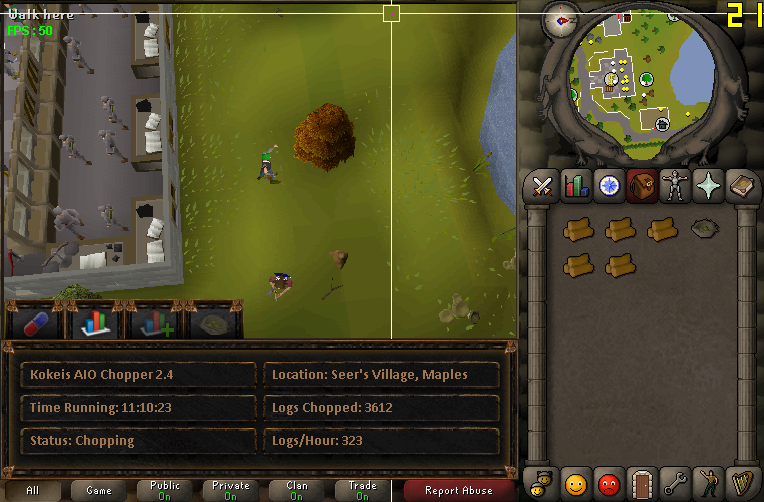
11 hour proggy.
-
Stop the illegalities against the illegal runescape bot site... I like it :P
-
-
Is this script hacked or something...? This has to be some kind of joke.
-
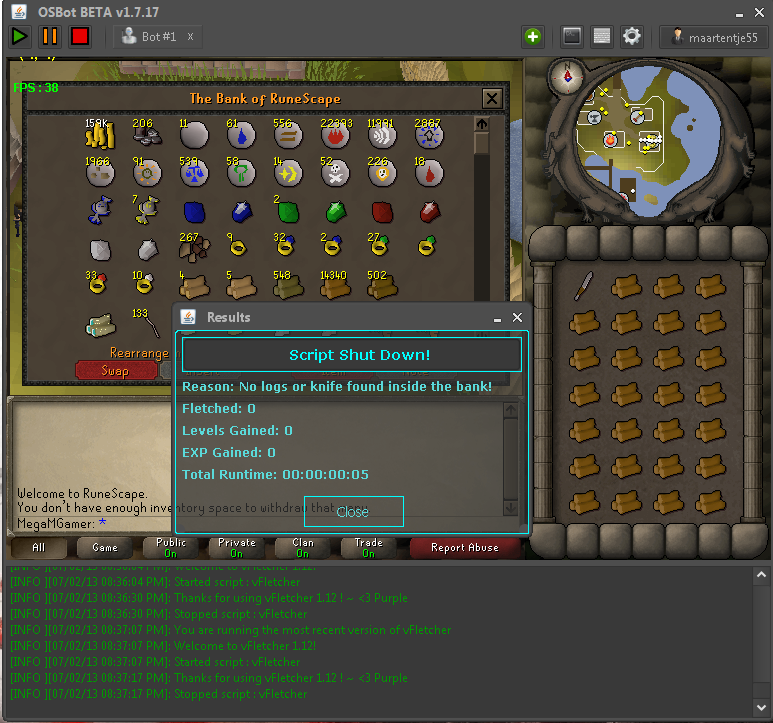
Fletching maple longbows seems to be broken
-
Don't be to eager to kill, most of the time you will die yourself.
-
I remember playing a game as Garen when I was around that level. got like 30 kills and 0 deaths, was so proud that I posted screenshots on Twitter... Everyone laughed at my build
-
Gold
-
From level 65 to 94 is 7.5 mill exp. If you want to high alch you need to alch approximately 115000 times. Superheat is 142000 times. Im no good at money, but just throwing it out there.
-
on a scale from addiction to forum addiction... Totally addicted
-
You sound like a child. You should be thanking this guy on both your knees that he is willing to make this script for you and everyone else FOR FREE. But instead you come crying because it didn't go as you pleased. People like you don't belong here, go back to the kindergarten.
-
Based on earlier experiences with popular scripts going to the SDN...Updating takes a really long time, even very small fixes can take up to a day to update. I believe this script deserves some money, but going to the SDN would devaluate it really far.
-
13 hour proggy
-
Paint looks sick and works perfectly at MTA Magics. let it run overnight and woke up to 1 mill profit. Keep the hard work up, we really appreciate it