nukifyoubuck93
Members
-
Joined
-
Last visited
-
like last week it worked fine its just random... somedays it works somedays it wont.
-
im not sure how to check a host file
-
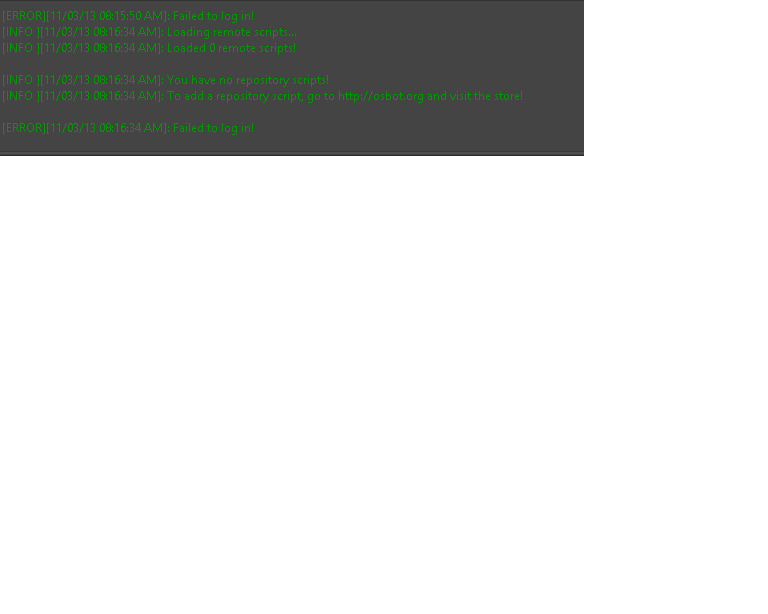
Everytime i click and open my bot it opens up perfect. i go to log in and it fails to log and says failed to load remote scripts when i got over 40 scripts and a few are premium. so i try my different account and it logs in fine. but then when i go to open a bot tab it says failed to load client. Im not sure how to fix this, but sometimes it will do everything just perfect like log in and load client but thats if i log my account in over at my friends house. its just my computer at home wont load anything like it use to. i had no problems months ago till i got the ATMercher and did a full system restore on my windows 8. ever since all that happend it just fails to do anything.
-
mine has been stuck at this for like 30min says injecting client and doesnt move