kornykev
Members
-
Joined
-
Last visited
Everything posted by kornykev
-
Hi, pretty interested in buying this, could I try out the trial? Thanks!
-
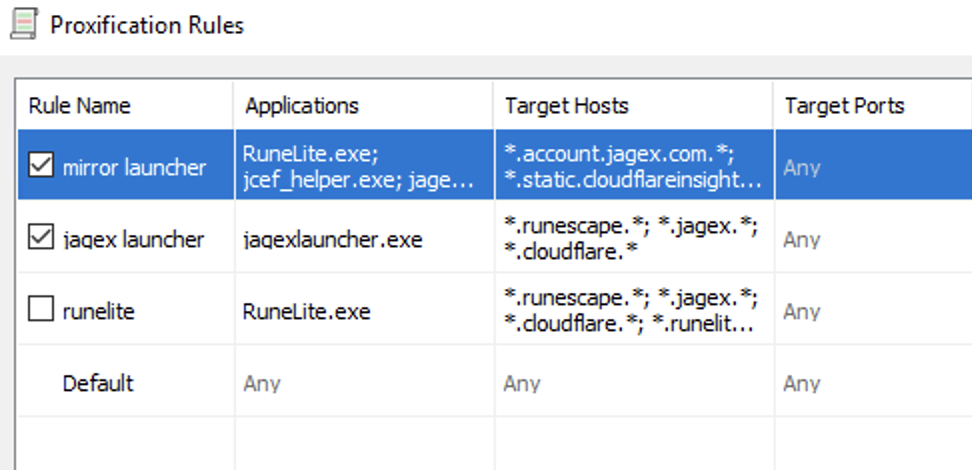
Hi, So I’ve got this problem with getting OSBot to work on a VPS and I think I have done everything I could to solve this, so here’s my last resort on getting this solved. I used a VPS which is its IP is blocked by the Jagex Launcher. So I got a residential static proxy which I’ve linked with Shadowsocks and Proxifier. Residential IP > Shadowsocks > Proxifier > Launcher I had to use this because the Jagex launcher would not work with the residential proxy, but RuneLite did. And without the residential proxy the Jagex Launcher would not work. So this made it I could finally get logged in to my Jagex account on a VPS. I then get to OSBot and patched the game client. And with this setup I can still open Jagex Launcher. It’s only when I hit play and use Stealth launch with Jagex Account I get a white screen. Is there something I am missing which makes this setup work differently with the normal launcher versus the stealth injected launcher? Sorry if this is a stupid question, I just got into trying botting. Thanks!