iMashup
Members
-
Joined
-
Last visited
-
2mil
-
bump
-
was looking for more 30-40? il let you know skorp
-
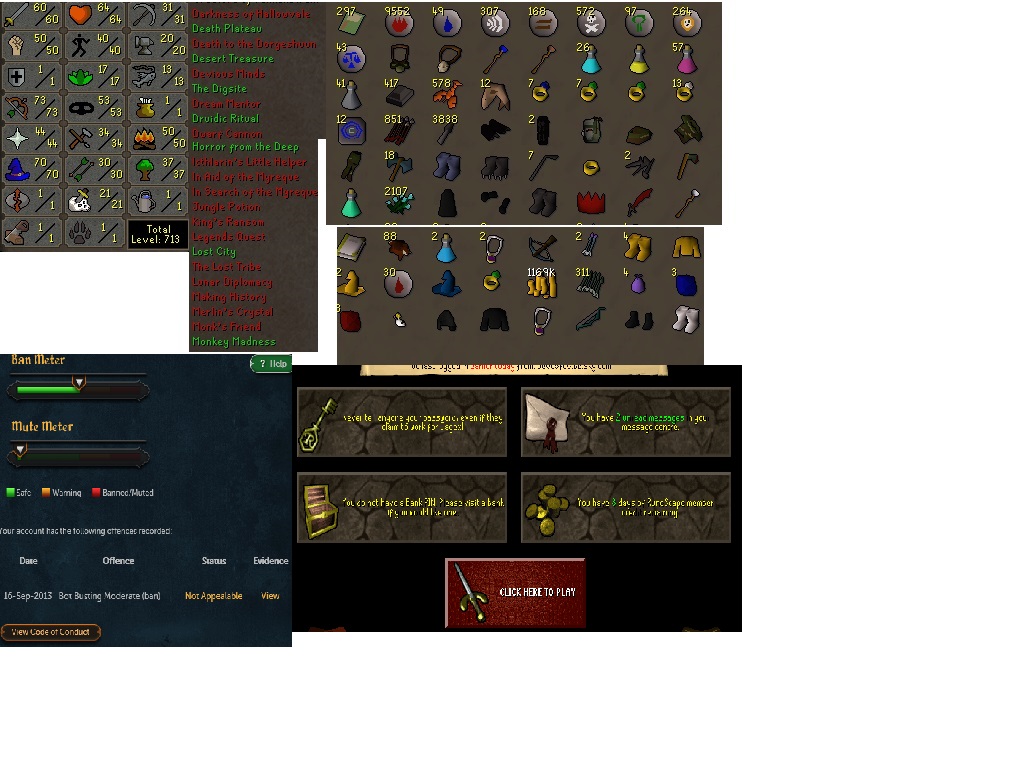
need this account gone asap so name your offer and il probably accept (as long as its not too low) Paypal Only Will Only Trade Using A VERIFIED MM unless you want to go first Let me know guys:) Thanks
-
do you need a certain post count to start a topic on the market place or something? thanks
-
liking the dedication to updates, thanks man
-
safee, cheers guys think im gonna start small (5bots) then work my self up
-
not relying just need a little booster, $40 a day sounds quite reasonable for having your computer on and a little bit of baby sitting
-
Basically I've just lost my job and have decided to go back to school part time, i'm looking for a part time job but know that's not going to be good enough alone. I'm thinking of starting up a little farming business and investing a little bit of cash into it first. just need to know how successful gold farming can be, whether its best to farm on rs 3 or 07scape and what sort of income i can expect from 20 bots. any help and advise will be appreciated thanks.
-
just had a two day ban from this script - DONT use for too long
-
Your anti ban is a joke(literally) running very nice for me
-
Would be very usefull my ultimate team sucks on 13
-
do you know how much bale is going to be?
-