Jump to content
View in the app

A better way to browse. Learn more.

OSBot :: 2007 OSRS Botting

A full-screen app on your home screen with push notifications, badges and more.

To install this app on iOS and iPadOS
  1. Tap the Share icon in Safari
  2. Scroll the menu and tap Add to Home Screen.
  3. Tap Add in the top-right corner.
To install this app on Android
  1. Tap the 3-dot menu (⋮) in the top-right corner of the browser.
  2. Tap Add to Home screen or Install app.
  3. Confirm by tapping Install.

borunga

Members
  • Joined

  • Last visited

  1. Alright lol we’ll go selling brother 👍
  2. Does this rule apply to trading too I’m not trying to sell the account
  3. Would you be interested in a trade for my acc it’s listed in my posts I would go first btw
  4. What’s your discord?
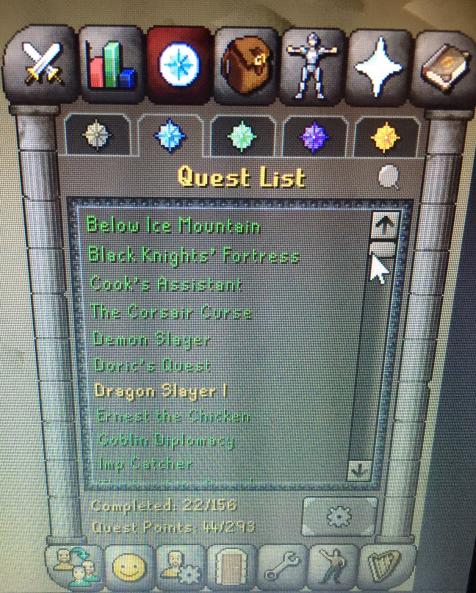
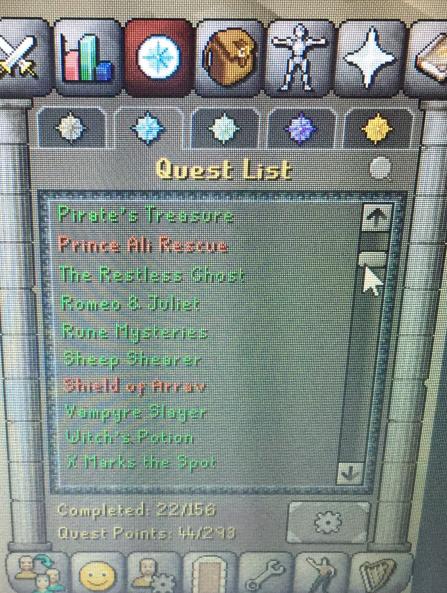
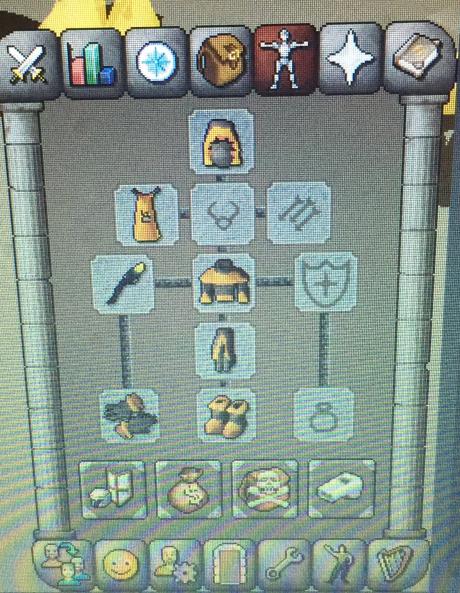
  5. Trading 99 fm acc all f2p quests done but 3 for a pure acc dm me on Trexco#8663 am going first if your trustable if you want more info just add me and dm me
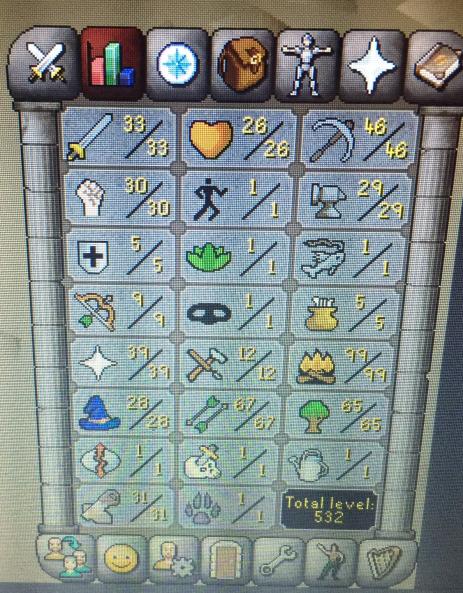
  6. borunga replied to borunga's topic in Requests
    shit i didnt know that im pretty new here thanks for telling me that XD
  7. borunga posted a topic in Requests
    {redacted}

Account

Navigation

Search

Configure browser push notifications

Chrome (Android)
  1. Tap the lock icon next to the address bar.
  2. Tap Permissions → Notifications.
  3. Adjust your preference.
Chrome (Desktop)
  1. Click the padlock icon in the address bar.
  2. Select Site settings.
  3. Find Notifications and adjust your preference.