thewook
Members
-
Joined
-
Last visited
Everything posted by thewook
-
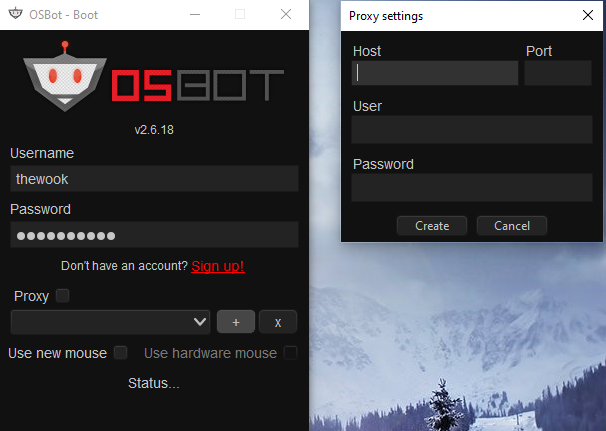
update - there seemed to have been a bug where the webwalking option didn't show up. you can see it in the image i attached where it says "status..." all fixed now and webwalking seems to be available - i just reopened the client
-
that's what i was looking for, but there is no such available option. atleast not on that screen
-
Hey there guys, I am a returning customer who has previously spent I would say upward of $100 on a number of different scripts ( it was so long ago that I have forgotten all account information :c ) I have recently gotten back into runescape after a few years of a private server and am already sick of the insane grind........ Anyway, upon downloading and trying to open the client, it all looks so different to me and is requiring information on which I know nothing about 😛 (proxy's etc) I'm pretty much getting stuck on this page kekw what am i supposed to do here lmao??