




Jump to content
View in the app

A better way to browse. Learn more.

OSBot :: 2007 OSRS Botting

A full-screen app on your home screen with push notifications, badges and more.

To install this app on iOS and iPadOS
  1. Tap the Share icon in Safari
  2. Scroll the menu and tap Add to Home Screen.
  3. Tap Add in the top-right corner.
To install this app on Android
  1. Tap the 3-dot menu (⋮) in the top-right corner of the browser.
  2. Tap Add to Home screen or Install app.
  3. Confirm by tapping Install.

05aldenj

Members
  • Joined

  • Last visited

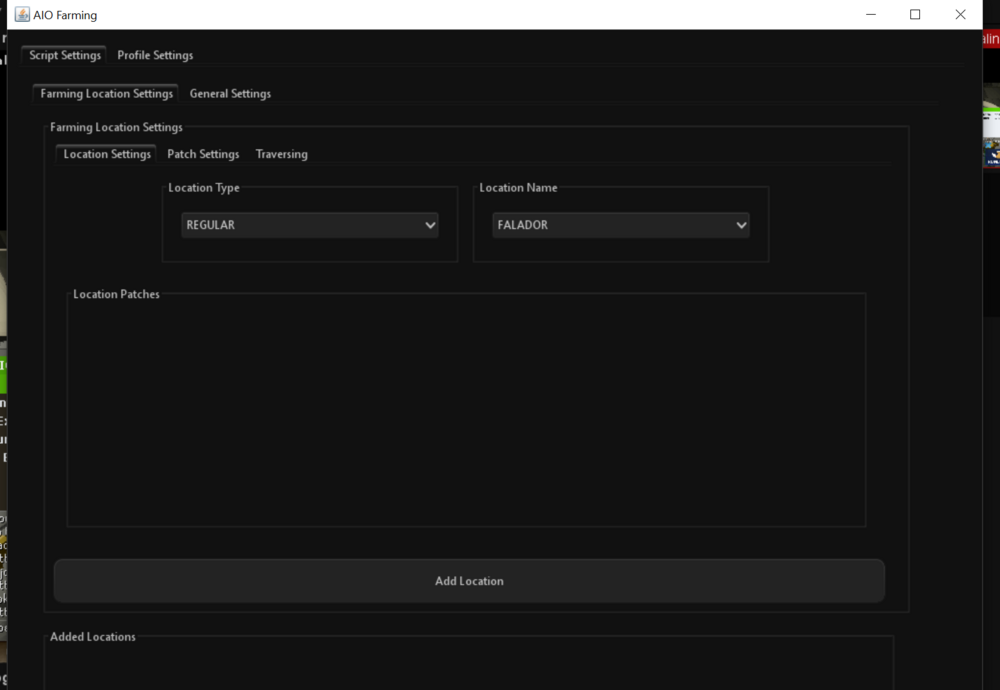
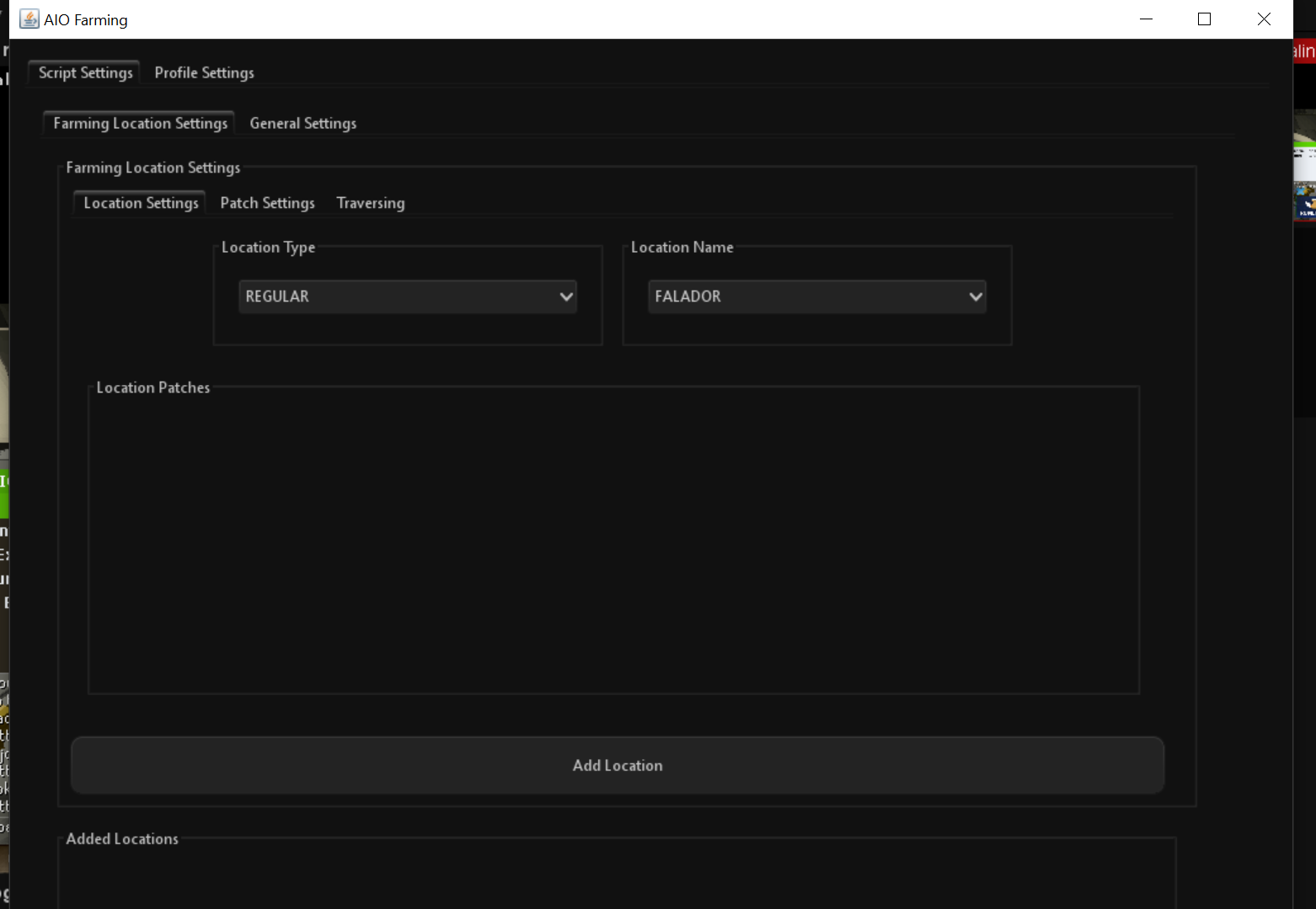
  1. Hello - not sure if I'm being dopey, but I'm an experienced botter and have been trying to work out how to start this script for 45 minutes, without success? I have patches loaded up, but can't actually see an area where I can press 'start' per se, to make the script begin cycling through the patches? Additionally, I can't see the whole interface on my computer - see screenshot attached, with no way to scroll down the interface provided.
Account

Navigation

Search

Configure browser push notifications

Chrome (Android)
  1. Tap the lock icon next to the address bar.
  2. Tap Permissions → Notifications.
  3. Adjust your preference.
Chrome (Desktop)
  1. Click the padlock icon in the address bar.
  2. Select Site settings.
  3. Find Notifications and adjust your preference.