HondaGoFast
Members
-
Joined
-
Last visited
-
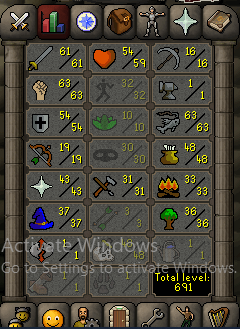
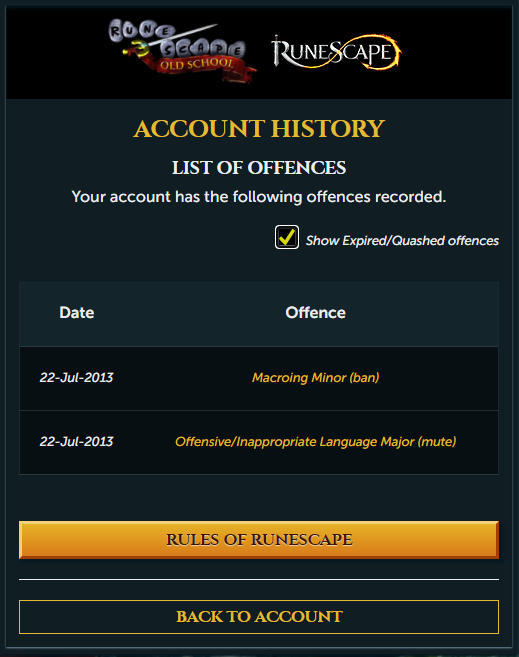
Accounts from a lot of years ago, logs in using username. Wondering how much I could get for this. Thanks.
-
For most of the scripts it runs no problem but for the kahl wintertodt and agility scripts the GUI does not load until I turn off the script. This is what the logger says [INFO][Bot #2][09/15 10:09:16 PM]: Loaded 3 built-in random solvers! [INFO][Bot #2][09/15 10:09:19 PM]: Started random solver : Auto Login [INFO][Bot #2][09/15 10:09:22 PM]: Successfully logged in, waiting for welcome screen. [INFO][Bot #2][09/15 10:09:28 PM]: Random solver exited : Auto Login [INFO][Bot #2][09/15 10:09:28 PM]: Started random solver : Welcome Screen [INFO][Bot #2][09/15 10:09:31 PM]: Random solver exited : Welcome Screen [INFO][Bot #2][09/15 10:09:32 PM]: Downloading image [INFO][Bot #2][09/15 10:09:47 PM]: Downloading image [INFO][Bot #1][09/15 10:10:16 PM]: Downloading image [INFO][Bot #2][09/15 10:10:22 PM]: Downloading image It just continues to repeat downloading image until I hit the red button to stop the script, then the GUI shows up. Any ideas whats going on? Using injection and on java ver 8.
-
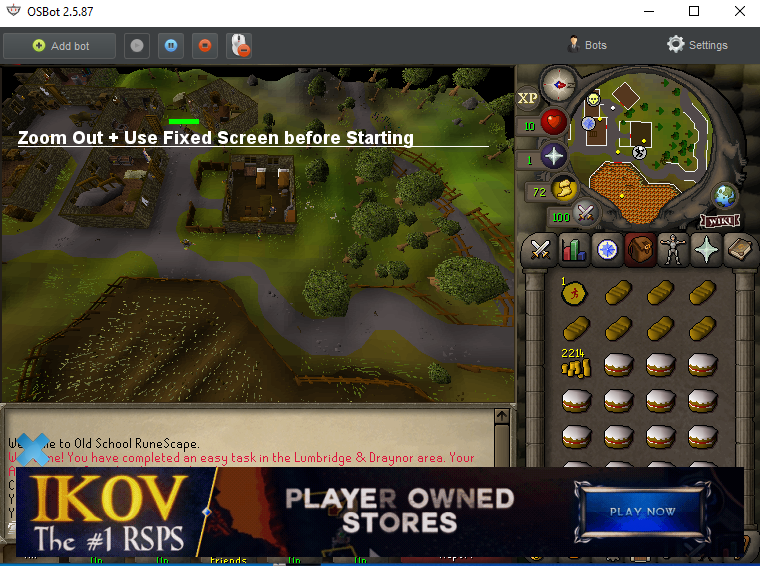
The menu screen isnt opening for me. regular client. just shows this message even though im zoomed all the way out and in fixed.