Jump to content
View in the app

A better way to browse. Learn more.

OSBot :: 2007 OSRS Botting

A full-screen app on your home screen with push notifications, badges and more.

To install this app on iOS and iPadOS
  1. Tap the Share icon in Safari
  2. Scroll the menu and tap Add to Home Screen.
  3. Tap Add in the top-right corner.
To install this app on Android
  1. Tap the 3-dot menu (⋮) in the top-right corner of the browser.
  2. Tap Add to Home screen or Install app.
  3. Confirm by tapping Install.

GameDance

Java Lifetime Sponsor
  • Joined

  • Last visited

  1. Selling membership codes! PM here or discord : gamedance#0 UID: 284447432652095488
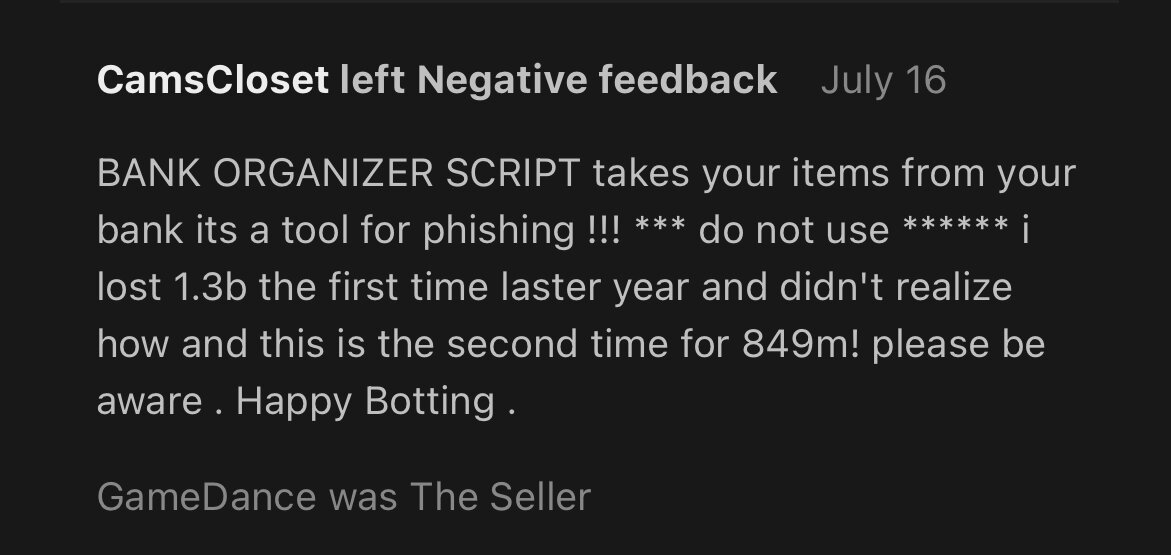
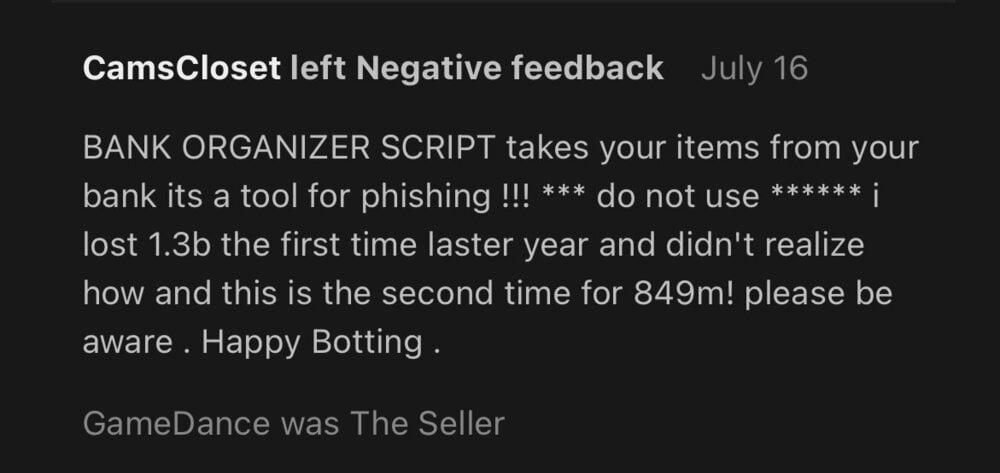
  2. I don’t sell any scripts or botting organizers. This person falsely left me a negative feedback. Please help. Please give him a warning or do something to his account so he can’t go around falsely accusing people of things.
  3. GameDance changed their profile photo
  4. Buying nmz ready accounts. Which means they can be used in nmz. 60s base
  5. Anyone has unregistered nmz ready accounts for sale?
  6. Buying DS2 accounts. GameDance#9176 UID: 284447432652095488
  7. Can I please get a trial please.

Account

Navigation

Search

Configure browser push notifications

Chrome (Android)
  1. Tap the lock icon next to the address bar.
  2. Tap Permissions → Notifications.
  3. Adjust your preference.
Chrome (Desktop)
  1. Click the padlock icon in the address bar.
  2. Select Site settings.
  3. Find Notifications and adjust your preference.