
mre1991
Members
-
Joined
-
Last visited
-
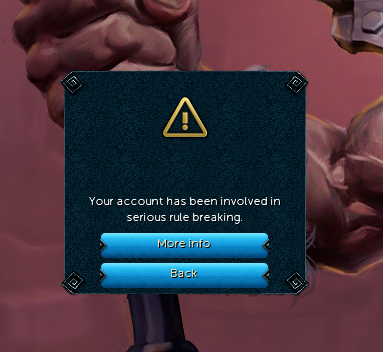
I just got banned, after using the script for 2 days (was mining in Mining Guild) was using the script for 4 hours, (yesterday and today) 8 hours total
-
mre1991 changed their profile photo
-
Hi, firstly this is a good script. The only problems i have at the moment are: While my character is mining for a long period of time, it will start to only mine 1 rock. Or, when it logs out then logs back in it will do the same thing. (mine only 1 rock.) (it's fine for the first 3h - 8h)
-
Awesome, thank you very much for getting back to me. Seems like i'll be purchasing some stuff today. Appreciate it!
-
Hi, I've not played runescape in years. I'd like to get back into OSRS, and start botting. My question is: Can I do other tasks on my computer while it's botting, or I can't do anything else? For example play other games, or is my computer rendered useless once i'm botting?