Jump to content
View in the app

A better way to browse. Learn more.

OSBot :: 2007 OSRS Botting

A full-screen app on your home screen with push notifications, badges and more.

To install this app on iOS and iPadOS
  1. Tap the Share icon in Safari
  2. Scroll the menu and tap Add to Home Screen.
  3. Tap Add in the top-right corner.
To install this app on Android
  1. Tap the 3-dot menu (⋮) in the top-right corner of the browser.
  2. Tap Add to Home screen or Install app.
  3. Confirm by tapping Install.

Kyiv

Members
  • Joined

  • Last visited

  1. Kyiv replied to Kyiv's topic in Scripting Help
    I figured it was something stupid, I downgraded to Java 8, and it works fine now. Appreciate the help guys. Yes, CHICKEN Killer lol
  2. Kyiv replied to Kyiv's topic in Scripting Help
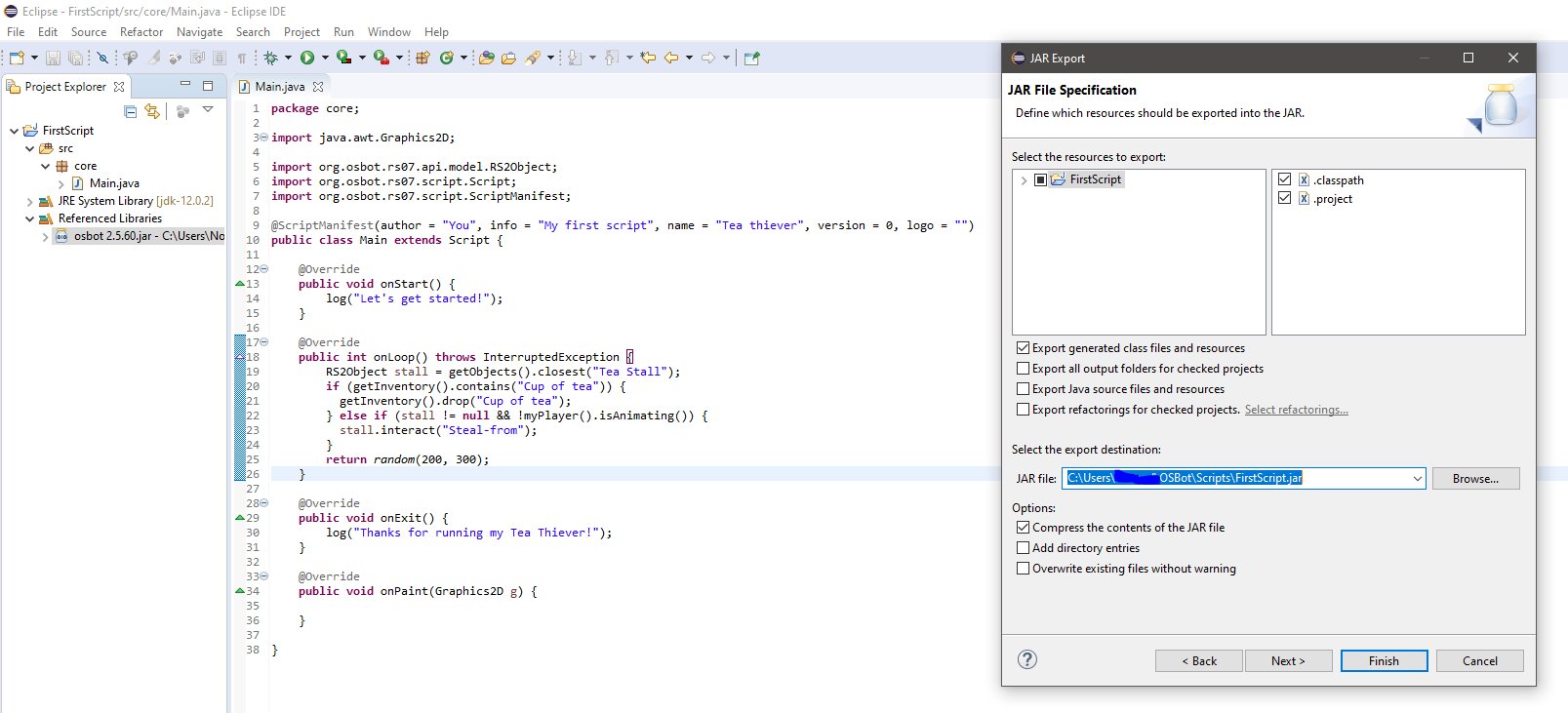
    [ERROR][10/09 08:41:13 PM]: Failed to load local script : core/Main.class is the error log I'm getting with the current code.
  3. Kyiv replied to Kyiv's topic in Scripting Help
    No luck...
  4. Kyiv posted a topic in Scripting Help
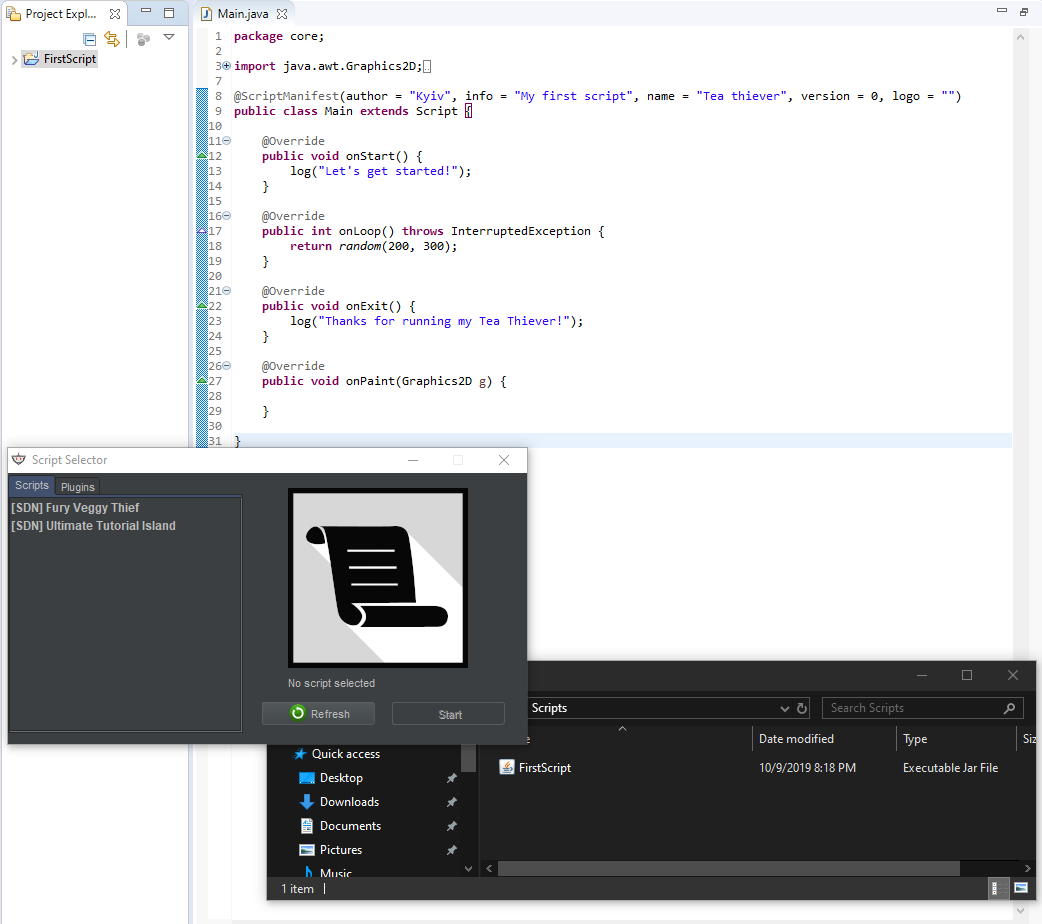
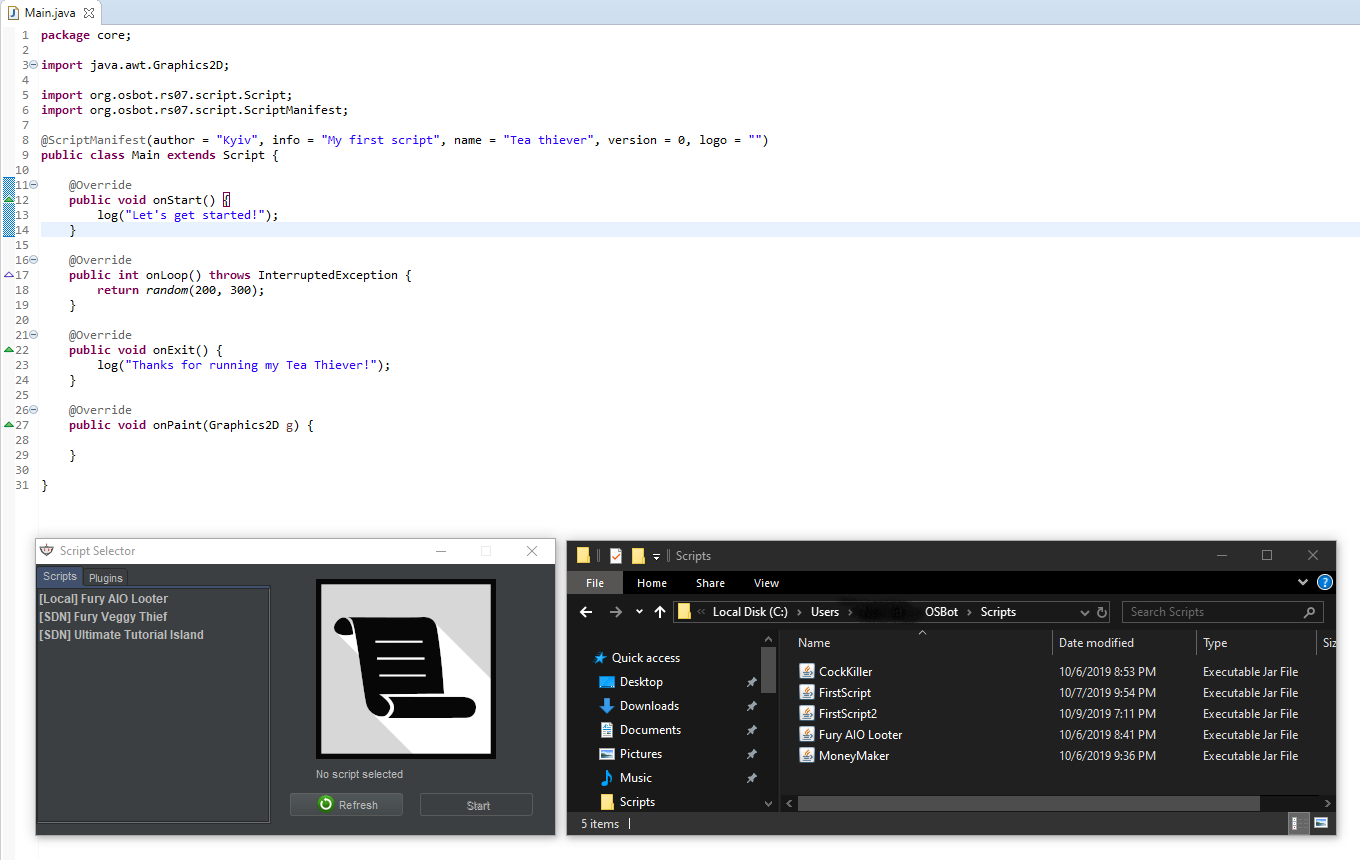
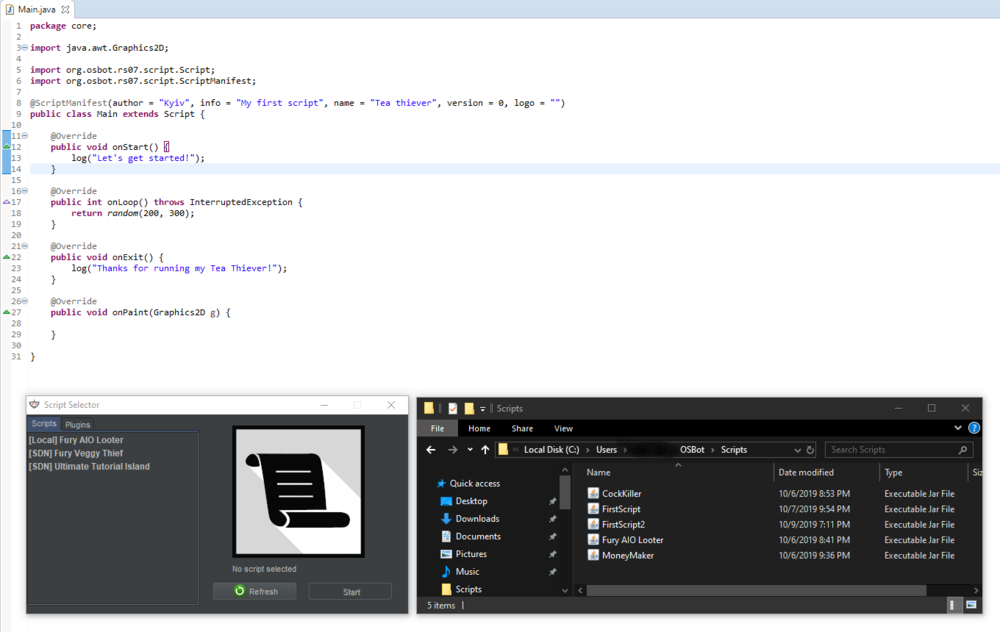
    Can someone explain whats going on here? The only local script I can get osbot to load is one I downloaded and placed in the scripts folder(AIO Looter), just to be sure it was working. Now I'm not sure why scripts I've edited or made myself are not compiling correctly (which is what I assume the problem is)? Eclipse w/ JDK 12.0.1 Java v 1.8.0_221
Account

Navigation

Search

Configure browser push notifications

Chrome (Android)
  1. Tap the lock icon next to the address bar.
  2. Tap Permissions → Notifications.
  3. Adjust your preference.
Chrome (Desktop)
  1. Click the padlock icon in the address bar.
  2. Select Site settings.
  3. Find Notifications and adjust your preference.