Jump to content
View in the app

A better way to browse. Learn more.

OSBot :: 2007 OSRS Botting

A full-screen app on your home screen with push notifications, badges and more.

To install this app on iOS and iPadOS
  1. Tap the Share icon in Safari
  2. Scroll the menu and tap Add to Home Screen.
  3. Tap Add in the top-right corner.
To install this app on Android
  1. Tap the 3-dot menu (⋮) in the top-right corner of the browser.
  2. Tap Add to Home screen or Install app.
  3. Confirm by tapping Install.

canecandoit

Do Not Trade
  • Joined

  • Last visited

  1. And another one..
  2. Annnnddddddd another one in the bag🎉
  3. Annnndddd another one 🎉
  4. Another 99 in the bag🎉
  5. Another one in the bag
  6. No bans
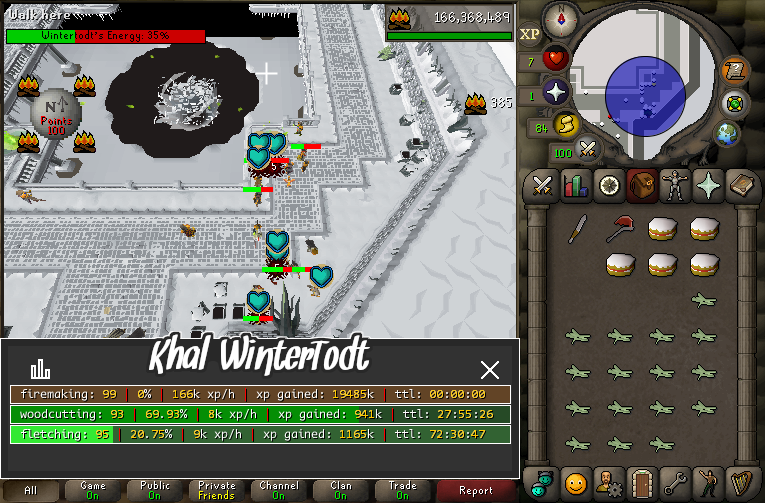
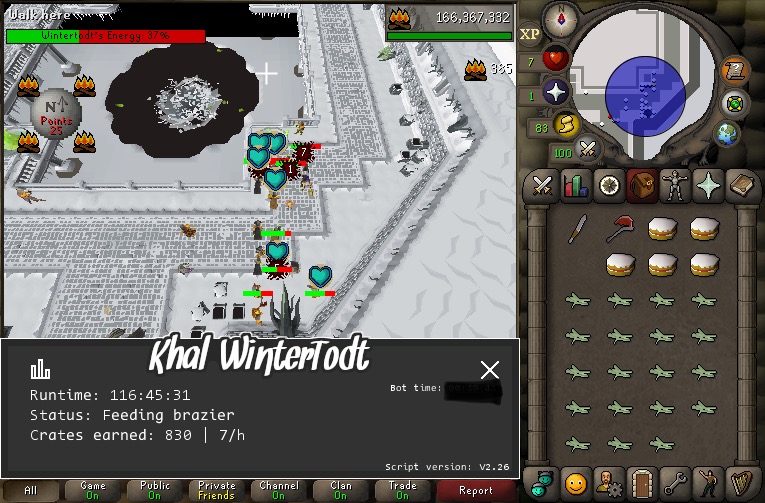
  7. Thanks for the 1-99 fire making in one click! The wintertodt script is amazing❤️
  8. Thank you
  9. Khal Agility, Amazing script. from 1-93 agility so far with continuous 2M+ experience per session with very meticulous bot and break ratios. Anything is possible, just don’t give up and continue to learn. Thanks for another amazing script @Khaleesi
  10. Just finished off 99 smithing on the main thanks to khalScripts🎉💨
  11. Flawless, 35-85 fishing within 70 hours. Very nice script. Let’s keep it rolling.
  12. This does happen but not very often. Once your bot takes a break or you click the braizer manually it goes back to normal.
  13. Fkn yess sir
  14. This script and developer is no fkn joke for real! check these proggies boys..
Account

Navigation

Search

Configure browser push notifications

Chrome (Android)
  1. Tap the lock icon next to the address bar.
  2. Tap Permissions → Notifications.
  3. Adjust your preference.
Chrome (Desktop)
  1. Click the padlock icon in the address bar.
  2. Select Site settings.
  3. Find Notifications and adjust your preference.