Reb
Members
-
Joined
-
Last visited
-
Online now!
-
Bump
-
Bump - still looking for worker offers!
-
I can create one for you if you’re still interested.
-
Reb changed their profile photo
-
Thanks to everyone who’s responded so far! Still some room for more workers 👍
-
I messaged you on Discord 👍 Still looking for workers if anyone is interested!
-
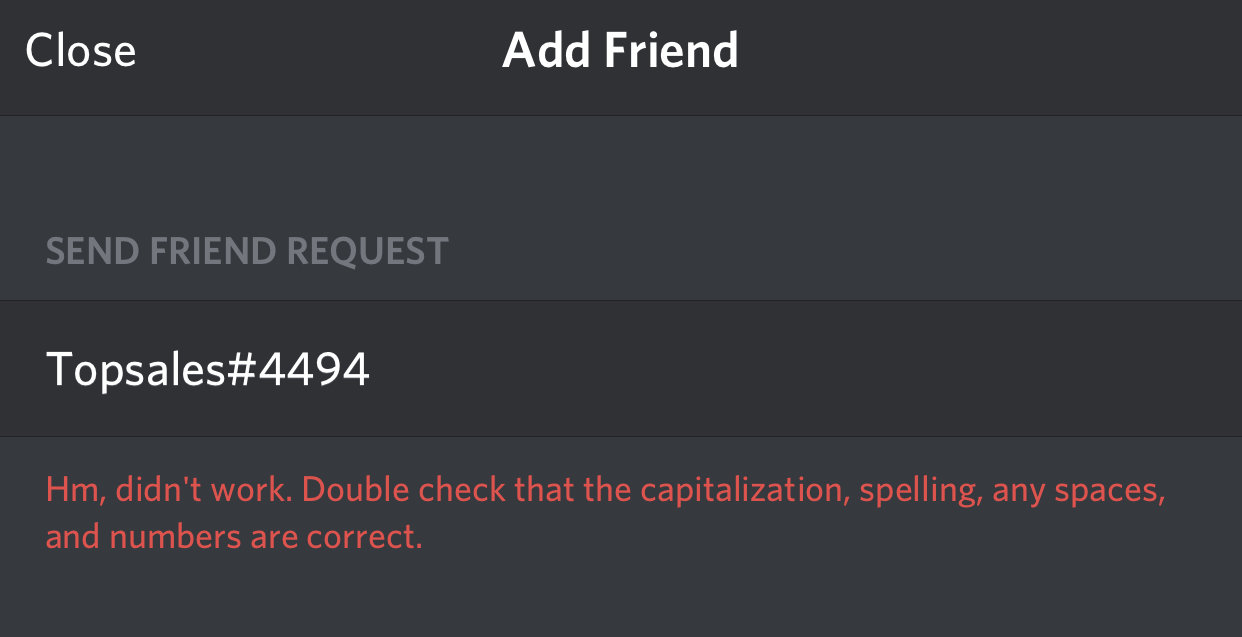
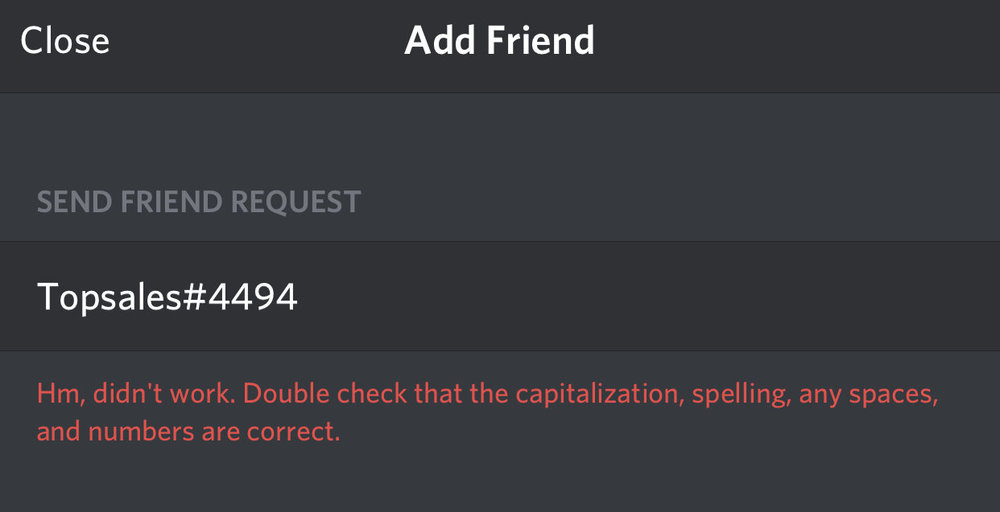
Tried again. You might have your settings set to not allow friend requests?
-
Tried adding you, Discord name isn’t valid. Thanks everyone for the advice! Slowly getting into the account selling business, so still learning the small details etc, the help is appreciated 👍
-
Hey, I’m an account seller on Sythe and am looking for a worker (or multiple) to help me with hand levelling accounts. I will pay you depending on the requirements of the account, usually about 80-90% of what I can then sell the account for. My terms of service can be seen here - https://imgur.com/a/n9y9dCD (Deposit is negotiable until I get more credibility). If you’re potentially interested in this, please contact me on Discord: Reb#8867