






CXTTD
Members
-
Joined
-
Last visited
-
how does this help me use the bot for the jagex sign in???? did u guys release something yet?
-
idk what any of this means... am I able to go on osbot click stealth mode and sign in now???
-
It can't be done bro....
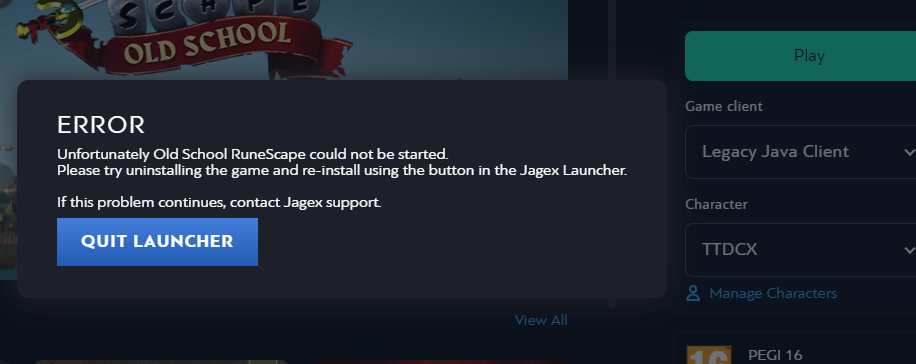
-
so I can bot then? is there a video that can show me how to do this.. also thanks for responding everybody!
-
Mirror mode?
-
So I bought the API sand crab bot in 2019... I just signed on a few days ago and I wanted to try using the osbot.. but for some reason it's saying my password is wrong. Is this because I linked my jagex acc?? How do I bypass this? I don't have any knowledge with coding btw. What do I do? Does this mean I'll NEVER be able to use the osbot because I updated the jagex acc?? Is this the end for botting? I just want to bot some sand crab.
-
So I bought the API sand crab bot in 2019... I just signed on a few days ago and I wanted to try using the osbot.. but for some reason it's saying my password is wrong. Is this because I linked my jagex acc?? How do I bypass this? I don't have any knowledge with coding btw. What do I do? Does this mean I'll NEVER be able to use the osbot because I updated the jagex acc?? Is this the end for botting? I just want to bot some sand crab.

