chobletwfj
Members
-
Joined
-
Last visited
-
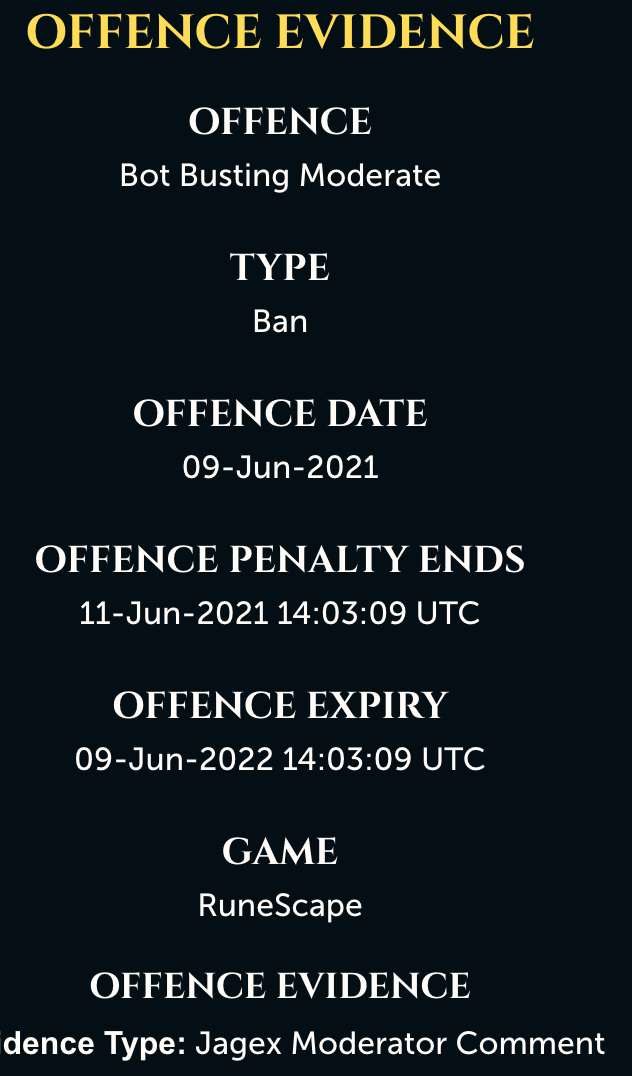
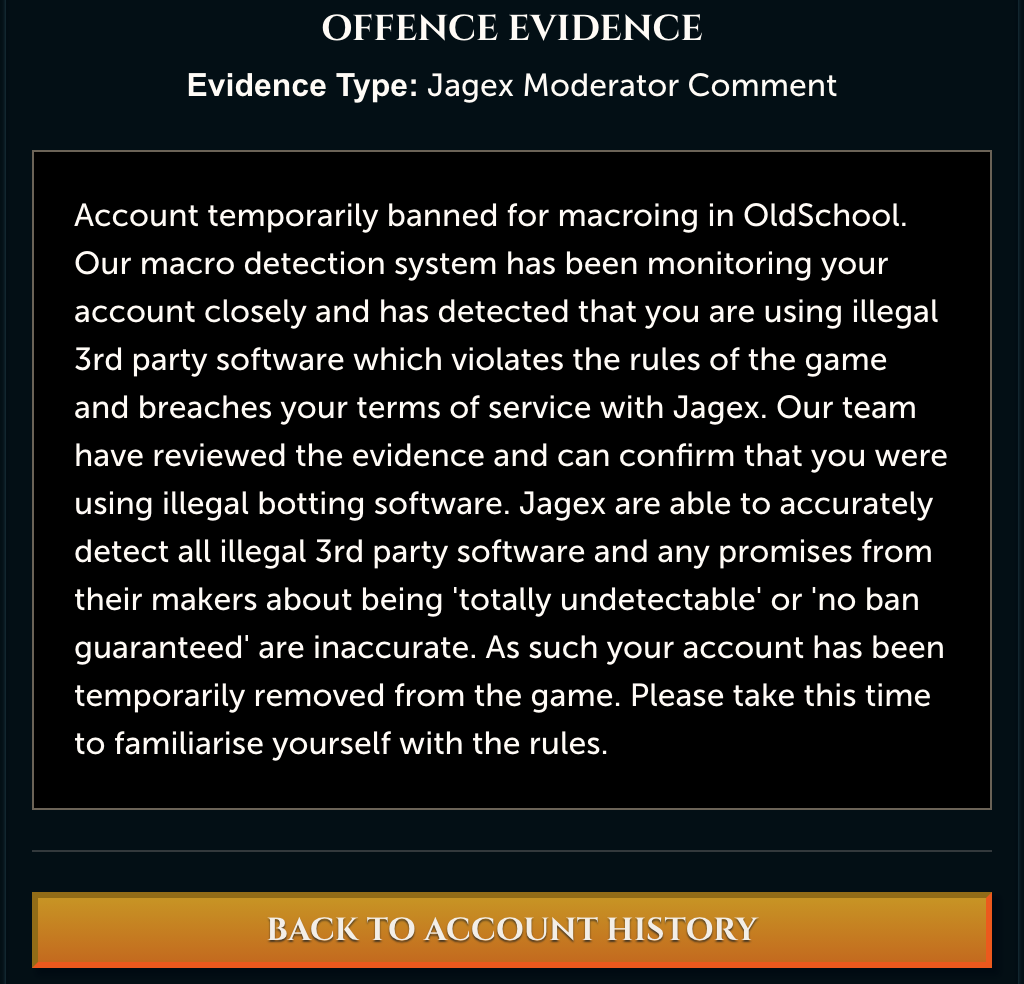
Was using stealth mode. My account is a few years old. First script run in over 10 months. I still got banned within 2 hours of buying the script and using, really really unimpressed. I appreciate others have botted successfully and I am sure Khal puts in the work, but I feel like I just wasted my money here. Really disappointed.
-
Yeeeeah, so this is not good. Only used it for a few hours and was using sporadically with breaks and didn't even use overnight. Not happy.
-
Hi, just bought your furnace bot... I have noticed that the bot did use the stamina pots, now doesn't and just keeps smithing when run out of energy and account is walking... Also the mouse customisation doesn;t really feel custom... or very slick? maybe just me. it's capped at around 258k p/h adamant bars. Please advise! Cheers
-
Hi, could I try a trial of this blast furnace bot? cheers!