Satoru
Members
-
Joined
-
Last visited
Everything posted by Satoru
-
I would like to work with you I also place orders using intermediaries in Sythe I'll leave you a message
-
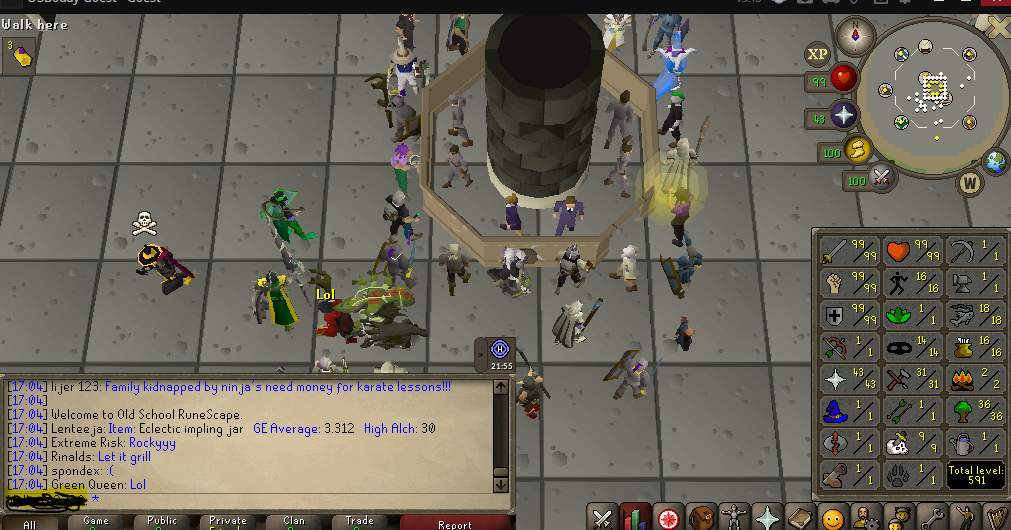
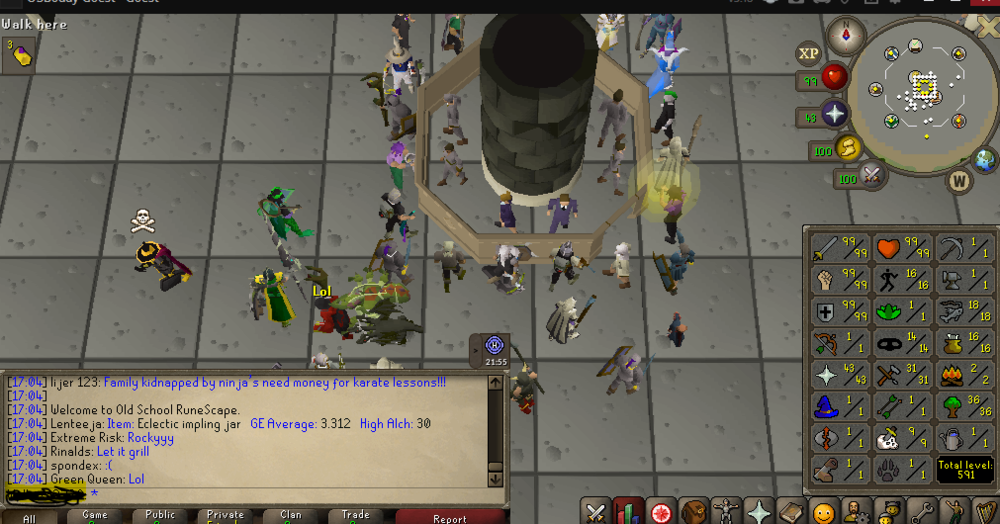
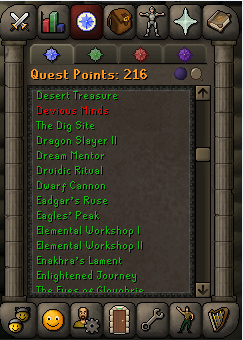
What is your experience as in OSRS? : 3 years in OSRS Where do you live?: Venezuela Contact form? (Discord): Satoru # 2755 How many hours a day can you work?: 13 hours a day 6 days a week Do you accept my terms?: Completely agree Do you have any questions?: NoHello we are interested in the work of leveling. Next to me I have a group of workers who will be delighted that we work together, I wrote you in discordI am new to this site we can use an intermediary or admin

 Please check your discord to speak or send me a PM with a form.


.jpg.b77b9aa1dc507b0b56cff0574b476cae.jpg)