




Jump to content
View in the app

A better way to browse. Learn more.

OSBot :: 2007 OSRS Botting

A full-screen app on your home screen with push notifications, badges and more.

To install this app on iOS and iPadOS
  1. Tap the Share icon in Safari
  2. Scroll the menu and tap Add to Home Screen.
  3. Tap Add in the top-right corner.
To install this app on Android
  1. Tap the 3-dot menu (⋮) in the top-right corner of the browser.
  2. Tap Add to Home screen or Install app.
  3. Confirm by tapping Install.

Leonidus

Members
  • Joined

  • Last visited

  1. Trial please?
  2. Leonidus replied to Molly's topic in Money Making
    Maybe it is just me but, my suicide bots gets banned within 24hrs. I only run this bot for less than 2hrs a day.
  3. Leonidus replied to Molly's topic in Money Making
    The script doesn't seem to work properly. My character insta-log off as soon as I finish set up. Update: It seems that I get insta-logged off when I am under 1k of materials. Update: Resolved within 24 hrs.
  4. Leonidus replied to Czar's topic in Agility
    Good stuff.
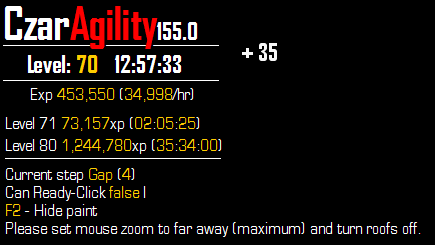
  5. I've been running this script 6-8 hours a day for a week now on my new account. So far so good. Insta bought it. Highly recommended.

Account

Navigation

Search

Configure browser push notifications

Chrome (Android)
  1. Tap the lock icon next to the address bar.
  2. Tap Permissions → Notifications.
  3. Adjust your preference.
Chrome (Desktop)
  1. Click the padlock icon in the address bar.
  2. Select Site settings.
  3. Find Notifications and adjust your preference.