Jump to content
View in the app

A better way to browse. Learn more.

OSBot :: 2007 OSRS Botting

A full-screen app on your home screen with push notifications, badges and more.

To install this app on iOS and iPadOS
  1. Tap the Share icon in Safari
  2. Scroll the menu and tap Add to Home Screen.
  3. Tap Add in the top-right corner.
To install this app on Android
  1. Tap the 3-dot menu (⋮) in the top-right corner of the browser.
  2. Tap Add to Home screen or Install app.
  3. Confirm by tapping Install.

PKbuilder

Members
  • Joined

  • Last visited

  1. added on on disc
  2. PC

    PKbuilder posted a topic in Price Check
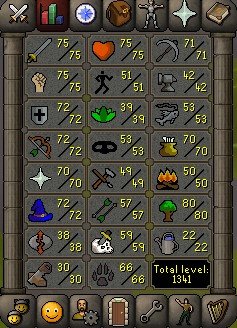
    11hp 60 range.
  3. 15gp/xp till 70 70 70 and 8gp/xp nmz
  4. PKbuilder posted a topic in Requests
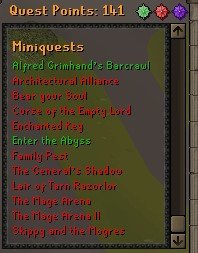
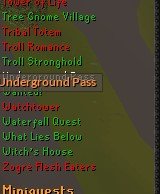
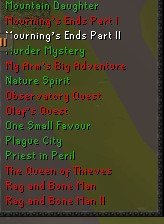
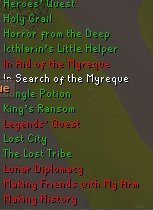
    ISO: heavily quested account don't care about combat levels or skills. just looking for that qp
  5. PKbuilder posted a topic in Requests
    can pretty much do anything needed. just pm or hmu on discord. money talks. ill make pk accounts skillers or do tut for people. Just new and looking to improve. Discord: Supreme Gingy#6197
  6. if this is still available I added you on disc supreme gingy.
  7. PKbuilder replied to Divergent07's topic in Requests
    ill hand do it to make sure your account stays safe message me on discord Supreme Gingy#6197
Account

Navigation

Search

Configure browser push notifications

Chrome (Android)
  1. Tap the lock icon next to the address bar.
  2. Tap Permissions → Notifications.
  3. Adjust your preference.
Chrome (Desktop)
  1. Click the padlock icon in the address bar.
  2. Select Site settings.
  3. Find Notifications and adjust your preference.