Matthew F
Members
-
Joined
-
Last visited
Everything posted by Matthew F
-
never had an issue with any other script, used a few from here purchased on this account, that got banned ran urs for 30 mins banned.
-
Ran the bot for 30 minutes tops, turned off because of the "Errors" logged on this morning, my account is banned. 30 minutes of botting for a ban.... atm dont recommend.
-
Tested Client. 1) The bot gets confused and will walk to bank randomly and then walk back. 2) I have yet to get over 3k xp per hour with this bot. 3) my bot when i click say ardy cakes, will just start walking in a random direction. 4) have had to reset the bot 5 times before even botting. 5) will randomly take out the amount of food i need and just start eating it all...
-
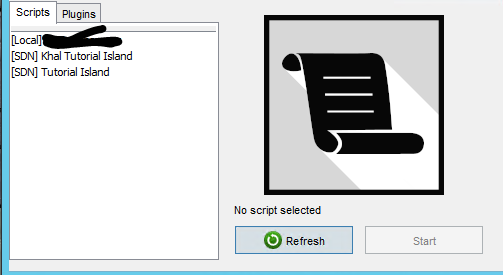
but doesnt show up here, i"hit refresh yes"
-
posted image + its on a vps. my other script works fine
-
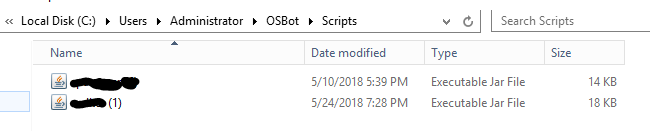
hello, i am trying to run a script i got and i cant find it anywhere.. Osbot>admin>script> put in there shows in there when i load client it doesnt show up in my "local" scripts on client, and when he hit refresh nothign happens. scripter says he see's it on both when he does. it what do i doJust bought this script, started it stuck at beginning.