holsen
Members
-
Joined
-
Last visited
Everything posted by holsen
-
Got banned for using this script for 2 hours, it has been detected.
-
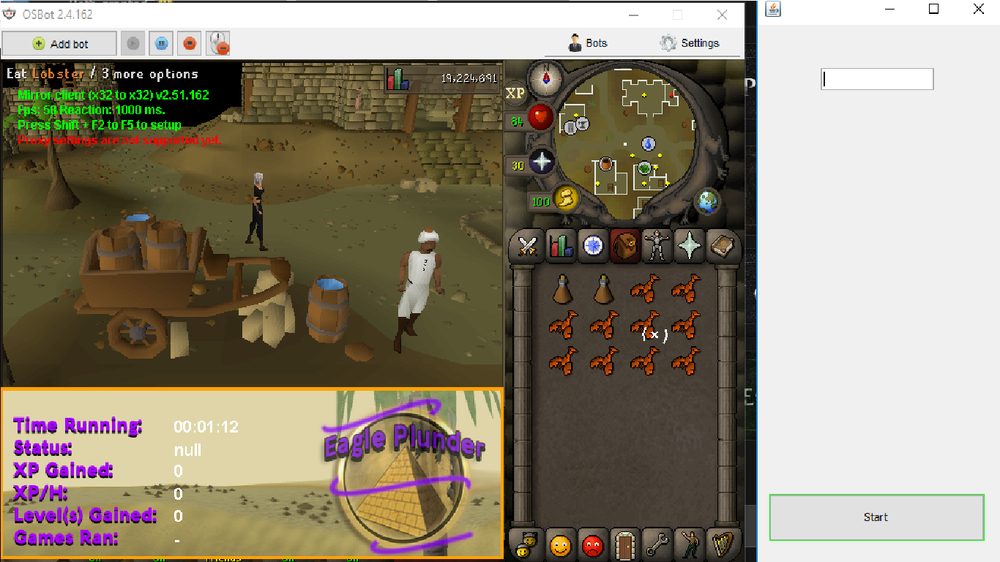
impulse bought this, and cant get it to work..
-
-
UPDATE for those interested: Account has returned from the dead http://prntscr.com/i5g5un no idea what happend
-
I bought the account on playerauctions like 1 year ago, thats probably why
-
Oh well, only botted 4 hours on the account xd. Thank god i didnt get hacked atleast
-
Thanks for help guys! appreciated Jagex customer support is of no help, im blocked from retrieving my account and cant find any way to contact jagex.
-
I was pking when i suddenly got dced, first thought that jumped to my mind was getting banned for botting. Tried to log in and it said wrong username or password. Instantly recovered password through email and tried to log in with new password, same message pops up "wrong username or password". I know i typed both username and password correctly. Recovered password once more, same message pops up. rinse and repeat.. http://prntscr.com/i4yt5m Still no luck trying to log in. Now when i try to recover i get this message http://prntscr.com/i4ythu logged on to main account, and wanted to see if the account was logged in, cant even find the username on my friends list and old username has been changed. i know that i had the username added on my friends list 100%. So my guess is im dealing with very professional hackers, any tips or tricks u guys got that can help me? UPDATE: Account still hacked, neither of the passwords i changed to works. Seems like the account has just vanished. Will update if anything changes case closed: Account got deleted by jagex, no reasoning behind it but we assume because i bought the account 1 year ago.