Koptanga
Members
-
Joined
-
Last visited
-
I downloaded the new version and still not working HEEEEEEEEELP!
-
@MuffinsMuffins what u means with "wich os"? IM using windows 10
-
IT dont running natures brother, when start dont do nothing fix it please
-
please fellas! help a poor :P
-
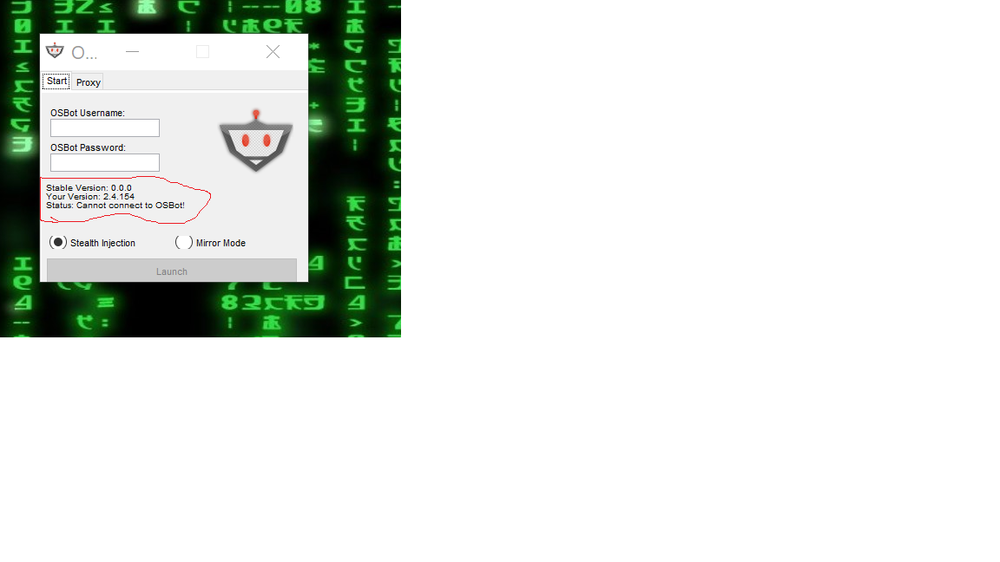
I downloaded 2.4.154 version on the website. I bought some new scripts on this Acc, a while after, this issue appear and messed my fun. Lol
-
Koptanga changed their profile photo
-
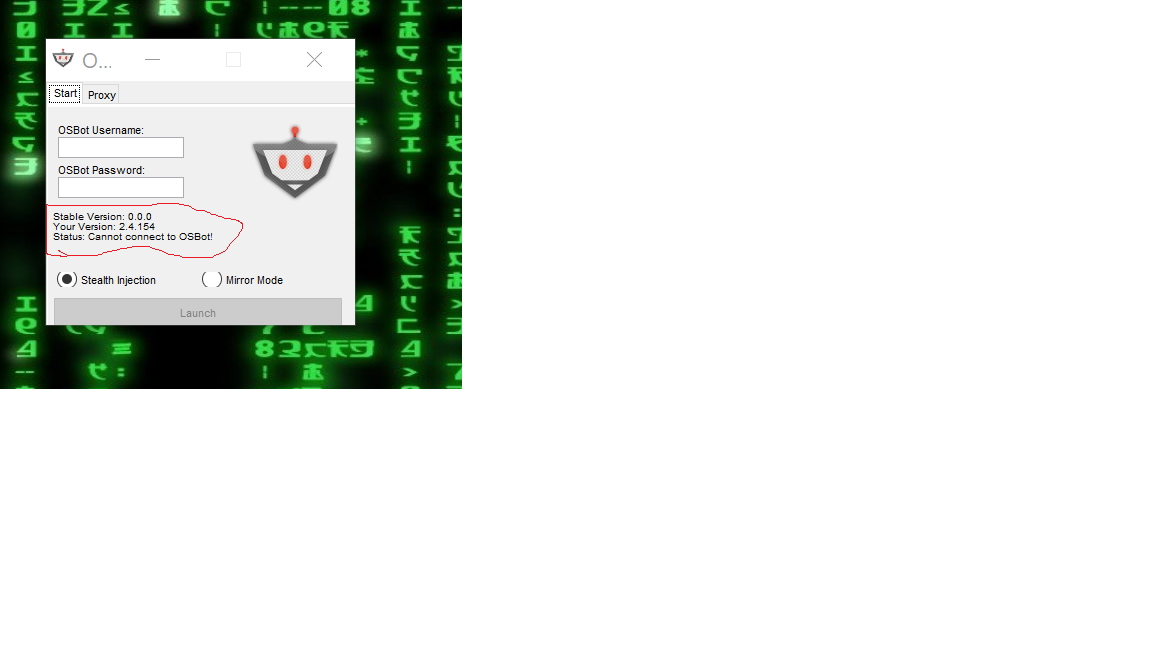
Hey guys, I spend some days using Osbot and it was perfect, no problems and good scripts, but... Yesterday when I tried to launch the bot, the bot wasn't launching, there was a mensage saying : "Cannot connect to OSbot" and also the Stable version was "0.0.0" I think its not normal to. So, i did a search for solutions in forums, tried to change de Java, I reinstalled OSbot, change my firewall settings, and nothing... No solution. Anyone can help me? Thanks