obscenesax
Members
-
Joined
-
Last visited
-
Pm'd two hours ago
-
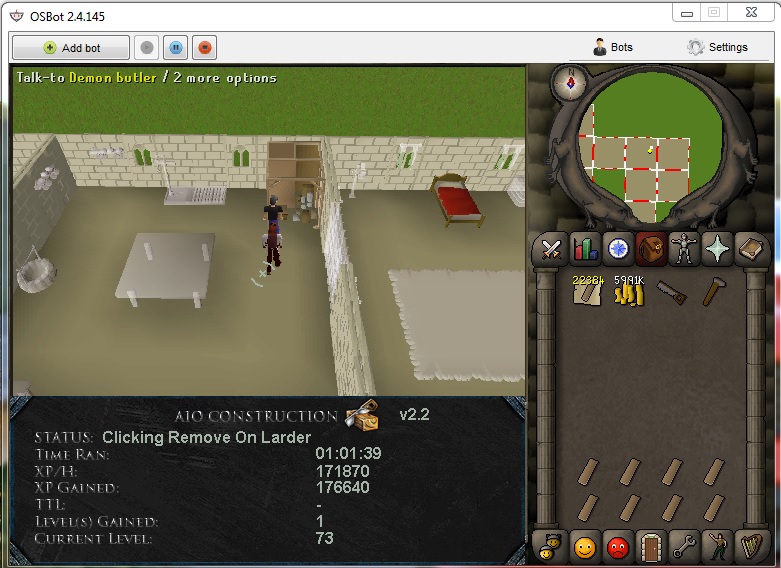
update, just crashed... status was on "choosing yes in dialog" and it was stuck on the butler as pictured below. Diag : "[INFO][11/12 03:15:13 PM]: Started script : AIO Construction [INFO][Bot #2][11/12 04:25:42 PM]: Terminating script AIO Construction... [INFO][Bot #2][11/12 04:25:43 PM]: Script AIO Construction has exited!"
-
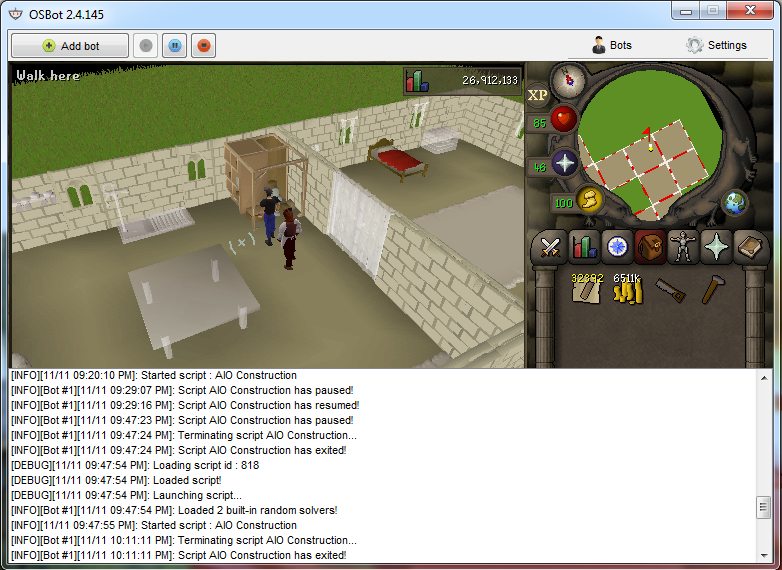
following the instructions to the dot. It starts off fine, and works great for a while. Currently running it 1 hour in, no crash yet. 1. Start the script with your inventory like the picture (The spaces should be filled with your desired unnoted planks), next to the object you want to build. 2. Be sure your butler is waiting next to you with 24 more planks. (no dialogue should be open)
-
it'll do that multiple times then i'll get a good run where it'll go for more than an hour but then gets stuck when the butler comes back with the planks. In the status it'll be stuck saying "choosing yes" when the butler is in dialog asking if he should take the planks back to the bank. I wouldn't mind this issue if the script were free or beta.. but seeing as i purchased it.. it's a tad annoying and inconvenient.
-
sorry, bot just stays stuck trying to get supplies from butler when inv. is full and then gives up and stops.
-
purchased this script, doing oak larder with demon butler. works great... for 25 minutes then crashes on me... starting the script in house in kitchen as stated by instructions... please advise.. attached is log