Zangetsu314
Members
-
Joined
-
Last visited
Everything posted by Zangetsu314
-
This worked beautifully for me sir, thank-you very much for your responses and patience!
-
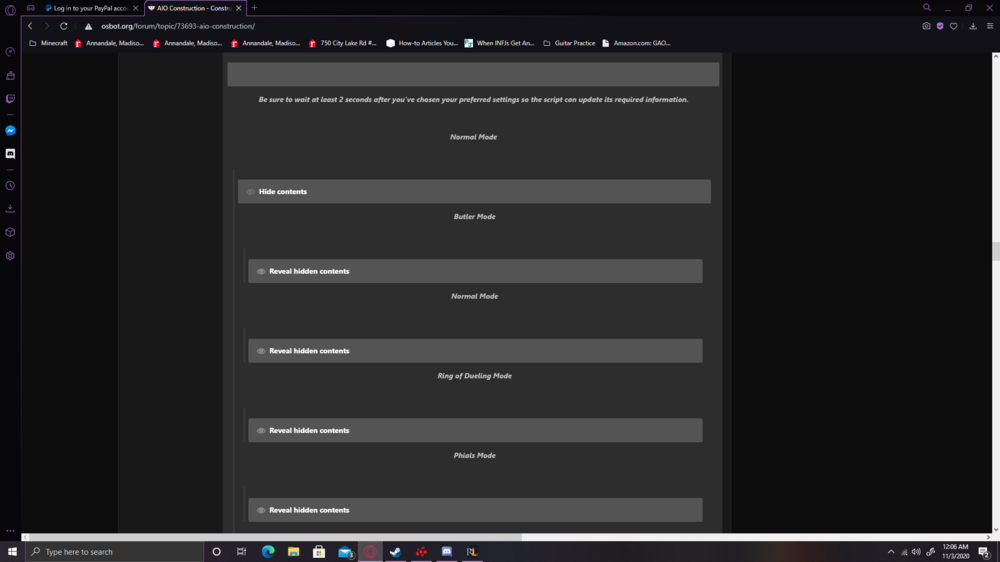
For every browser I use, scrolling down the long tab, shows one number 7 in the middle left, and then this. revealing hidden contents for everything also remains blank >_<
-
The setup instructions unfortunately do not show up for me on multiple browsers. Was hoping that wasn't just a "me" issue. Definitely in fixed mode. Is there another way I could view the set-up? (sorry for the trouble)
-
Sorry to be a first time poster with bad news, just purchased your script, was a little let down you didn't have oak dungeon doors- but that's okay. When I go to use it on oak larders, the bot get's stuck on the demon butler returning with more items than what you can carry. and pauses entirely, and begins spam clicking demon butler. I am not entirely sure how to get a debug/log/how to help you further. Thank-you for your time, and your development.