






big front lawn
Members
-
Joined
-
Last visited
Everything posted by big front lawn
-
-
Hey Tom, This script runs minnows well on Mac.
-
trial? Would this minnows work on mac? I bought the OSminnows and it didnt work but if this one works id buy
-
ya I don't get this at all.
-
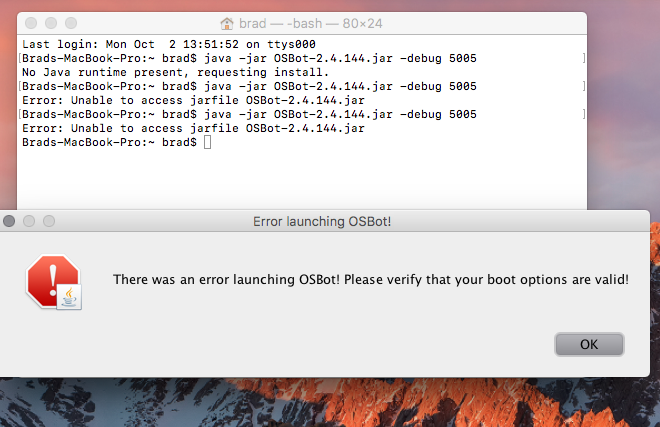
So now I downloaded a JDK?? it won't let me start up osbot now lol these are the messages that I am getting.
-
-
alrighty thanks man. I cant stop the bot or close out of the client. Just completely freezes. Ill try to redownload the client.
-
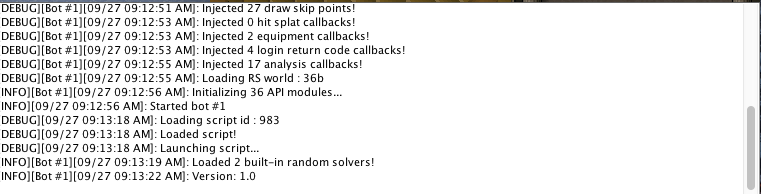
Thanks for the help Tom, This is all its getting me. Once it is at this point the whole client freezes.
-
Ill start up the bot on the west dock, and the pop up menu doesnt show up. The bot says its running, but the script itself doesnt have the speed etc to click start so he just stands there. I can look at the logger also, i can not click on anything on the client. I have to force quit the bot application.
-
what do you mean by this?
-
hey, I just bought this script on mac and it wont run. It loads up but no start button. How do i fix this?

