




Jump to content
View in the app

A better way to browse. Learn more.

OSBot :: 2007 OSRS Botting

A full-screen app on your home screen with push notifications, badges and more.

To install this app on iOS and iPadOS
  1. Tap the Share icon in Safari
  2. Scroll the menu and tap Add to Home Screen.
  3. Tap Add in the top-right corner.
To install this app on Android
  1. Tap the 3-dot menu (⋮) in the top-right corner of the browser.
  2. Tap Add to Home screen or Install app.
  3. Confirm by tapping Install.

Botmasta

Members
  • Joined

  • Last visited

  1. I'm not offended by some insecure kid calling me that over the internet, i just can't believe your dumb enough to use someone's disability which they have no control over, as an insult . Truly speaks for it's self on who the special one is. 'PS no revcovering from that i don't care to read anything else you have to say
  2. and this is what is wrong with the new generation, you morons are so dumb founded
  3. IS this better you fucking retard, by the way autism isn't an insult you dumb ass
  4. what u mean
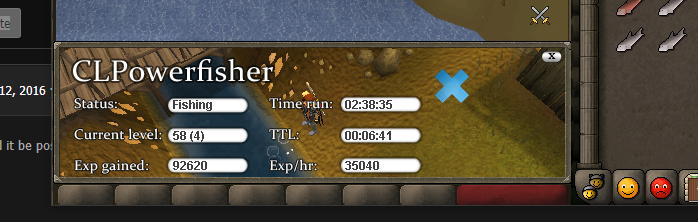
  5. got 20 myself an this is day 2 progress
  6. trial please

Account

Navigation

Search

Configure browser push notifications

Chrome (Android)
  1. Tap the lock icon next to the address bar.
  2. Tap Permissions → Notifications.
  3. Adjust your preference.
Chrome (Desktop)
  1. Click the padlock icon in the address bar.
  2. Select Site settings.
  3. Find Notifications and adjust your preference.
