TTTTurbo
Members
-
Joined
-
Last visited
Everything posted by TTTTurbo
-
bumP
-
bumpbumo
-
bump
-
bump
-
bump
-
bump
-
bump
-
bump
-
bump
-
bump
-
bump
-
bump
-
bump
-
bump
-
bump
-
bump
-
bump
-
bump
-
bump
-
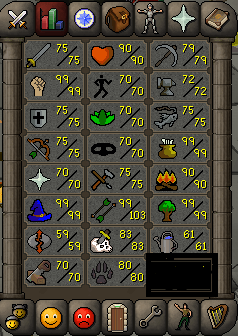
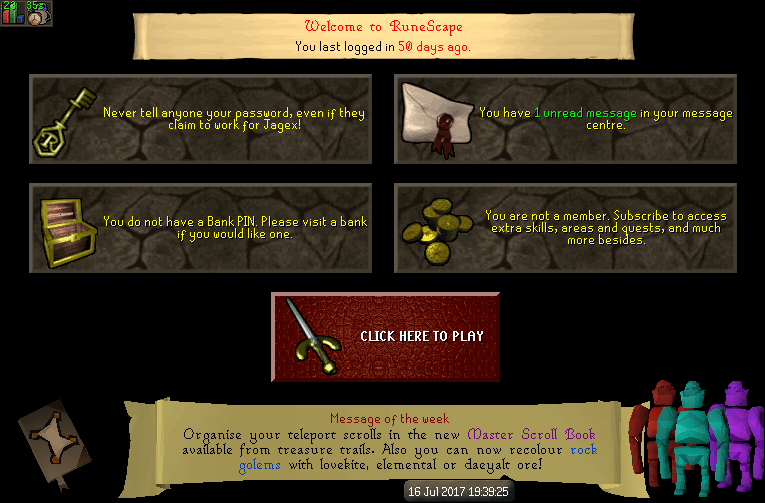
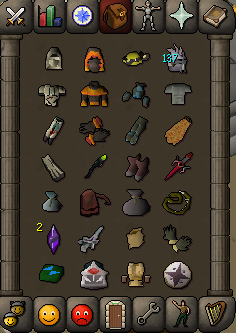
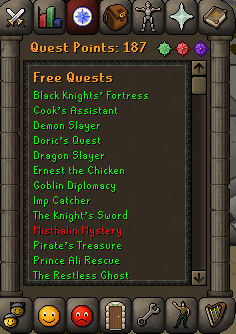
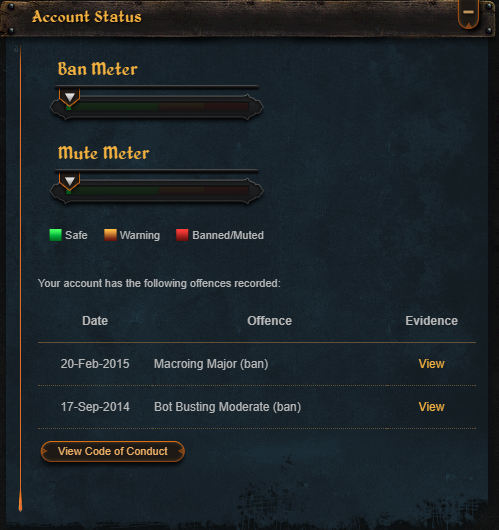
1. Pictures of the account stats has 20m fletching xp 2. Pictures of the login details 3. Pictures of the total wealth (if there is any) also has beaver pet 4. Pictures of the quests completed 5. The price you will be starting bids at 75m 6. The A/W (Auto-win) for your account 150m 7. The methods of payment you are accepting osrs gp 8. Your trading conditions you can choose to go first or I have no problem with getting a middleman if you wish 9. Pictures of the account status both for auto clicking magic 10. Original/previous owners AND Original Email Address original owner and have original email and password which will be handed over
-
-
goodluck buddy
-
its not that catchable just proxy it and you should be alright
-
just make sure u quest it whatever u do
-
gl looks nice :]