Holzken
Members
-
Joined
-
Last visited
-
-
Muffins has refunded me the amount. I wish to request a negative feedback removal on his end also if possible. Thanks.
-
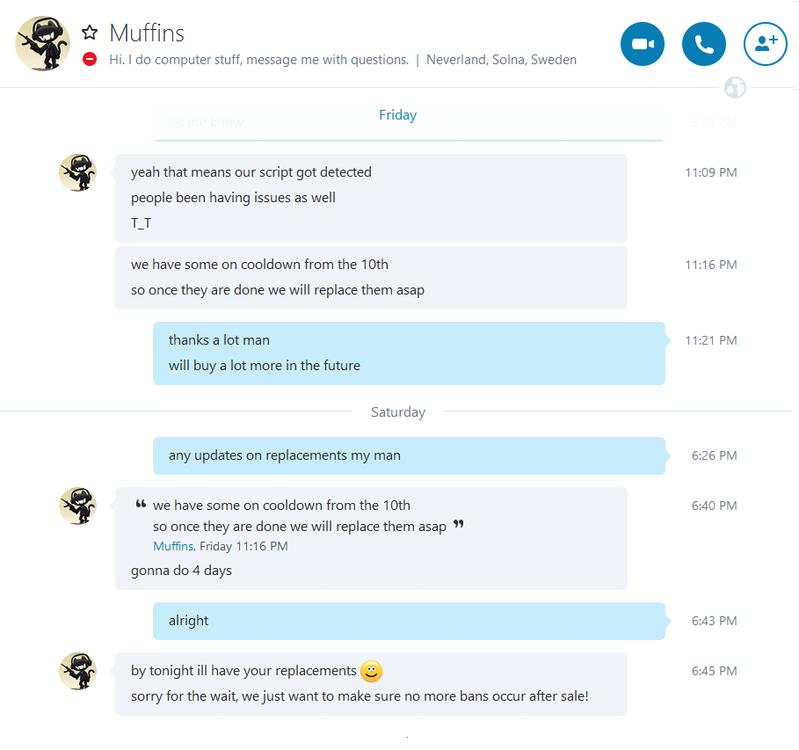
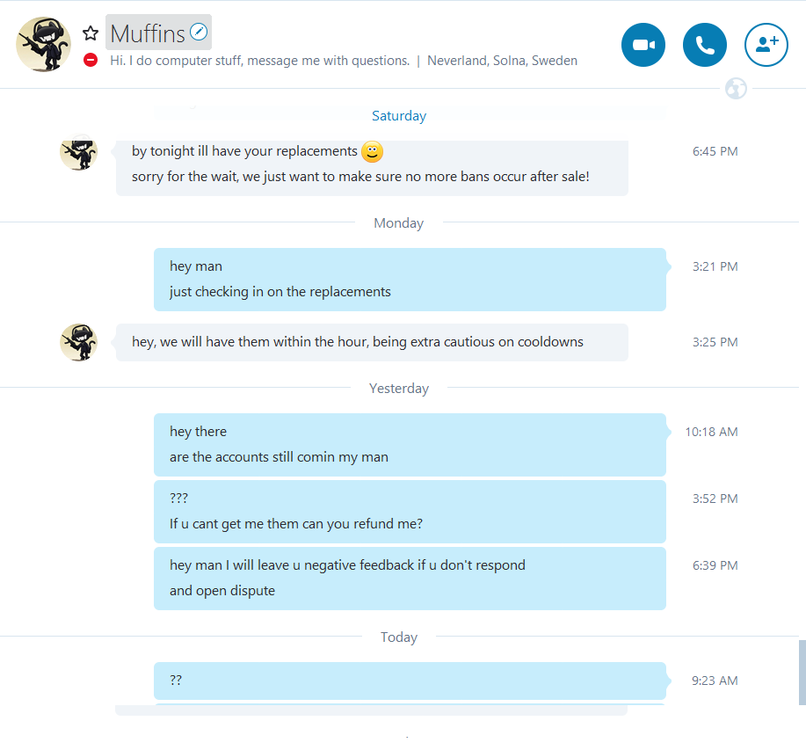
Disputed member: Muffins Thread Link: Explanation: I purchased 20 of his accounts on May 9th, and waited 24h for cooldown to see if they were locked and/or banned, All of them except 1 were locked/banned, the 1 that wasn't was not even completed tutorial island so I feel as he was rushing the account sales so he could just profit off me faster without checking the status of the accounts. I message him on the 10th stating what has happened and he ensures me I will be compensated by the 14th (I give him an extra 4 days to make more so he can replace them). 14th comes and I PM him on skype again and he says "by tonight ill have your replacements sorry for the wait, we just want to make sure no more bans occur after sale!" so then I wait until that night and nothing gets sent to me. For the next 3 days I message him once a day and he is completely ignoring me now even though I can obviously see him roaming the OSBOT forums. Evidence: